


WaveShare
WaveShare 2.13inch E-Paper Display 250×122 Black White SPI
A 2.13 inch SPI e-paper screen shows 250×122 black-and-white pixels with a 180° viewing angle and ultra-low power use
- CPU TypeOther
- Paper-like readability in any light with zero backlight
- Ultra-low power draw only during screen refresh
- Retains last image indefinitely without power
- Near-180° viewing angle for clear side visibility
- SPI interface uses minimal I/O pins on Raspberry Pi Pico
Target Use Cases
This 2.13inch E-Paper module delivers a 250×122 pixel black-and-white image over an SPI interface that requires minimal IO pins. It suits developers building price tags, asset labels, shelf labels or conference badges for Raspberry Pi Pico projects.
Upgrade Context
The display replaces traditional LCD or LED screens where continuous power draw is impractical; ultra-low consumption means power is only needed during refresh, and the last image remains visible after power-down. The jump is worth it for battery-operated signage that must stay readable for weeks.
Compatibility Checklist
Verify that your host board exposes an SPI bus and enough GPIO lines for the control signals used by the module. Confirm the logic-level voltage matches the display requirements. Ensure your enclosure provides ambient light, because the panel has no backlight and relies on reflection up to a 180° viewing angle.
Highlights
- Paper-like readability in any light with zero backlight
- Ultra-low power draw only during screen refresh
- Retains last image indefinitely without power
- Near-180° viewing angle for clear side visibility
- SPI interface uses minimal I/O pins on Raspberry Pi Pico
Specifications
| CPU Type | Other |
|---|
Questions about this item
What pin header spacing does the 2.13inch E-Paper module need to connect to a Raspberry Pi Pico?
The module connects through an SPI interface that requires minimal IO pins, matching the Pico's GPIO header layout.
Which step do users often miss when wiring the SPI lines to the Pico?
Connect the four SPI signals — clock, data in, chip select and data/command — plus power and ground; the data/command pin is frequently overlooked.
How often will the display need a full refresh to prevent ghosting during long-term use?
The panel supports partial refresh for frequent updates, but a full refresh every few hours clears residual images and maintains contrast.
Also in this aisle
People compared these
Same shelf, same checkout — eight coins and a 30-minute rate lock.


WaveShare
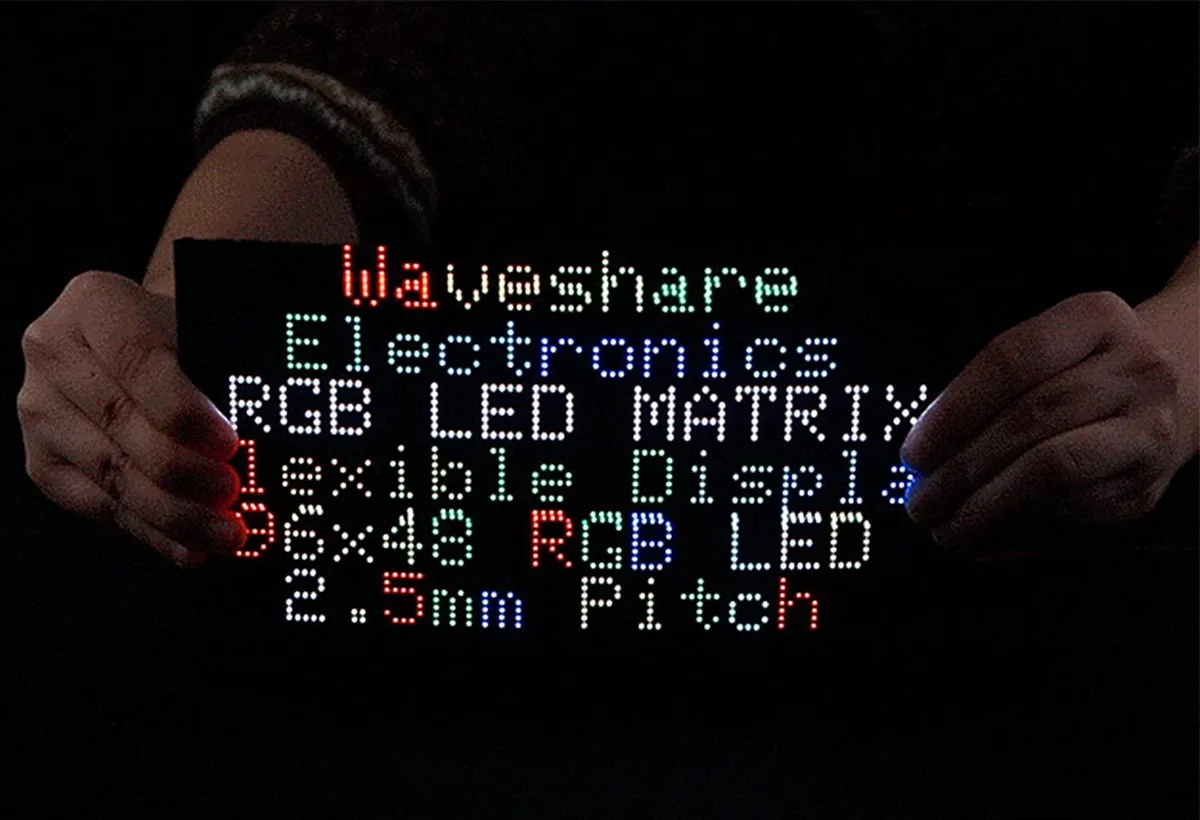
WaveShare Flexible RGB LED Matrix Panel 96×48 4608 LEDs 2.5mm Pitch
$49.99
0.00057861BTC
In stock