


WaveShare
WaveShare 1.3 inch OLED Display for Raspberry Pi Pico 64×128 SH1107
A 1.3 inch OLED display with 64×128 pixels and SH1107 driver connects via SPI or I2C to Raspberry Pi Pico boards
- CPU TypeOther
- 3" OLED gives crisp 64×128 pixel graphics for compact projects
- SH1107 driver with SPI and I2C interfaces ensures broad controller compatibility
- Two onboard buttons let you interact without extra wiring
- 3 V operation matches Raspberry Pi Pico logic levels directly
- 00 × 25.00 mm board fits the standard Pico header perfectly
1.3" OLED for Raspberry Pi Pico
This 1.3 inch OLED module is built for the Raspberry Pi Pico series. It connects through the standard Pico header and adds a tiny monochrome screen with two user buttons. Makers and embedded developers can use it for status readouts, menus or simple graphics without wiring a breadboard.
64×128 pixel SH1107 display
The panel shows 64 by 128 pixels at 0.15 by 0.15 mm each, giving an active area of 14.70 by 29.42 mm. Text and icons are crisp at this density, but the resolution limits detailed graphs or small fonts. Complex animations will also run out of frame-buffer space quickly.
Dual SPI and I2C interface
The embedded SH1107 driver supports both 4-wire SPI and I2C, so you can choose speed or pin count. Code examples in C/C++ and MicroPython are included to get the display running on a Pico board with minimal setup.
Highlights
- 3" OLED gives crisp 64×128 pixel graphics for compact projects
- SH1107 driver with SPI and I2C interfaces ensures broad controller compatibility
- Two onboard buttons let you interact without extra wiring
- 3 V operation matches Raspberry Pi Pico logic levels directly
- 00 × 25.00 mm board fits the standard Pico header perfectly
Specifications
| CPU Type | Other |
|---|
Questions about this item
Will the 1.3 inch OLED with SH1107 driver share the SPI or I2C bus cleanly with sensors I already use on my Raspberry Pi Pico?
The module exposes both 4-wire SPI and I2C interfaces so you can choose the bus that leaves the other free for existing peripherals.
How do I verify the 64×128 pixel panel and two user buttons are working after I solder the standard Pico header?
Run the supplied C/C++ or MicroPython examples; they draw test patterns across the 14.70×29.42 mm active area and poll both buttons for immediate feedback.
Does the box include the Raspberry Pi Pico board itself or only the 52.00×25.00 mm display with header and documentation?
Only the OLED module with pre-fitted Pico header and development resources are included; a Raspberry Pi Pico series board must be purchased separately.
Also in this aisle
People compared these
Same shelf, same checkout — eight coins and a 30-minute rate lock.


WaveShare
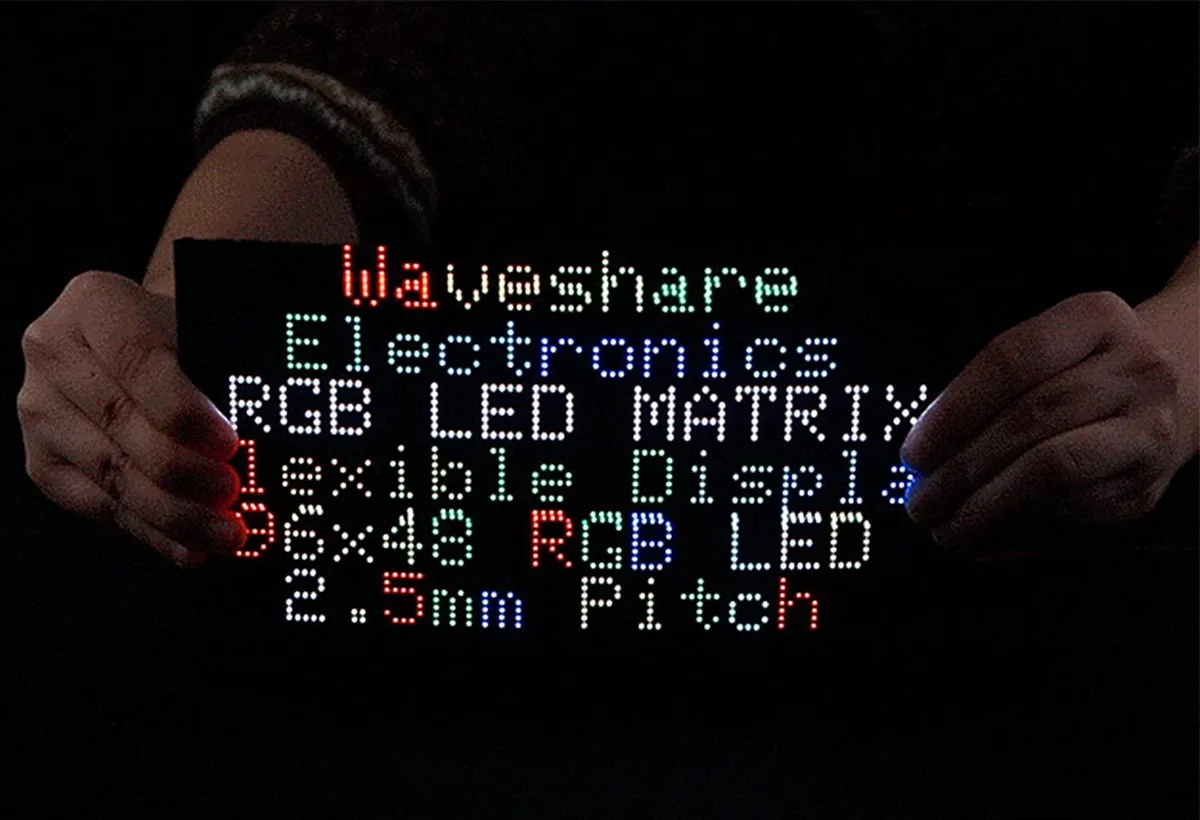
WaveShare Flexible RGB LED Matrix Panel 96×48 4608 LEDs 2.5mm Pitch
$49.99
0.00057839BTC
In stock