
Lenovo
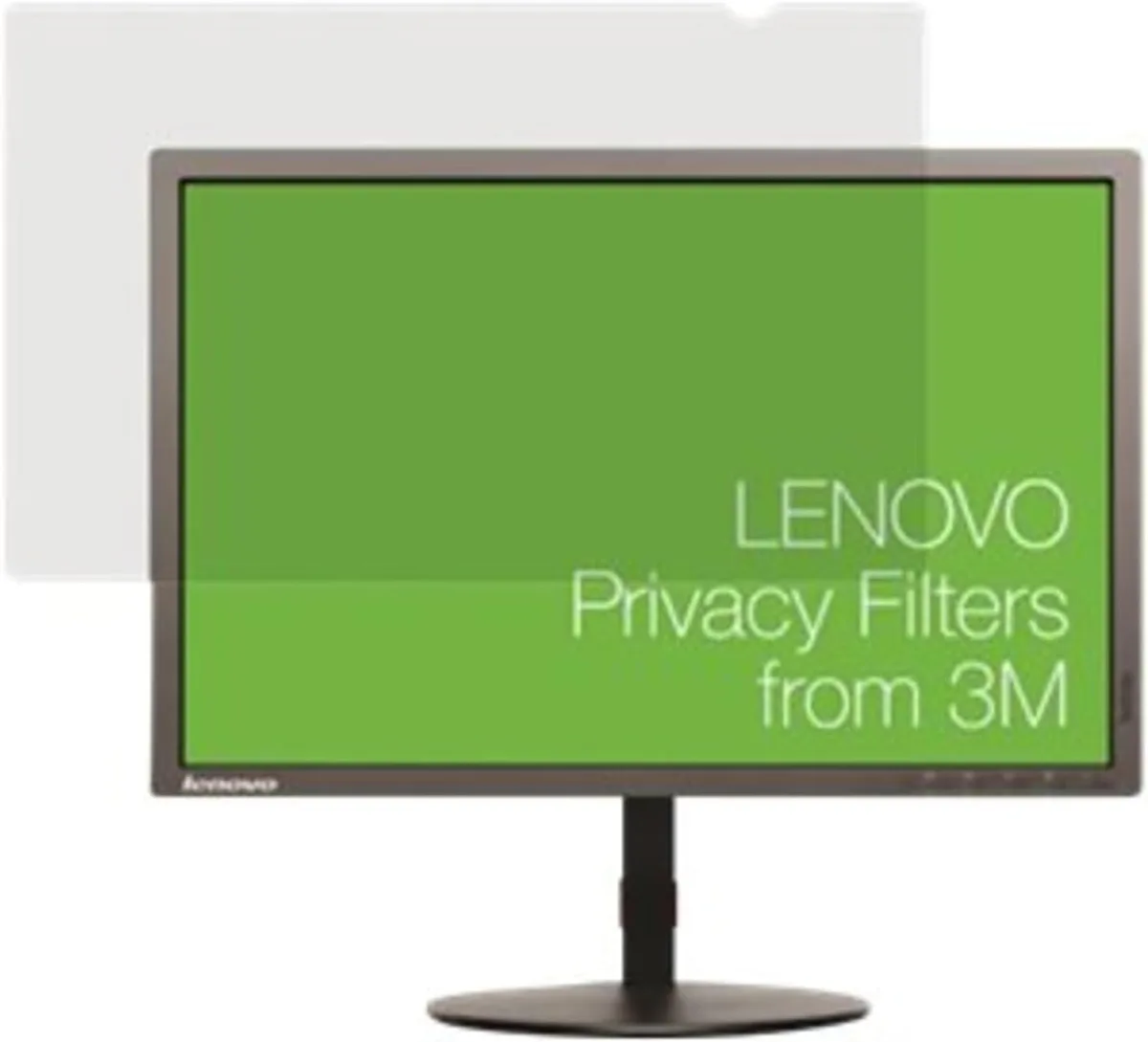
Lenovo W9 TIO Infinity 23.8" 16:9 Privacy Filter
Privacy filter for 23.8 inch 16:9 LCD screens, limits side viewing angles
- TypeEveryday Value
- MonitorMonitor not included
- Memory CapacityDDR2
- Screen SizeNo Screen
- Weight1.0000
- Privacy filter blocks side views on 23.8" screens
- Designed for 16:9 LCD panels with widescreen format
- Weighs 1.0000 for lightweight desk mounting
- Fits Lenovo W9 TIO Infinity third-generation displays
- Part number 4XJ0Q68427 ensures exact compatibility
23.8" LCD privacy filter
The Lenovo W9 TIO Infinity privacy filter is designed for 23.8 inch LCD monitors with a 16:9 aspect ratio. It limits the viewing angle so only the person directly in front of the screen can read the content. The monitor itself is not included with this accessory. It suits office workers and shared workspaces where on-screen data must stay private.
Passive operation with no power draw
This filter attaches to the display surface and requires no electricity, software or moving parts. It adds no fan noise and does not increase the system's power consumption. The unit weighs 1.0000 kg and sits flush against the panel during normal use. Thermal output is zero because the device is entirely passive.
Lightweight frame for daily fitting
The filter uses a slim frame that aligns with the 23.8 inch 16:9 bezel for a secure fit. No tools or adhesives are needed to mount or remove it, making it practical for hot-desking or temporary privacy needs. The DDR2 designation in the specification refers to an internal identifier only. The filter supports standard LCD technology across the stated screen size.
Highlights
- Privacy filter blocks side views on 23.8" screens
- Designed for 16:9 LCD panels with widescreen format
- Weighs 1.0000 for lightweight desk mounting
- Fits Lenovo W9 TIO Infinity third-generation displays
- Part number 4XJ0Q68427 ensures exact compatibility
Specifications
| Brand | Lenovo |
|---|---|
| Model | W9 TIO Infinity Screen Privacy Filter |
| Type | Everyday Value |
| Monitor | Monitor not included |
| Memory Capacity | DDR2 |
| Screen Size | No Screen |
| Weight | 1.0000 |
Questions about this item
How do I attach the Lenovo W9 TIO Infinity privacy filter to my 23.8" 16:9 LCD monitor, and which step is most often missed?
Align the filter tabs with the monitor bezel slots, press firmly until each tab clicks, then verify the privacy layer sits flush; the step most often missed is confirming all four corners are fully seated.
What maintenance or replacement will the Lenovo W9 TIO Infinity privacy filter need over time?
Clean the surface with a microfibre cloth and electronics-safe cleaner; replace the filter if the privacy layer scratches, delaminates, or no longer adheres securely to the bezel.
What is the first limitation that appears when the Lenovo W9 TIO Infinity privacy filter is used continuously in a bright office?
The privacy layer reduces visible brightness and narrows the viewing angle, so prolonged use in strong ambient light makes the screen appear dimmer and colours less vivid.
Also in this aisle
People compared these
Same shelf, same checkout — eight coins and a 30-minute rate lock.


WaveShare
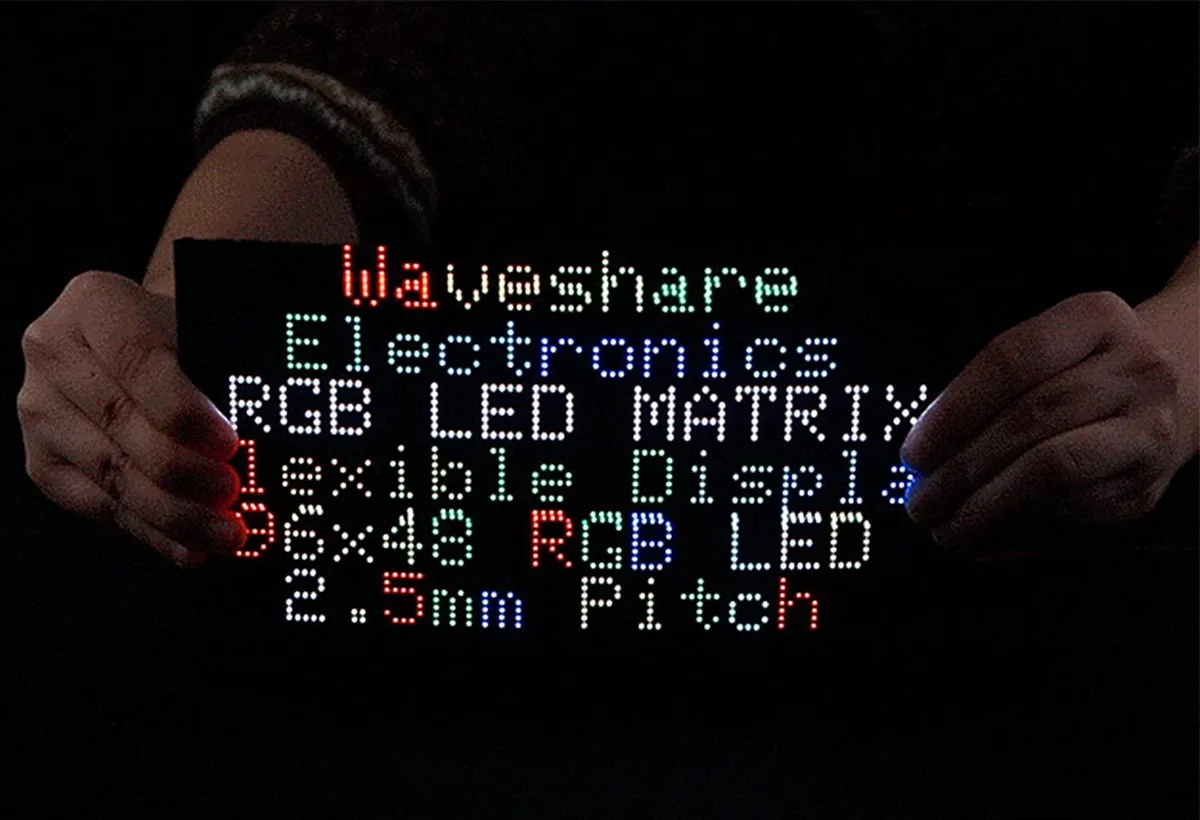
WaveShare Flexible RGB LED Matrix Panel 96×48 4608 LEDs 2.5mm Pitch
$49.99
0.0005945BTC
In stock