


Black & Decker WHM01 WiFi Smart Plug 1100W 2.4GHz 2Pack
A two-pack of Wi-Fi smart plugs that schedule or remotely switch appliances up to 1100 W via Alexa or Google Assistant
- TypeElectromechanical Timers
- Voltage12
- Amps20
- Timing Rangeremote, schedule
- Watts1100 watts
- Number of ReceptaclesWiFi Smart Plug, WHM01
- Control appliances by voice with Alexa or Google Assistant compatibility
- Manage devices from anywhere using the Smart Life app for real-time control
- Automate routines with custom schedules and timers to reduce energy use
- V0 flame-retardant housing with surge and overload protection for fire safety
- Simple 2.4 GHz WiFi setup via QR code with no hub required
Smart Plug for Voice-Controlled Homes
The Black & Decker WHM01 is a WiFi smart plug sold in a two-pack for indoor use. It connects to a 2.4GHz network and works with Alexa and Google Home for voice control. No separate hub is required for setup or operation. The compact round design fits standard US outlets without blocking the adjacent socket.
Upgrade from Manual Switches and Basic Timers
This plug replaces manual on/off switching and simple mechanical timers with app-based scheduling and remote access. The jump is worth it when you want to automate daily routines like turning on a coffee maker or simulating occupancy while away. It adds surge and overload protection that basic timers lack. Buyers who need 5GHz WiFi compatibility or energy-monitoring data will not get those features here.
Limits of the 2.4GHz WiFi Interface
The plug operates only on 2.4GHz WiFi, so it will not connect to 5GHz-only networks. Remote control and scheduling require an active internet connection and the Smart Life app. Maximum load is 1100W at 10A, suitable for lamps, fans and small appliances. It is rated for indoor use between -10°C and 50°C and uses V0 flame-retardant housing for safety.
Highlights
- Control appliances by voice with Alexa or Google Assistant compatibility
- Manage devices from anywhere using the Smart Life app for real-time control
- Automate routines with custom schedules and timers to reduce energy use
- V0 flame-retardant housing with surge and overload protection for fire safety
- Simple 2.4 GHz WiFi setup via QR code with no hub required
Specifications
| Type | Electromechanical Timers |
|---|---|
| Voltage | 12 |
| Amps | 20 |
| Timing Range | remote, schedule |
| Watts | 1100 watts |
| Number of Receptacles | WiFi Smart Plug, WHM01 |
| Size/Dimensions | 2.1 in x 2.1 in x 1.8 in |
| Color/Finish | Black |
| Style | Plug In |
| Switch Type | Digital |
| Maximum Time Setting | remote, schedule |
| Number of Poles | 1-way |
| Enclosure Type | Indoor |
| Input Voltage | 240 volts |
| Mounting | Plug In Mount |
| Operating Temperature Range | -10 degrees_celsius to 50 degrees_celsius |
| Brand | Black & Decker |
| Model | Hand Rivet Nut Setter Kit |
| Item Count | 12 pack |
| Commercial/Residential | Commercial |
| Part Number | WHM02 |
Questions about this item
What size outlet space does each 2.1 in x 2.1 in x 1.8 in plug need so it won't block the second socket?
Each unit measures 2.1 in wide by 2.1 in deep by 1.8 in high. The compact round shape is designed to fit a standard US duplex receptacle without covering the neighbouring outlet, leaving the second socket free for another device.
Which step in the Smart Life app setup most often causes the plug to stay offline, and how do I avoid it?
The common error is joining the phone to a 5 GHz network while the plug only connects to 2.4 GHz. Keep the phone on the 2.4 GHz SSID, scan the QR code in the app, and wait for the solid indicator before naming the device.
What ongoing care does the V0 flame-retardant housing and surge protection need to stay effective?
No user-serviceable parts exist. Keep the plug indoors within -10 °C to 50 °C, avoid covering it so heat dissipates, and replace the unit if the housing shows discoloration, cracking, or after a known major surge event.
Also in this aisle
People compared these
Same shelf, same checkout — eight coins and a 30-minute rate lock.




SIEMENS
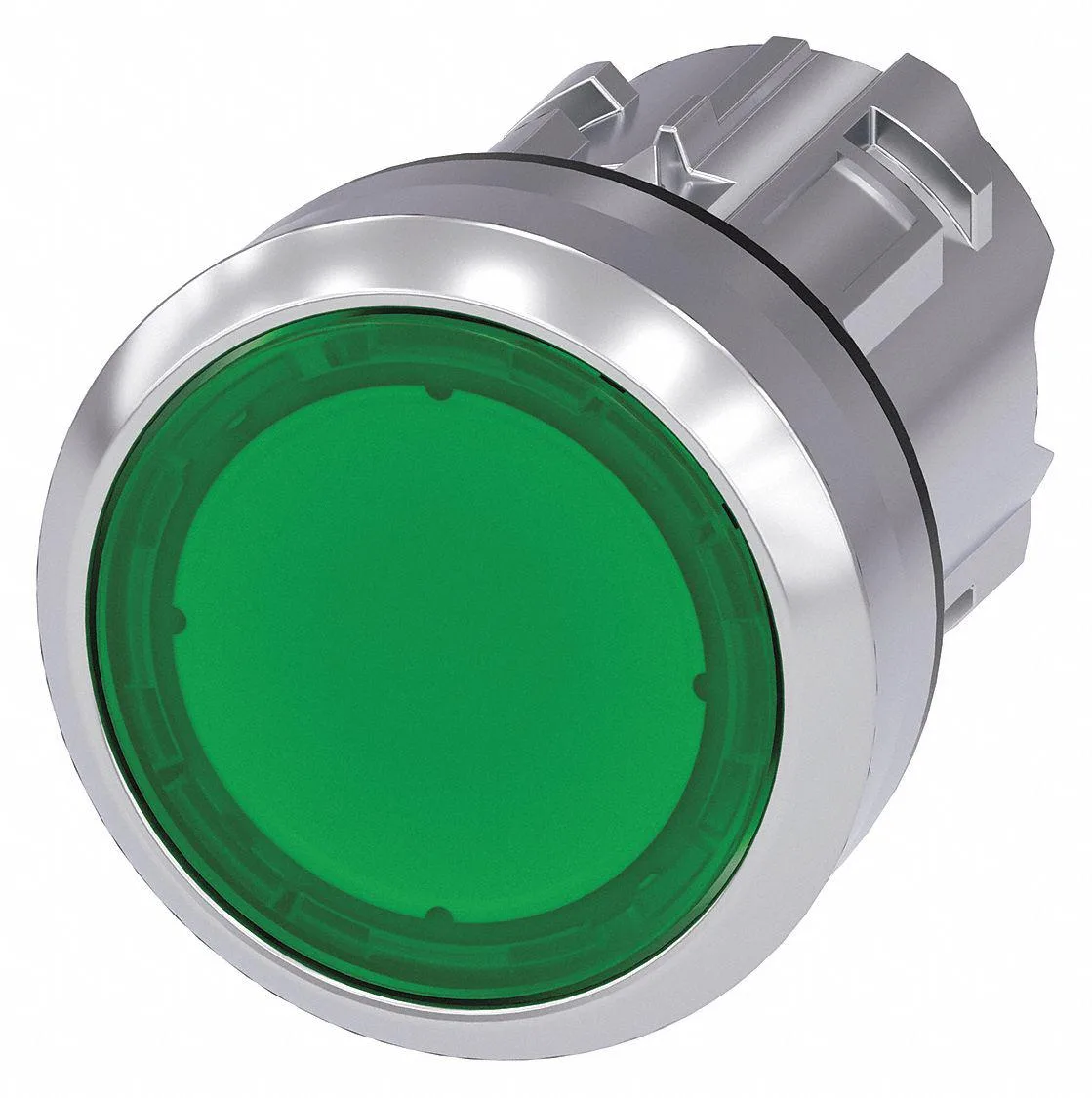
SIEMENS 52PP2D2AB 30 mm Illuminated Push Button Red 24 V LED 1NO/1NC
$179.99
0.00214174BTC
In stock