


AshuchjuFac Cordless Soldering Iron Kit 1100mAh USB Rechargeable Pen
A cordless soldering pen heats to 896 °F in seconds, runs 30 minutes on an 1100 mAh USB-rechargeable battery, and offers three voltage levels (3.4 V, 3.7 V, 4.0 V) for electronics.
- Cordless freedom with built-in 1100mAh lithium-ion battery
- Heats to 896 °F for fast circuit-board soldering
- Auto sleep cools tip in one minute after use
- Three voltage levels: 3.4 V, 3.7 V, 4.0 V
- Up to 30 minutes runtime per USB charge
What this kit is and who uses it
The AshuchjuFac Cordless Soldering Iron Kit is a portable USB rechargeable tool for electronics assembly, appliance repair and jewellery making. It suits hobbyists, trainees and professionals who need a lightweight iron they can carry anywhere without a power lead. Buyers who require continuous operation beyond 30 minutes per charge should look elsewhere.
Installation and common issues
After fitting the tip, press the power button five times to turn the pen on, then hold the button to heat. Release the button and place the tip on the stand to trigger auto sleep within one minute. Press the button three times to cycle through 3.4V, 3.7V and 4.0V settings shown by green, blue and red LEDs. Forgetting the five-press sequence is the most frequent reason the iron appears dead.
Battery capacity and run time
The built-in 1100mAh lithium-ion battery delivers up to 30 minutes of continuous soldering on a full charge and recharges via the supplied USB cable from any standard USB power source. This single figure determines whether the kit matches the length of your typical repair session.
Highlights
- Cordless freedom with built-in 1100mAh lithium-ion battery
- Heats to 896 °F for fast circuit-board soldering
- Auto sleep cools tip in one minute after use
- Three voltage levels: 3.4 V, 3.7 V, 4.0 V
- Up to 30 minutes runtime per USB charge
Specifications
No published specifications for this item yet.
Questions about this item
How can I confirm the iron reaches the stated 896°F after I press and hold the power button?
The indicator light changes colour to show the selected voltage — green for 3.4V, blue for 3.7V, red for 4.0V — and the tip heats rapidly while the button is held; release the button and the iron cools and enters sleep mode within one minute.
Which items are included in the kit and is there anything I must purchase separately?
The box contains the soldering pen, one soldering tip, a cooling rack, two USB charging cables, flux and an instruction manual; no extra accessories are required for basic use.
Which voltage setting — 3.4V, 3.7V or 4.0V — should I choose for typical circuit-board work?
Press the power button three times to cycle through the three voltages; the green 3.4V setting gives the lowest heat, blue 3.7V is a middle level, and red 4.0V provides the highest temperature for heavier joints.
Also in this aisle
People compared these
Same shelf, same checkout — eight coins and a 30-minute rate lock.


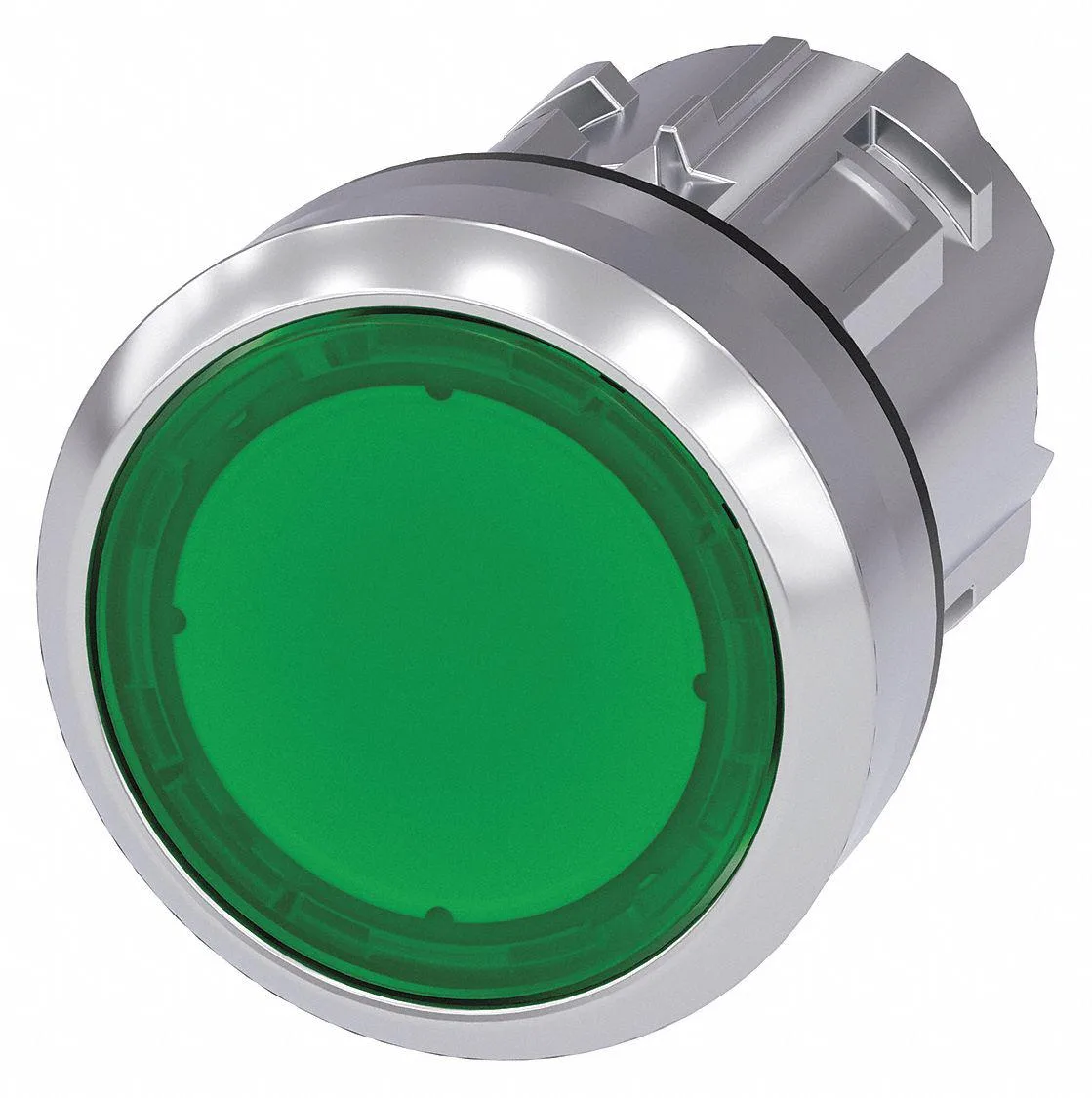


SIEMENS
SIEMENS 52PP2D2AB 30 mm Illuminated Push Button Red 24 V LED 1NO/1NC
$179.99
0.00216621BTC
In stock