


Kirzi
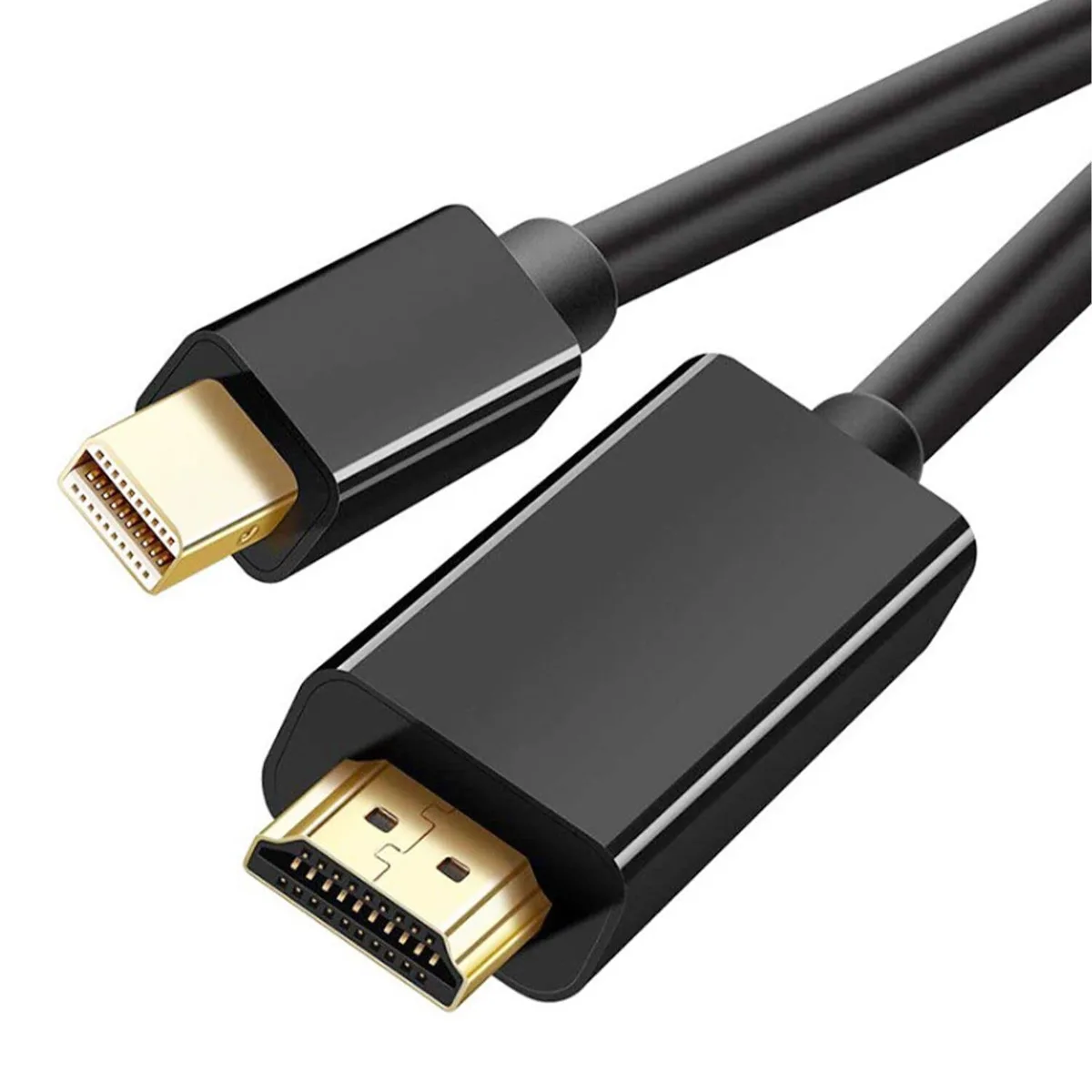
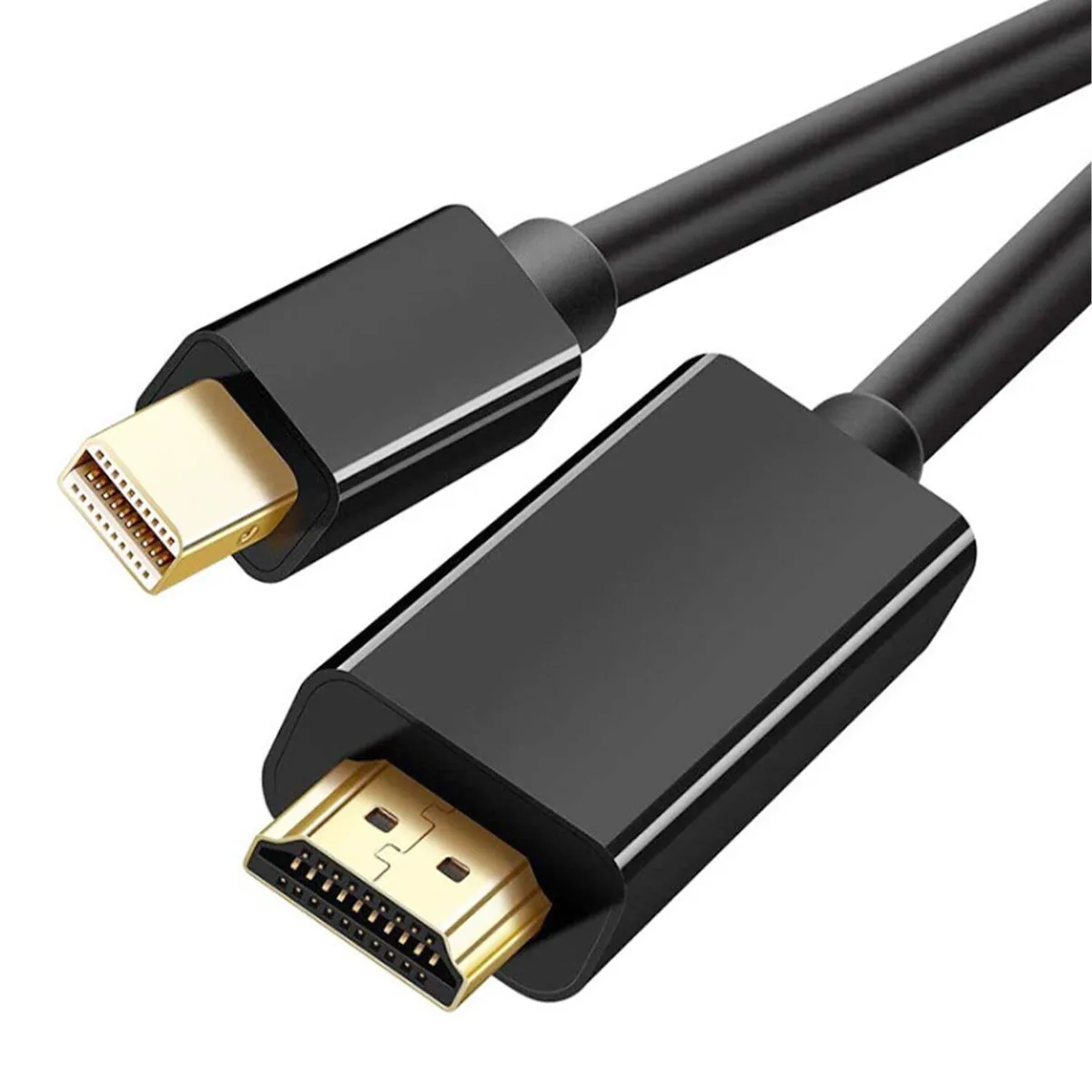
Kirzi Mini DisplayPort to HDMI thunderbolt cable 20ft
Connects Mini DisplayPort or Thunderbolt sources to HDMI displays at up to 4K@60Hz with audio support
- 4K Ultra HD at 60 Hz for crisp visuals
- 1080p at 120 Hz for smooth motion
- 1-channel audio carried over the same cable
- 20-foot length gives flexible placement
- Plug-and-play with no drivers required
Mini DisplayPort to HDMI cable for 4K displays
This 20ft cable connects a Mini DisplayPort or Thunderbolt 2 source to an HDMI display. It supports 4K resolution at 60Hz and lower resolutions at up to 120Hz. Audio pass-through covers 7.1, 5.1 and stereo formats. The link is uni-directional from computer to monitor only.
Check your source port and display input
Verify that the computer or tablet has a Mini DisplayPort output that carries video, not a USB-C port without DisplayPort alt mode. The display must accept HDMI input. The cable does not work in reverse from an HDMI source to a Mini DisplayPort screen. No drivers are required for the connection.
Plug-and-play convenience with no extra software
The single cable carries both video and multi-channel audio, removing the need for a separate audio lead. Its 20ft length allows placement flexibility for projectors or wall-mounted TVs. The uni-directional design means it cannot be used to drive a Mini DisplayPort monitor from an HDMI source.
Highlights
- 4K Ultra HD at 60 Hz for crisp visuals
- 1080p at 120 Hz for smooth motion
- 1-channel audio carried over the same cable
- 20-foot length gives flexible placement
- Plug-and-play with no drivers required
Specifications
No published specifications for this item yet.
Other versions of this model
4 more in the same range
Same family, different memory, cooler or clock — compare before you commit.


Questions about this item
Does the box include any adapters or must I buy a separate Mini DisplayPort or HDMI plug?
The package contains one 20 ft cable with a Mini DisplayPort male connector on one end and an HDMI male connector on the other; no extra adapters are required.
Which resolution and refresh-rate combination should I pick for a 4K monitor?
Choose 3840x2160 at 60 Hz for full 4K Ultra HD; the cable also supports 2560x1440 at 60 Hz and 1920x1080 at 120 Hz if your display prefers those modes.
What does the 4K@60Hz rating mean when I connect my MacBook to a TV?
It means the cable can carry 3840x2160 pixels at 60 frames per second with uncompressed 7.1-channel audio, giving smooth video and surround sound without compression artefacts.
New to this? Which coin should you pay with — what to check, what it costs to pay, and what is never asked for.
Also in this aisle
People compared these
Same shelf, same checkout — eight coins and a 30-minute rate lock.

Innovation First, Inc.
Innovation First, Inc. 1UCMA-137 1U Cable Management Arm 19" 28.5"-33" computer accessory
- Product Type:Cable…
- Panel Width:19" Rac…
$72.99
0.00084604BTC
In stock
Vertiv
Vertiv 4UTELECOMRKIT 19 in rack mount bracket accessory
- GXT4U Wall Mount Br…
- Mounting Bracket
$70.99
0.00082285BTC
In stock
