


Kirzi
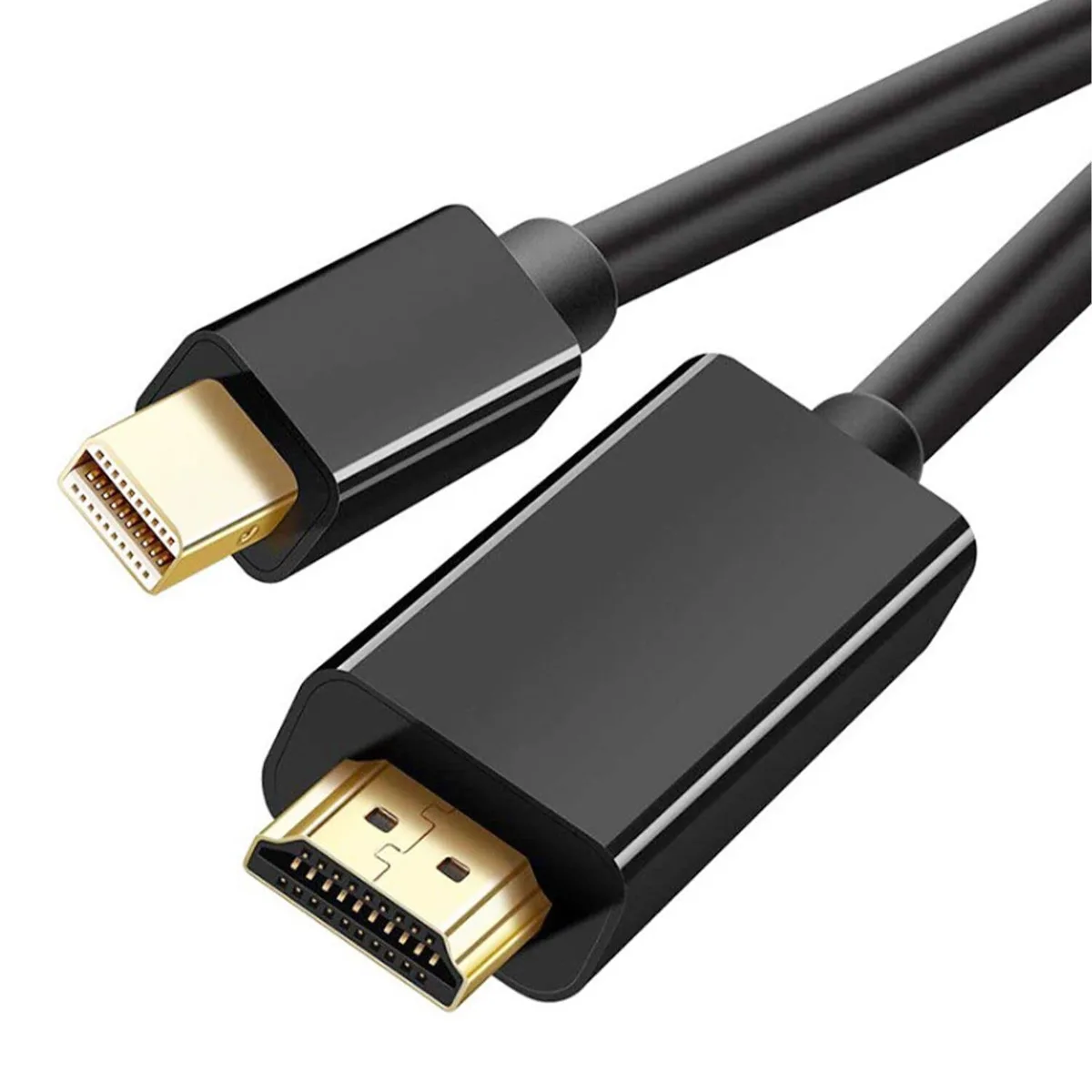
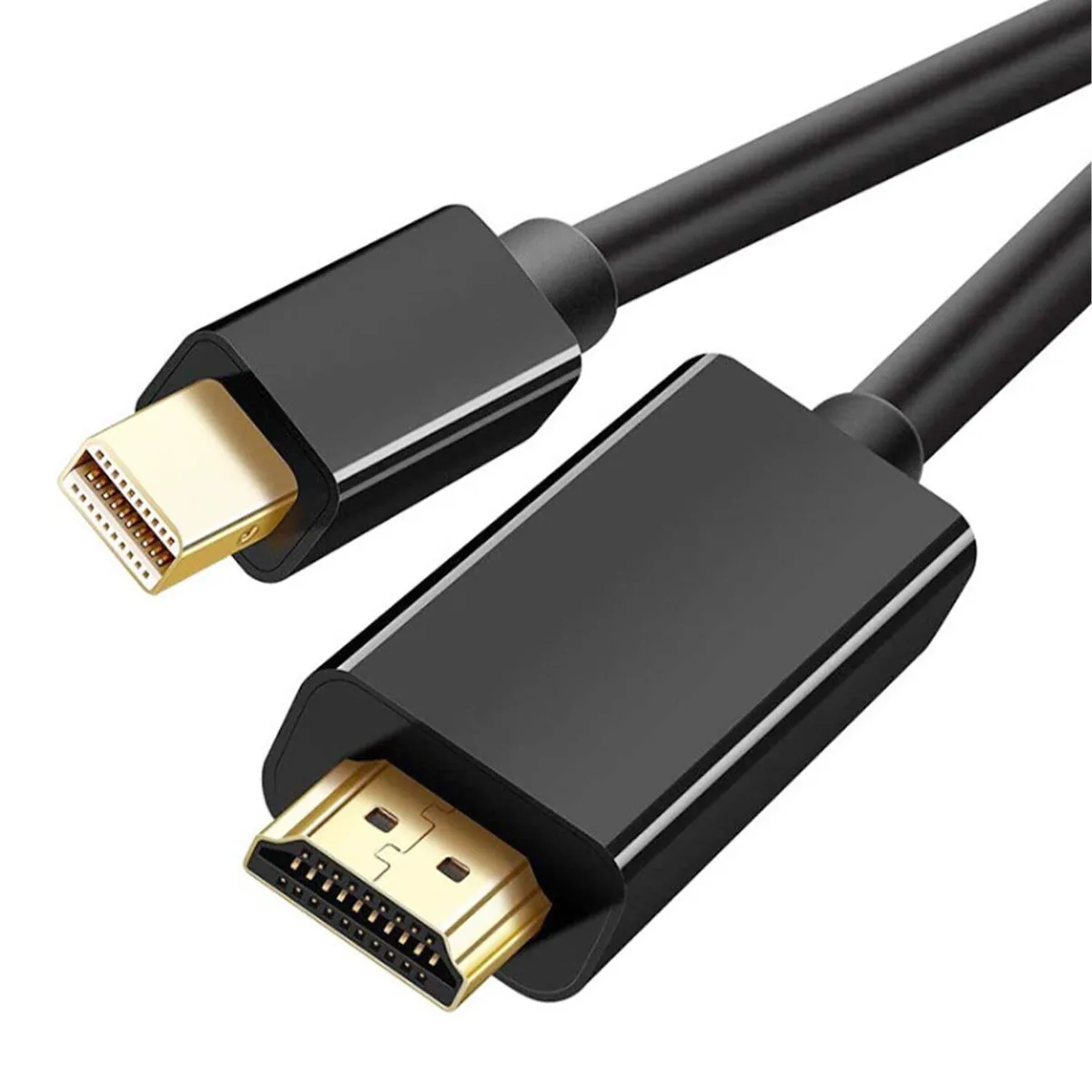
Kirzi 4K Mini DisplayPort to HDMI thunderbolt cable 15 ft
Connects Mini DisplayPort or Thunderbolt sources to HDMI displays at up to 4K@60Hz with audio
- 4K Ultra HD resolution at 60 Hz for crystal-clear visuals
- 120 Hz refresh rate at 1080p for smooth motion
- Uni-directional Mini DisplayPort to HDMI for direct device-to-display link
- Plug-and-play operation with no drivers or software required
- 15 ft cable length provides flexible placement for any setup
Mini DisplayPort to HDMI cable
The Kirzi 4K Mini DisplayPort to HDMI cable connects a Mini DisplayPort or Thunderbolt-equipped laptop or tablet to an HDMI monitor, TV or projector. It supports 4K UHD video at 60 Hz and lower resolutions including 1440p at 60 Hz and 1080p at 120 Hz with 7.1-channel audio. The uni-directional design only converts signal from the Mini DP source to the HDMI display.
Passive cable thermals and power
As a passive copper cable it draws no external power and generates no heat or noise during normal use. Signal integrity is maintained across the full 15 ft length without active electronics or driver installation. The plug-and-play connection works immediately on compatible MacBook, Surface Pro and PC devices.
No bundled software or accessories
The package contains only the single 15 ft cable in a 1-pack configuration. No adapters, drivers or configuration utilities are included or required. Buyers who need a bi-directional adapter or a longer active optical link will not be served by this product.
Highlights
- 4K Ultra HD resolution at 60 Hz for crystal-clear visuals
- 120 Hz refresh rate at 1080p for smooth motion
- Uni-directional Mini DisplayPort to HDMI for direct device-to-display link
- Plug-and-play operation with no drivers or software required
- 15 ft cable length provides flexible placement for any setup
Specifications
No published specifications for this item yet.
Other versions of this model
4 more in the same range
Same family, different memory, cooler or clock — compare before you commit.


Questions about this item
How do I plug this 15 ft cable in so the 4K@60Hz signal works?
Connect the Mini DisplayPort male end to the Thunderbolt 2 or Mini DisplayPort output on your MacBook or Surface Pro, then plug the HDMI male end into the display; the cable only carries video from the computer to the screen, not the reverse.
Will the gold-plated connectors or the PVC jacket need replacement after daily bending?
The connectors and jacket are built for permanent installation; no user-serviceable parts exist, so the cable stays in service until physical damage occurs.
At what point does the 15 ft run stop passing 4K@60Hz without drop-outs?
The cable is rated for 3840x2160 at 60 Hz across the full 15 ft length; sustained use at that resolution and refresh rate is the design limit.
New to this? Which coin should you pay with — what to check, what it costs to pay, and what is never asked for.
Also in this aisle
People compared these
Same shelf, same checkout — eight coins and a 30-minute rate lock.

Innovation First, Inc.
Innovation First, Inc. 1UCMA-137 1U Cable Management Arm 19" 28.5"-33" computer accessory
- Product Type:Cable…
- Panel Width:19" Rac…
$72.99
0.00086366BTC
In stock
Vertiv
Vertiv 4UTELECOMRKIT 19 in rack mount bracket accessory
- GXT4U Wall Mount Br…
- Mounting Bracket
$70.99
0.00084BTC
In stock
