


KEHIPI
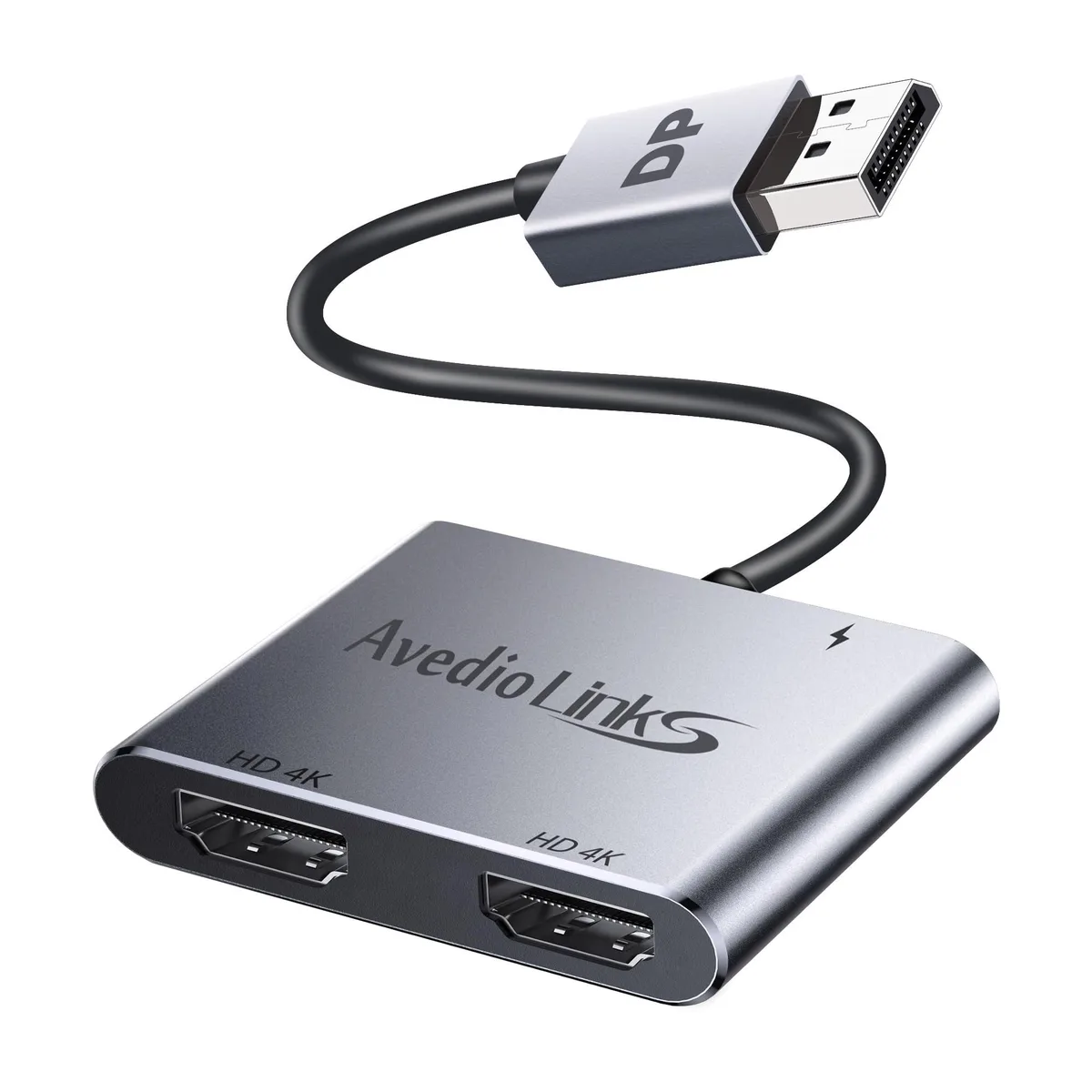
KEHIPI DisplayPort to Dual HDMI Adapter 4K 60Hz Grey
Connects one DisplayPort source to two HDMI displays with 4K at 60 Hz on a single screen or 30 Hz on both
- ColorGrey
- FeaturesDesktops
- Extended mode on Windows MST for dual monitors
- Mirror mode duplicates content across both displays
- 4K 60 Hz on single HDMI output
- 4K 30 Hz when both HDMI ports active
- Plug and play with no driver installation
Dual HDMI Output for Desktops
The KEHIPI DisplayPort adapter converts a single DP source into two HDMI signals. It supports extended desktop (ABB and ABC) and mirror modes on Windows systems. Most integrated graphics limit operation to mirror mode, so a dedicated graphics card with over 18Gbps bandwidth is recommended for multi-monitor extension.
4K Resolution at 60Hz and 30Hz
Single-display output reaches 3840x2160 at 60Hz, while dual-display output runs at up to 4K 30Hz. The adapter complies with DP 1.2 and HDMI 2.0 standards and supports HDCP 2.2. An included power cable supplies 5V/1A to maintain stable operation under load.
Upgrade from Single-Monitor or Mirror-Only Setups
This adapter replaces a basic DP-to-HDMI cable when a second display is needed for productivity or presentations. The jump is worthwhile when the host graphics card meets the 18Gbps bandwidth requirement and drivers are current; otherwise extended mode will not activate.
Highlights
- Extended mode on Windows MST for dual monitors
- Mirror mode duplicates content across both displays
- 4K 60 Hz on single HDMI output
- 4K 30 Hz when both HDMI ports active
- Plug and play with no driver installation
Specifications
| Brand | KEHIPI |
|---|---|
| Color | Grey |
| Features | Desktops |
Questions about this item
How do I install the KEHIPI DisplayPort to Dual HDMI Adapter and what step is often missed?
Plug the DP male connector into the source device, connect the included power cable to supply 5V/1A, then attach both HDMI displays using cables that support 4K@60Hz; the power cable step is frequently overlooked.
What maintenance or replacement will this adapter need over time?
The adapter itself has no moving parts or consumables; only the HDMI cables or the 5V/1A power supply may need replacement if they become damaged or fail to deliver the required current.
What limit appears first during sustained use with two monitors?
Dual-monitor output is capped at 4K@30Hz per display because the 18 Gbps bandwidth is shared, while a single monitor can run at 4K@60Hz.
New to this? Which coin should you pay with — what to check, what it costs to pay, and what is never asked for.
Also in this aisle
People compared these
Same shelf, same checkout — eight coins and a 30-minute rate lock.


Micro Connectors
Micro Connectors CAT6 RJ45 Modular Plug 50 Pack
- RJ45 Connectors
$9.99
0.00012058BTC
In stock
Enfain
Enfain RJ45 male to female extension cable 90° down angle 1.5 m 28AWG
- 1.5 m
$13.99
0.00016886BTC
In stock