


iStarUSA Inc.
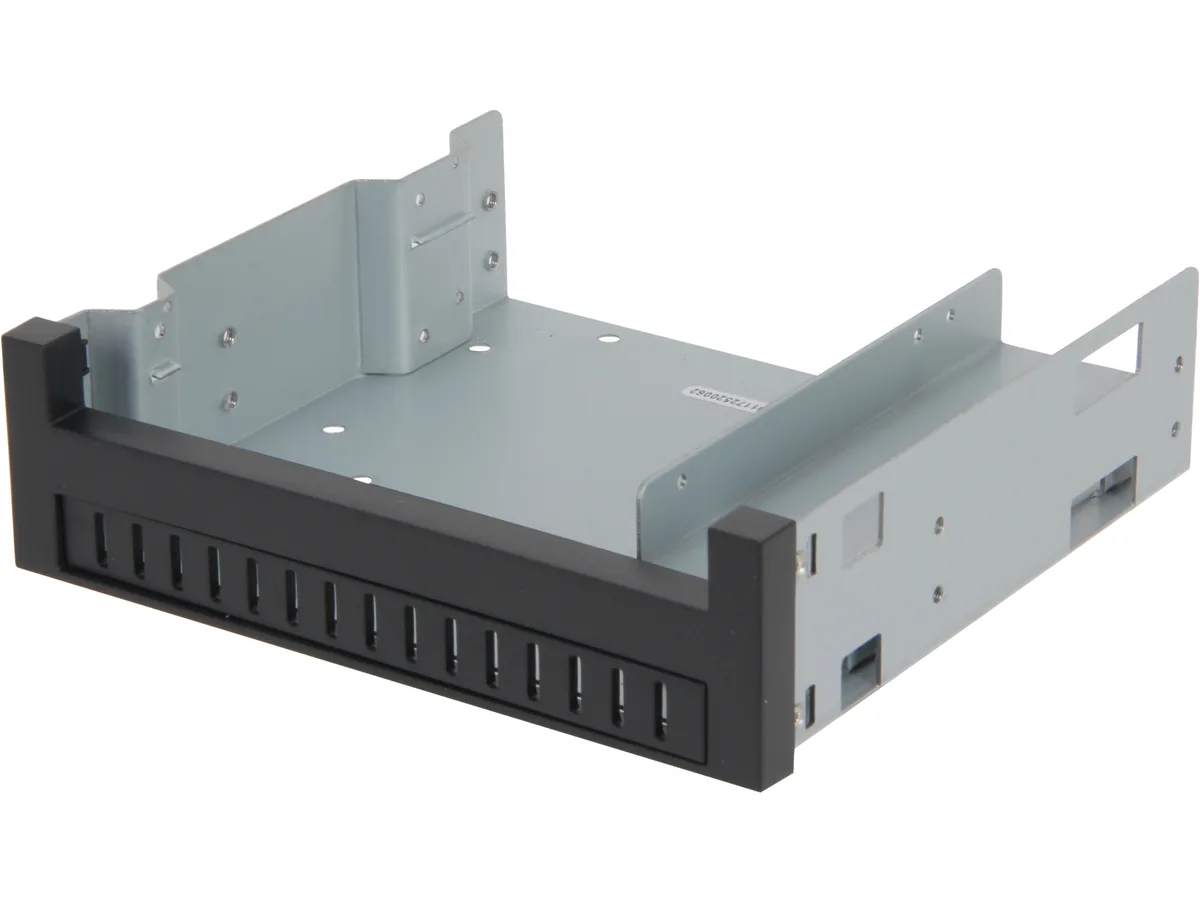
iStarUSA Inc. RP-COMBO-SLIM2535 2.5/3.5 HDD & Slim Optical to 5.25 Bay Cage server accessory
Converts one 5.25-inch bay into a slot for a slim optical drive plus a 3.5-inch or 2.5-inch hard drive
- TypeDrive Bay Cage
- SpecificationsStandard Drive Bays: 5.25" Drives: 1 Dimensions (WxHxD): 5.8
- FeaturesFit with Standard 5.25" Drive Bay Work with Slim Optical Dri
- Installs in one standard 5.25" bay
- Holds a slim optical drive plus a 2.5" or 3.5" HDD
- Compact 5.83" x 1.65" x 5.50" cage fits tight spaces
- All-metal construction protects drives in server chassis
- Tool-free drive mounting speeds up installation
Drive Bay Cage for 5.25-Inch Bays
The RP-COMBO-SLIM2535 fits a single standard 5.25-inch drive bay and accommodates one slim optical drive alongside a 3.5-inch or 2.5-inch hard drive. It is built for server builders who need to combine legacy optical media access with local storage in a single front-panel slot.
Passive Thermal Design
The all-metal cage uses the chassis airflow to cool both installed drives without adding a fan or power draw. Noise remains limited to the drives themselves, and the accessory draws no electricity from the system.
Mounting Hardware Included
Screws and rails in the package secure the slim optical drive and the selected hard drive form factor inside the cage. No additional brackets or adapters are required to complete the installation in a compatible 5.25-inch bay.
Highlights
- Installs in one standard 5.25" bay
- Holds a slim optical drive plus a 2.5" or 3.5" HDD
- Compact 5.83" x 1.65" x 5.50" cage fits tight spaces
- All-metal construction protects drives in server chassis
- Tool-free drive mounting speeds up installation
Specifications
| Brand | iStarUSA |
|---|---|
| Model | RP-COMBO-SLIM2535 |
| Type | Drive Bay Cage |
| Specifications | Standard Drive Bays: 5.25" Drives: 1 Dimensions (WxHxD): 5.83" x 1.65" x 5.50" |
| Features | Fit with Standard 5.25" Drive Bay Work with Slim Optical Drive with 3.5" HDD or 2.5" HDD |
| Shipping weight | 0.43 kg |
| Package size | 201 × 155 × 46 mm |
Questions about this item
How do I mount the RP-COMBO-SLIM2535 cage into a 5.25 inch bay and secure the drives inside?
Slide the cage into the 5.25 inch bay and fasten it with the case mounting screws. Then screw the slim optical drive and the 2.5 or 3.5 inch HDD into the cage brackets.
What upkeep will the RP-COMBO-SLIM2535 require over time?
The cage itself has no moving parts and needs no scheduled maintenance. Only the installed optical drive and hard drive may eventually need replacement.
What thermal limit appears first when the RP-COMBO-SLIM2535 runs continuously with both drives active?
The drives will reach their own operating temperature limits before the passive steel cage does, since the cage has no fan or active cooling.
New to this? Buying server hardware with crypto — what to check, what it costs to pay, and what is never asked for.
Also in this aisle
People compared these
Same shelf, same checkout — eight coins and a 30-minute rate lock.


Western Digital
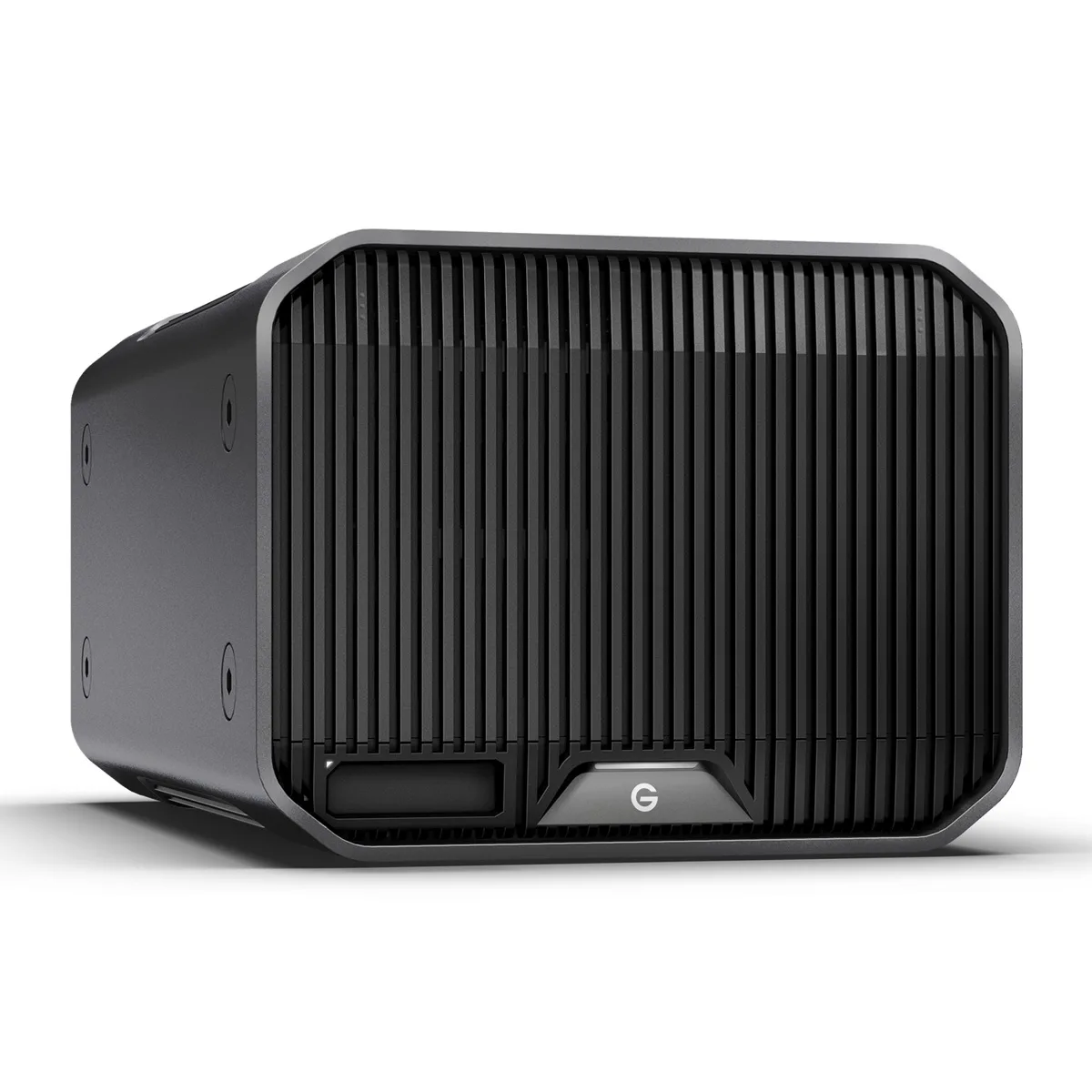
Western Digital SDPHK2H-024T-NBAAD 24TB G-RAID PROJECT 2 raid enclosure
$1,209.99
0.0144727BTC
In stock