


Mediasonic
Mediasonic HFR7-SU31CH 4-bay 3.5 SATA raid enclosure
Four-bay 3.5 SATA RAID enclosure with USB 3.1 Gen 2 Type-C, built-in USB hub, and hardware RAID 0/1 controller
- Hardware RAID with one-button control for single, RAID 0 and RAID 1 modes
- Built-in USB 3.1 hub adds Type-A and Type-C ports for extra devices
- 10Gbps USB 3.1 Gen 2 link moves large files at full drive speed
- Holds four 3.5-inch SATA drives up to 16TB each for massive capacity
- Smart fan and power sync keep drives cool and in step with the host
Capacity and connectivity
The Mediasonic HFR7-SU31CH is a four-bay RAID enclosure that accepts 3.5-inch SATA hard drives up to 16TB each and 2.5-inch SATA drives up to 10TB each with an adapter. It connects to a host via USB 3.1 Gen 2 Type-C at up to 10Gbps and includes a built-in USB hub with one Type-A port at 5Gbps and one Type-C port at 10Gbps.
Thermals noise and power
A smart fan adjusts speed based on drive temperature to keep the chassis cool during normal operation. The unit powers on and off in sync with the connected computer so it draws no power when the host is shut down. Each hub port supplies up to 5V and 1A or 3A respectively for peripheral charging.
Sustained load behaviour
Hardware RAID 0 and RAID 1 modes are selectable with a single button and initialise without software overhead. JBOD spanning presents the drives as a single logical volume while single-drive mode exposes each bay independently. The controller does not support RAID 5 so parity rebuilds are not possible.
Highlights
- Hardware RAID with one-button control for single, RAID 0 and RAID 1 modes
- Built-in USB 3.1 hub adds Type-A and Type-C ports for extra devices
- 10Gbps USB 3.1 Gen 2 link moves large files at full drive speed
- Holds four 3.5-inch SATA drives up to 16TB each for massive capacity
- Smart fan and power sync keep drives cool and in step with the host
Specifications
No published specifications for this item yet.
Questions about this item
How do I install the drives and which step is most often missed?
Slide each 3.5 SATA drive into a bay until the connector seats, then press the one-button RAID selector to choose Single, JBOD, RAID 0 or RAID 1 before powering on; the step users skip is confirming the mode LED matches the desired array.
What maintenance or replacement will the enclosure need later?
The smart fan is the only moving part; clean its intake vents periodically and replace the fan if it becomes noisy or stops spinning.
What limit appears first during sustained transfers?
The USB 3.1 Gen 2 link caps throughput at 10 Gbps, so sustained reads or writes cannot exceed that ceiling even if the drives support 6.0 Gbps SATA.
New to this? Buying server hardware with crypto — what to check, what it costs to pay, and what is never asked for.
Also in this aisle
People compared these
Same shelf, same checkout — eight coins and a 30-minute rate lock.


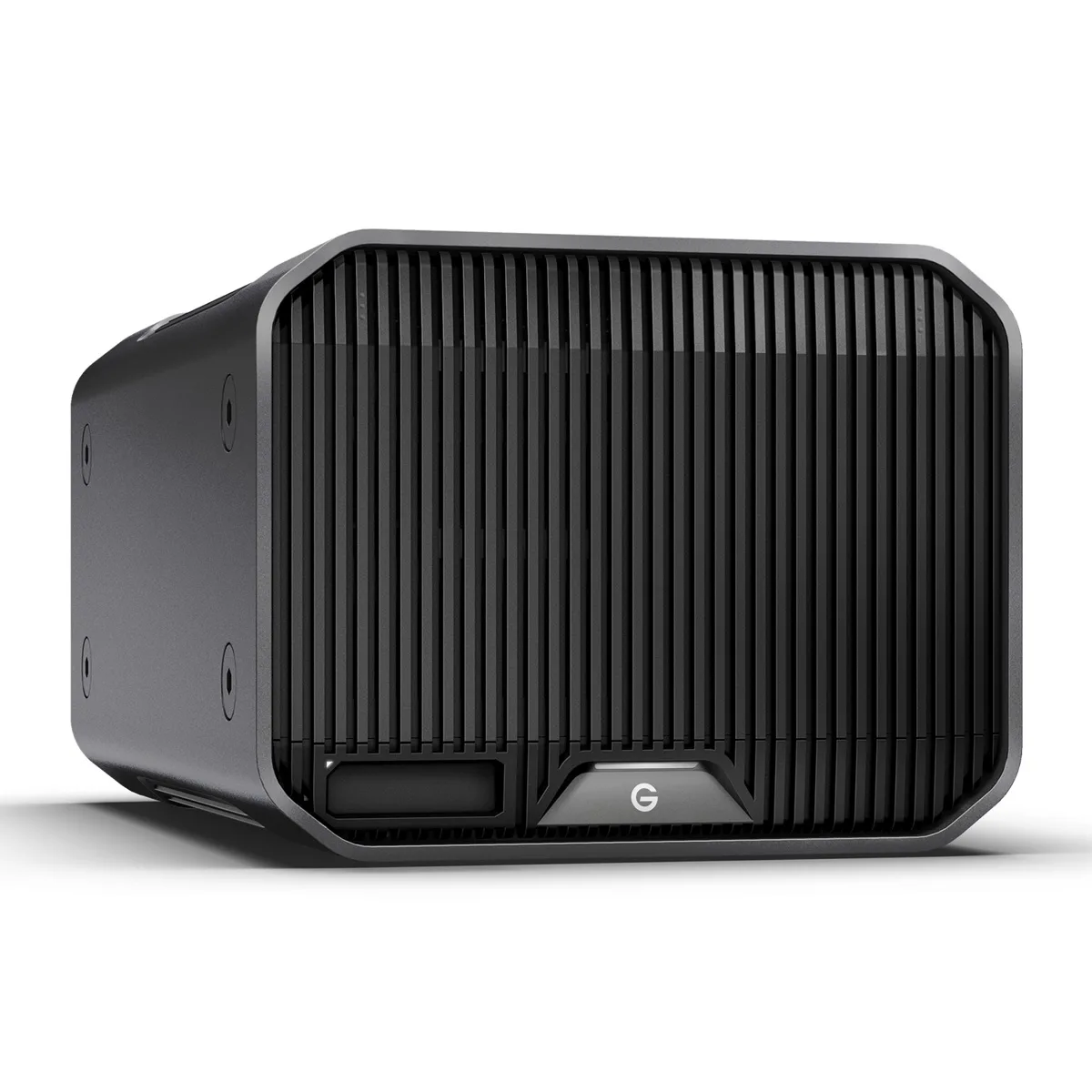
Western Digital
Western Digital SDPHK2H-024T-NBAAD 24TB G-RAID PROJECT 2 raid enclosure
$1,209.99
0.0143971BTC
In stock
OWC
OWC ThunderBlade X12 48TB RAID enclosure OWCTB5TBL12X048
- ThunderBlade X12 Ex…
$11,647.99
0.13859395BTC
In stock