


Inspur
Inspur NF5280M6 barebone server dual heat sinks 4×3.5 left 4GPU 2×2700W
Barebone server with dual CPU heat sinks, four 3.5" drive bays, four GPU slots and dual 2700W power supplies
- CPU TypeAMD EYPC
- CPU SocketRack
- Dual CPU heat sinks included for thermal performance
- 4 x 3.5" drive bays on the left for storage capacity
- 4 GPU expansion slots enable multi-GPU workloads
- 2 x 2700W power supplies deliver high power headroom
- Inspur NF5280M6 rack server built for dense compute environments
Inspur NF5280M6 4-GPU barebone
The Inspur NF5280M6 is a rack-mount barebone server prepared for AMD processors. It includes dual CPU heat sinks and supports up to four graphics cards. Two 2700W power supplies are installed. Four 3.5-inch drive bays sit on the left side.
Suited for multi-GPU compute builds
This chassis fits teams building dense GPU compute nodes or AI training rigs. The four GPU slots and high-wattage power delivery match those workloads. Buyers who need more than four 3.5-inch drives or who require a different drive layout should look elsewhere.
Four GPU slots and dual 2700W PSUs
The defining specification is the combination of four GPU expansion slots with two 2700-watt power supplies. That pairing determines whether the platform can feed the cards you plan to install. Verify your GPU power draw and physical length against this capacity before ordering.
Highlights
- Dual CPU heat sinks included for thermal performance
- 4 x 3.5" drive bays on the left for storage capacity
- 4 GPU expansion slots enable multi-GPU workloads
- 2 x 2700W power supplies deliver high power headroom
- Inspur NF5280M6 rack server built for dense compute environments
Specifications
| Brand | Inspur |
|---|---|
| Series | PowerEdge NF5280M6 |
| Model | NF5280M6 |
| CPU Type | AMD EYPC |
| CPU Socket | Rack |
Questions about this item
Will the 3.5" drive bays and dual heat sinks fit in my existing rack with cable management arms?
The NF5280M6 is a rack-mount server; physical rail depth and arm clearance depend on your cabinet, so verify the chassis rail specification against your rack before installing.
How can I confirm the 4 GPU slots and dual 2700W PSUs are operating correctly after build?
Power on the system, enter the BIOS or management console, and verify that all four GPU slots report populated devices and both 2700W supplies show healthy status.
Which items ship with the barebones unit and which components must I source separately?
The chassis, dual CPU heat sinks, four 3.5" drive bays on the left, four GPU expansion slots, and two 2700W power supplies are included; CPUs, memory, drives, GPUs, and rails are not.
New to this? Buying server hardware with crypto — what to check, what it costs to pay, and what is never asked for.
Also in this aisle
People compared these
Same shelf, same checkout — eight coins and a 30-minute rate lock.


Western Digital
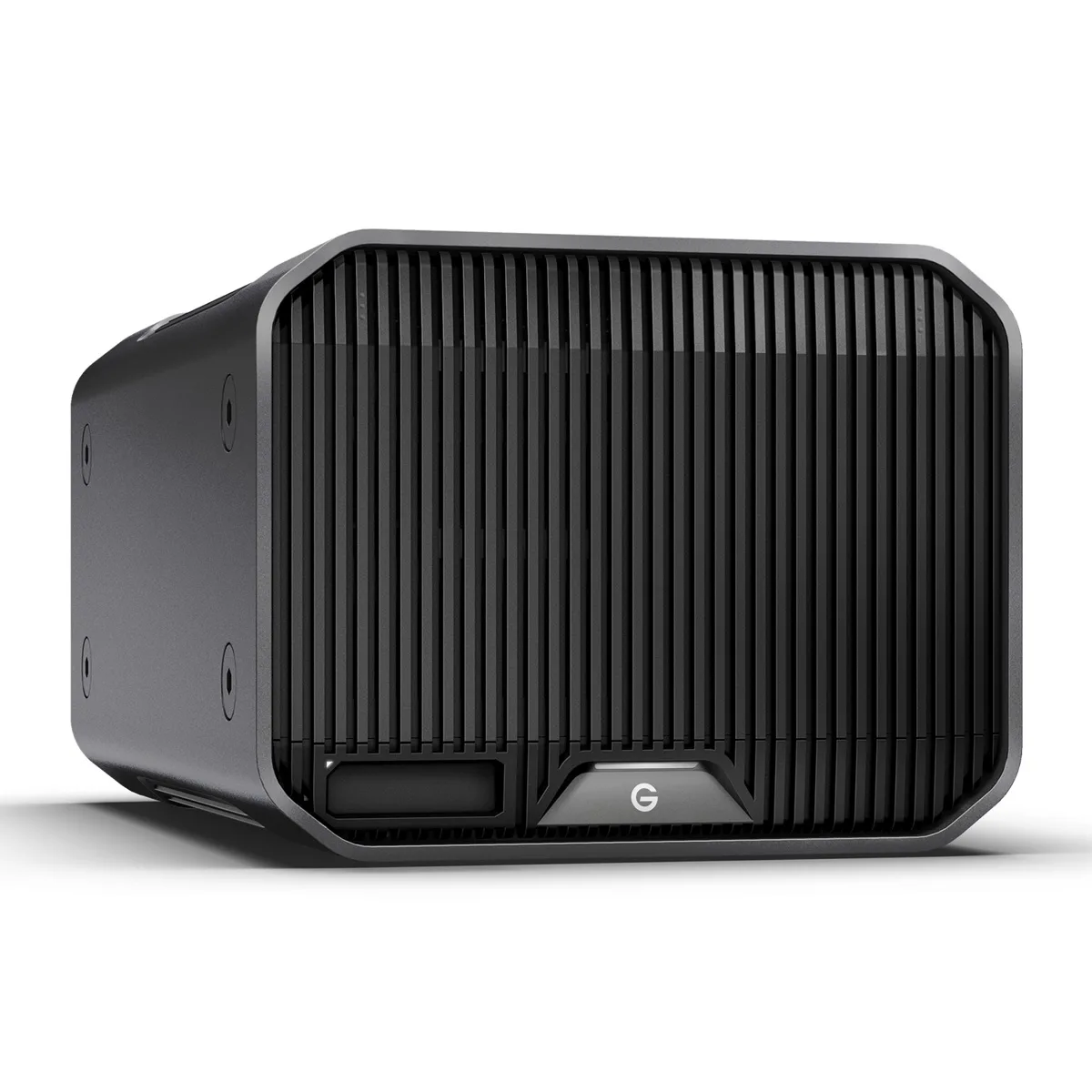
Western Digital SDPHK2H-024T-NBAAD 24TB G-RAID PROJECT 2 raid enclosure
$1,209.99
0.01433977BTC
In stock