

HPE
HPE P77101-DN1 Windows Server 2025 Datacenter 16 Core license
Datacenter server licence covering sixteen cores for Windows Server 2025
- TypeLicense
- Datacenter edition unlocks unlimited virtualisation rights
- 16-core licence covers two physical processors
- Windows Server 2025 delivers latest security baseline
- HPE part P77101-DN1 ensures genuine Microsoft entitlement
- New licence activates immediately on eligible hardware
Datacenter 16-Core Licence
This HPE licence unlocks the Datacenter edition of Windows Server 2025 for a 16-core server. It suits organisations running highly virtualised workloads or software-defined datacentres that need unlimited virtual instances on the licensed host.
Perpetual Entitlement
The licence is a perpetual paper entitlement tied to the physical core count of the host. No recurring subscription fees apply, and the licence moves with the hardware during refresh cycles. Activation uses standard Microsoft volume-licensing channels.
Step Up from Standard Edition
Customers moving from Windows Server Standard gain unlimited OSEs and Hyper-V containers on the same 16-core host. The upgrade is worthwhile when consolidation ratios exceed the two virtual instances permitted by Standard licensing.
Highlights
- Datacenter edition unlocks unlimited virtualisation rights
- 16-core licence covers two physical processors
- Windows Server 2025 delivers latest security baseline
- HPE part P77101-DN1 ensures genuine Microsoft entitlement
- New licence activates immediately on eligible hardware
Specifications
| Brand | HPE |
|---|---|
| Model | P77101-DN1 |
| Part Number | P77101-DN1 |
| Type | License |
| Shipping weight | 0.23 kg |
| Package size | 152 × 102 × 51 mm |
Questions about this item
Does the P77101-DN1 license key cover the 16-core minimum required for Windows Server 2025 Datacenter?
Yes, the P77101-DN1 provides a 16-core licence that meets the minimum core requirement for Windows Server 2025 Datacenter.
What hardware or server slot does the P77101-DN1 licence occupy?
The P77101-DN1 is a software licence; it does not occupy a physical server slot or require any hardware installation.
How do I apply the P77101-DN1 licence during Windows Server 2025 setup, and what step is commonly missed?
Enter the product key when prompted during installation, then remember to activate the licence with Microsoft after the OS is running.
New to this? Buying server hardware with crypto — what to check, what it costs to pay, and what is never asked for.
Also in this aisle
People compared these
Same shelf, same checkout — eight coins and a 30-minute rate lock.


Western Digital
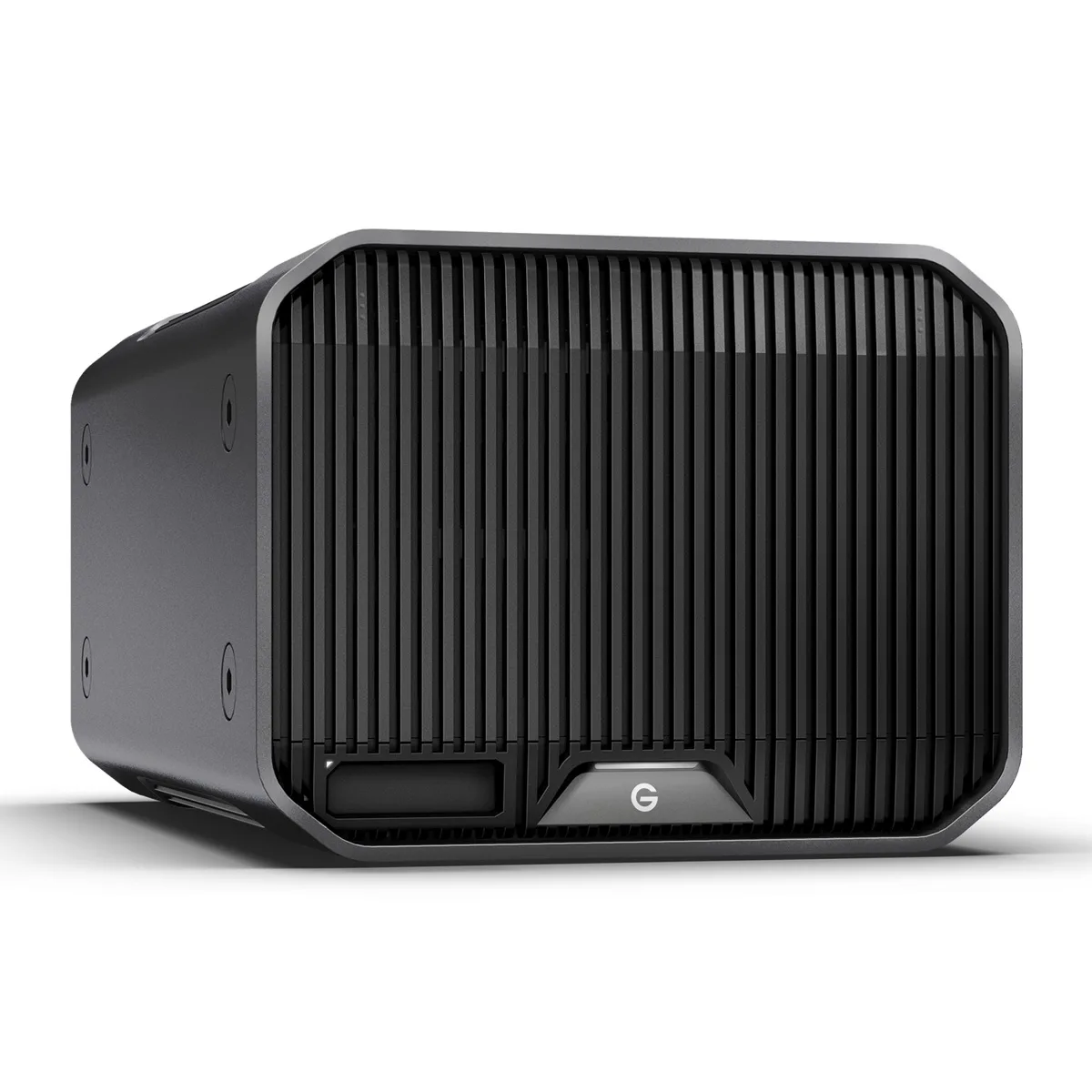
Western Digital SDPHK2H-024T-NBAAD 24TB G-RAID PROJECT 2 raid enclosure
$1,209.99
0.01398978BTC
In stock