


DELL
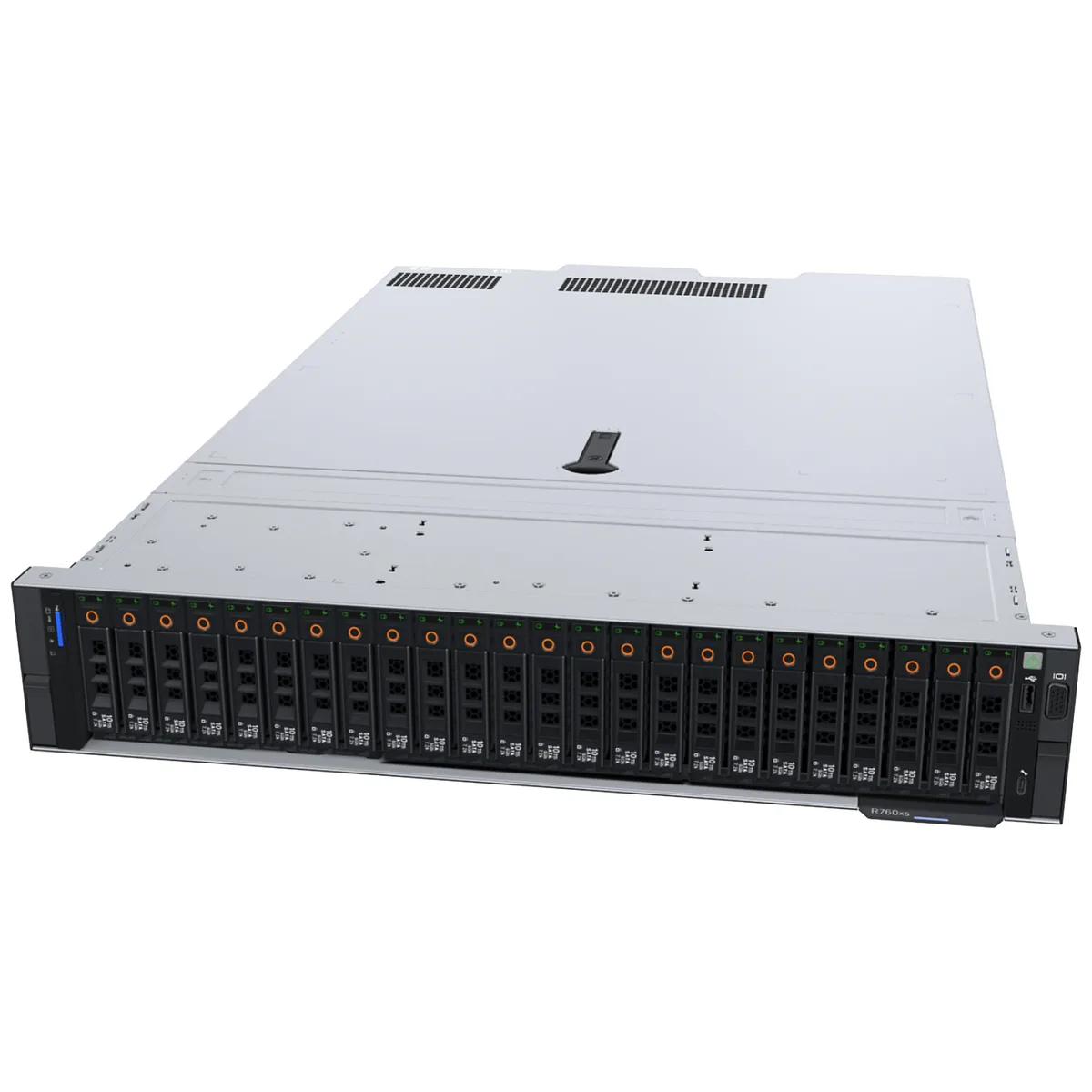
DELL PowerEdge R760 12 x 3.5-inch low-power barebone server
A 12-bay 3.5-inch low-power barebone chassis for custom PowerEdge R760 builds without CPU, disks, cards or power supply
- CPU TypeRack
- CPU SocketLGA 3647
- 12 x 3.5-inch drive bays support high-capacity storage
- Low-power chassis reduces operational energy costs
- LGA 3647 socket enables choice of compatible processors
- No CPU or memory included for fully custom configuration
- No power supply or expansion cards for tailored build economics
12 x 3.5-inch drive bays
The Dell PowerEdge R760 barebone chassis provides twelve 3.5-inch drive bays in a low-power design. It arrives without a CPU, internal components, disks, expansion cards or a power supply. This blank slate lets integrators choose every part for a custom server build. The LGA 3647 socket supports compatible processors selected by the builder.
System builders needing full component control
This barebone suits engineers who want to specify their own processors, memory, storage and add-in cards. It is not for buyers who need a ready-to-run server with components pre-installed and validated. Organisations without in-house assembly expertise should consider a configured system instead.
LGA 3647 socket compatibility
The chassis uses an LGA 3647 socket that dictates which processors can be installed. CPU selection must match this socket type exactly or the system will not function. Verify processor compatibility before purchase to avoid a mismatch.
Highlights
- 12 x 3.5-inch drive bays support high-capacity storage
- Low-power chassis reduces operational energy costs
- LGA 3647 socket enables choice of compatible processors
- No CPU or memory included for fully custom configuration
- No power supply or expansion cards for tailored build economics
Specifications
| Brand | Dell |
|---|---|
| Series | PowerEdge R760 |
| Model | R760 |
| CPU Type | Rack |
| CPU Socket | LGA 3647 |
Questions about this item
Which processors fit the LGA 3647 socket in this PowerEdge R760?
The barebone accepts LGA 3647 CPUs; choose any compatible Dell-qualified processor for the R760 platform.
Can I keep my existing 3.5-inch drives when moving to this 12-bay chassis?
Yes, the chassis provides twelve 3.5-inch drive bays so your current 3.5-inch drives will mount directly.
How do I confirm the server posts after I install a CPU and power supply?
Connect a monitor and keyboard, power on, and watch for the BIOS POST screen or iDRAC login prompt.
New to this? Buying server hardware with crypto — what to check, what it costs to pay, and what is never asked for.
Also in this aisle
People compared these
Same shelf, same checkout — eight coins and a 30-minute rate lock.


Western Digital
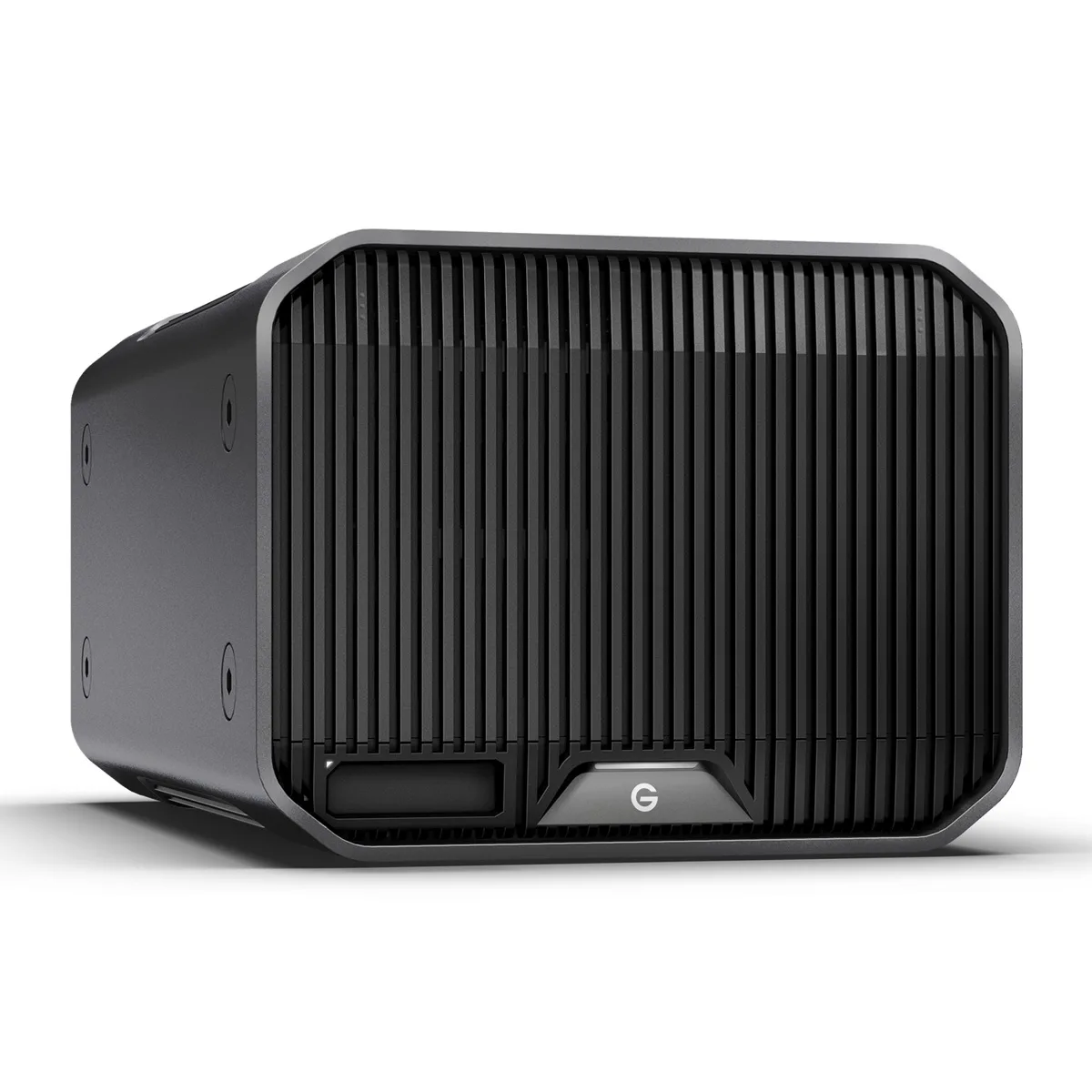
Western Digital SDPHK2H-024T-NBAAD 24TB G-RAID PROJECT 2 raid enclosure
$1,209.99
0.01434436BTC
In stock