
Avico
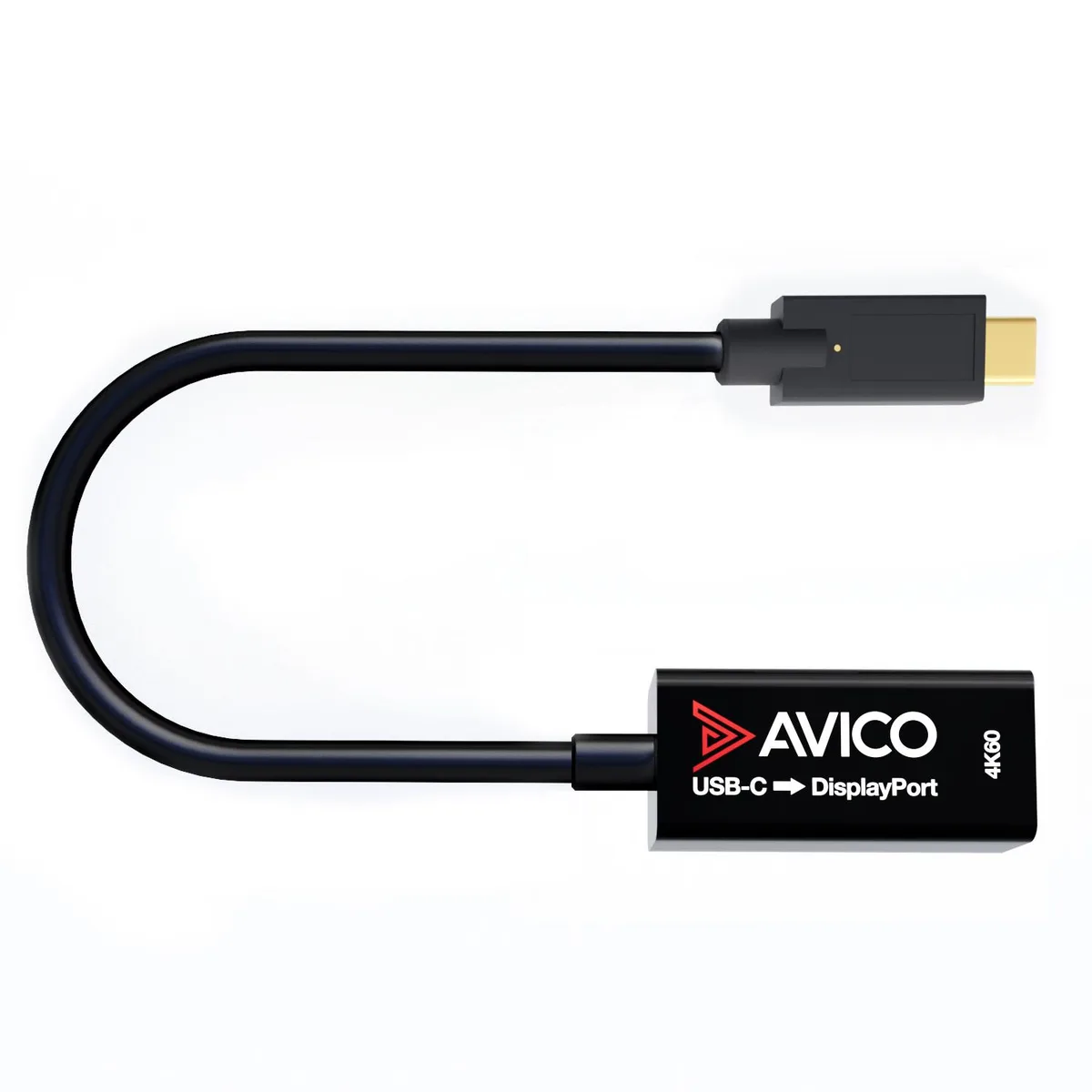
Avico USB-C to DisplayPort 1.2 Adapter 4K 60Hz 1440p 144Hz HDR Thunderbolt 3
$11.99
0.00013945BTC
In stockWe take cryptocurrency — so the coins you hold can buy real hardware.Pay in crypto, spend it on real hardware. Free insured shipping worldwide over $399. Plain, unbranded boxes, sent from Germany.Free insured shipping over $399. Your rate is locked for 30 minutes once checkout opens.Rate locked 30 minutes. Every item sealed, serial-checked and covered by a 24-month warranty.Sealed, 24-month warranty.


Avico
Connects a USB-C device to an HDMI display at up to 4K 60 Hz with HDR and HDCP 2.2, supports 144 Hz at 1440p and 1080p, works with ultrawide and super ultra-wide monitors.
Style Adapter
The Avico USB-C to HDMI 2.0 Thunderbolt cable connects a USB-C host with DisplayPort Alt Mode or Thunderbolt 3 to an HDMI display. It supports 4K at 60 Hz and up to 144 Hz at 1440p and 1080p. HDR, HDCP 2.2 and high-bitrate audio pass through. It also delivers up to 60 W Power Delivery 3.0 when a USB-C power source is plugged into the adapter.
Plug the USB-C end into a port that explicitly supports DisplayPort Alt Mode or Thunderbolt 3, then connect an HDMI cable to the adapter. No drivers are required. The adapter will not output video from a USB-C port that only carries data or charging. If the host port lacks video capability, the screen stays blank and no firmware update can fix it.
This suits users who need a single-cable link from a Thunderbolt 3 or Alt Mode laptop, tablet or phone to a 16:9, 21:9 or 32:9 monitor at the listed resolutions. Buyers who need 5K or 5120×1440 output should look elsewhere, as those modes are not supported. Anyone whose device lacks a video-capable USB-C port cannot use this adapter.
No published specifications for this item yet.
Other versions of this model
Same family, different memory, cooler or clock — compare before you commit.
Check the display settings on your computer or monitor OSD to verify the active resolution reads 3840x2160 at 60Hz or 2560x1440 at 144Hz; HDR and HDCP 2.2 indicators should also appear when playing protected content.
The package contains the 6ft USB-C to HDMI 2.0 cable only; to enable 60W Power Delivery 3.0 charging you must connect a separate USB-C power supply to the adapter’s power input port.
Select 3440x1440 at 100Hz — this is the highest supported refresh rate for that resolution; 5120x2160 and 5120x1440 are not supported by this cable.
New to this? Which coin should you pay with — what to check, what it costs to pay, and what is never asked for.
Also in this aisle
Same shelf, same checkout — eight coins and a 30-minute rate lock.
What you pay in, and what you read prices in.
Sent from your wallet at checkout
Display only — the catalogue is priced in USD
No currency matches that.
Pick the language the site speaks to you in.
No language matches that.
New here?
Already have one?
There is no automatic reset: this shop sends no mail, so there is no one-time link to ask for. Leave the address on the account and it gets picked up by hand.
Request noted
Nothing is on its way to your inbox — this shop sends no mail at all. Someone picks these up by hand.
Remembered it?


