


ABLEGRID
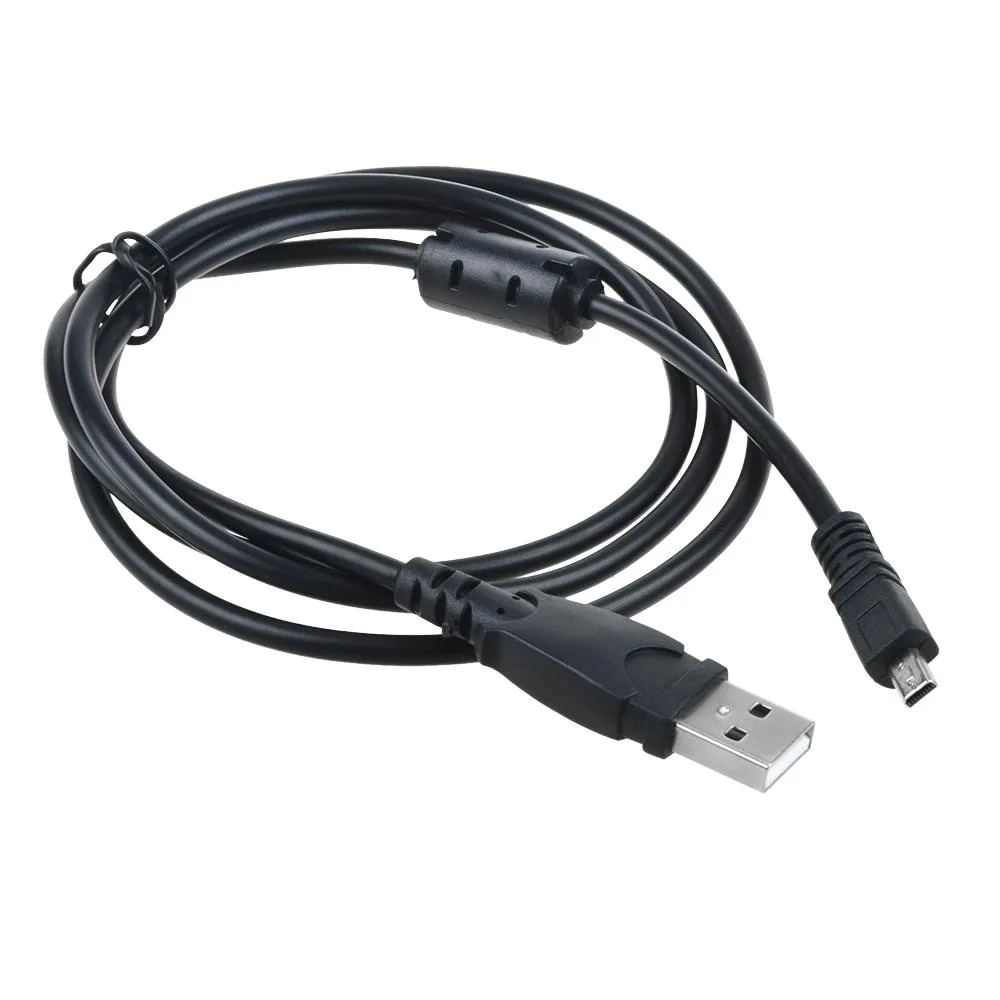
ABLEGRID USB 2.0 Data Sync Cable for Nikon D3200 D5000 D5100 1.02m
A USB 2.0 cable syncs and charges Nikon D3200, D5000 and D5100 cameras at up to 480 Mbps with foil and braid shielding over 1.02 m
- ColorBlack
- Syncs photos at up to 480 Mbps with USB 2.0
- Shielded foil and braid cuts EMI/RFI interference
- Twisted-pair build keeps data transfers error-free
- Oxygen-free copper core ensures clean signal delivery
- 02 m length gives comfortable reach for camera connections
USB 2.0 cable for Nikon DSLRs
This 1.02m cable connects Nikon D3200, D5000 and D5100 cameras to a USB-ready computer, hub or photo printer for picture transfer. It uses USB 2.0 with twisted-pair construction and foil plus braid shielding to reduce EMI/RFI interference. Oxygen-free copper cores support data rates up to 480Mbps. The black cable is backward compatible with USB 1.0 and 1.1 ports.
Replaces lost or damaged original cables
The cable is a non-OEM replacement for the manufacturer-supplied USB lead that originally shipped with the listed Nikon models. It restores the ability to offload images directly to a computer without a card reader. The upgrade is worth it when the original cable is missing, frayed or no longer maintains a reliable connection.
Fits standard USB-A ports on any computer
The cable plugs into a standard USB-A port on a desktop, laptop or hub and requires no external power supply. Its 1.02m length frees the camera from sitting directly beside the machine during transfers. The lightweight build makes it easy to pack in a camera bag for field use.
Highlights
- Syncs photos at up to 480 Mbps with USB 2.0
- Shielded foil and braid cuts EMI/RFI interference
- Twisted-pair build keeps data transfers error-free
- Oxygen-free copper core ensures clean signal delivery
- 02 m length gives comfortable reach for camera connections
Specifications
| Brand | ABLEGRID |
|---|---|
| Color | Black |
Questions about this item
What camera ports does the USB 2.0 cable fit on the Nikon D3200, D5000 and D5100?
The cable plugs into the mini-USB port on each of those Nikon DSLR models and into a standard USB-A port on the computer or hub.
How do I connect the cable for picture transfer and what step is often missed?
Insert the mini-USB end into the camera, the USB-A end into the computer, then turn the camera on and set it to mass-storage or PTP mode so the PC recognises it.
When should I replace the 1.02 m USB 2.0 sync cable?
Replace it if the connectors become loose, the sheathing frays, or data transfers drop below the 480 Mbps USB 2.0 rate.
New to this? Which coin should you pay with — what to check, what it costs to pay, and what is never asked for.
Also in this aisle
People compared these
Same shelf, same checkout — eight coins and a 30-minute rate lock.


YOUHUA
YOUHUA SATA Cable Kit 2×Data 0.48 m 2×Power 0.16 m
- Sata cables: 2 SATA…
$8.99
0.00010323BTC
In stock
Micro Connectors
Micro Connectors SATA cable 40 inches straight to right angle locking latch black 3 pack
- Black
$6.99
0.00008027BTC
In stock