


Vszerda
Vszerda DisplayPort to HDMI Adapter 2Pcs
Two-pack DisplayPort male to HDMI female adapters supporting 4K at 60 Hz and 1080p at 120 Hz with mirror or extend modes
- 4K UHD at 60 Hz for sharp video
- 1080p at 120 Hz with YCbCr420 for smooth motion
- Mirror or extend displays as with native HDMI
- Plug‑and‑play setup needs no drivers
- Two adapters included for multiple connections
Vszerda DP to HDMI Adapter 2-Pack
This pack contains two DisplayPort male to HDMI female adapters for connecting a DP source to an HDMI display. They suit desktop users, laptop owners and projector setups that need 4K UHD at 60 Hz or 1080p at 120 Hz. Both mirror and extend modes are supported for multi-screen workflows.
Installing the Vszerda Adapters
Installation is a simple plug-and-play process with no drivers required. Connect the DisplayPort end to the source and an HDMI cable to the female port. The embedded clock architecture reduces EMI susceptibility. Ensure the source outputs a listed resolution; unsupported timings will result in no signal or a blank screen.
Buyers Who Need 4K 60 Hz or 1080p 120 Hz
These adapters suit users who want to add an HDMI monitor, TV or projector to a DisplayPort output at the stated refresh rates. They do not suit buyers who need higher refresh rates at 1440p or 4K, nor those who require an active converter for DisplayPort++ dual-mode sources that lack native HDMI signalling.
Highlights
- 4K UHD at 60 Hz for sharp video
- 1080p at 120 Hz with YCbCr420 for smooth motion
- Mirror or extend displays as with native HDMI
- Plug‑and‑play setup needs no drivers
- Two adapters included for multiple connections
Specifications
No published specifications for this item yet.
Questions about this item
How do I confirm the adapter is delivering 4K at 60Hz after connecting it?
Check your display settings and verify the output shows 3840 x 2160 at 60Hz; the adapter supports this resolution and refresh rate natively.
What comes in the package and do I need any extra cables?
The box includes two DisplayPort male to HDMI female adapters; you will need your own HDMI cable to reach the TV or monitor.
Which adapter should I pick for 1080p at 120Hz versus 4K at 60Hz?
Both adapters are identical — each handles 1080p at 120Hz in YCbCr420 and 4K at 60Hz, so either one works for either use case.
New to this? Which coin should you pay with — what to check, what it costs to pay, and what is never asked for.
Also in this aisle
People compared these
Same shelf, same checkout — eight coins and a 30-minute rate lock.


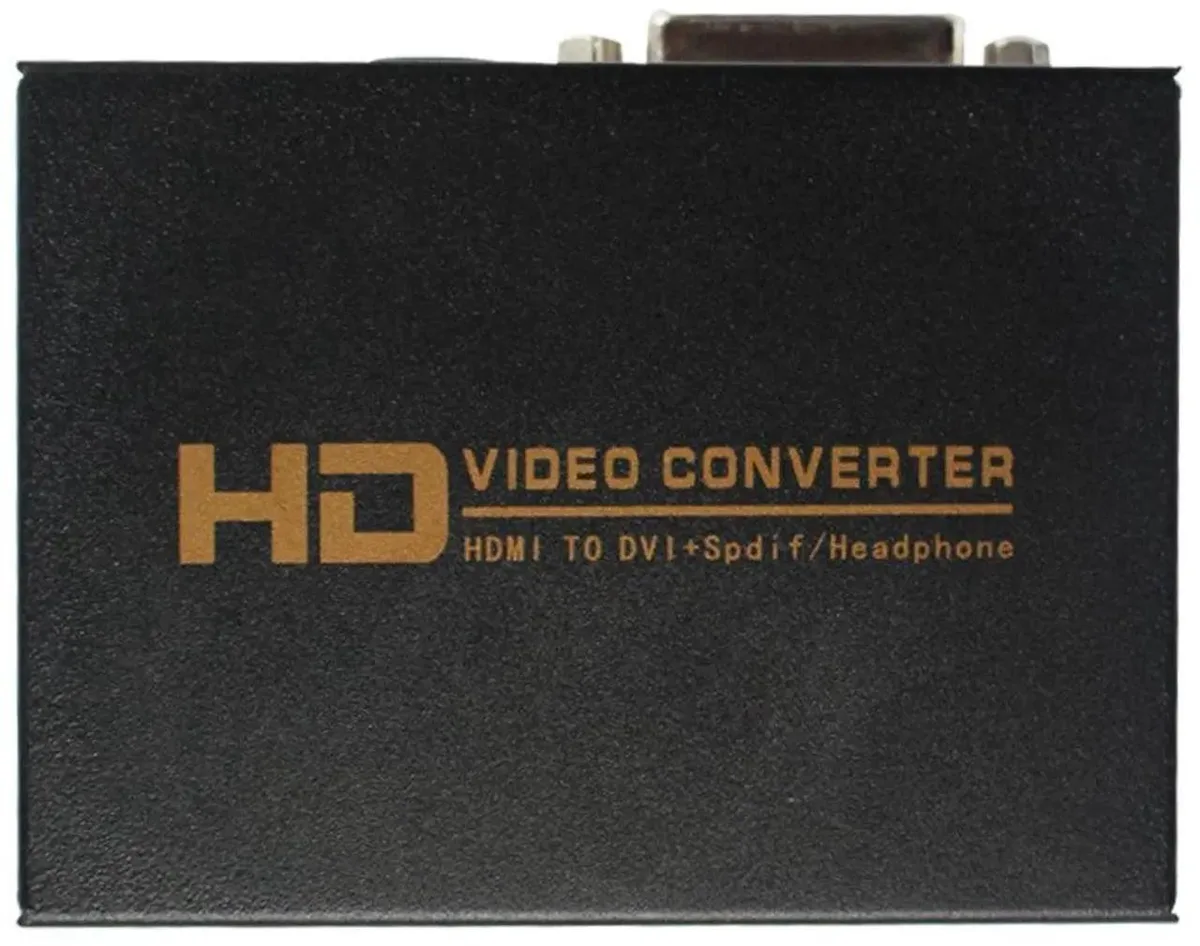
SMUGDESK
SMUGDESK HDMI to DVI + SPDIF/3.5mm Audio Converter with US Power Supply
$21.99
0.00025436BTC
In stock

AVMatrix
AVMatrix SC1112-12G 12G-SDI to HDMI 2.0 4K audio video converter
$157.99
0.00182749BTC
In stock