


Vszerda
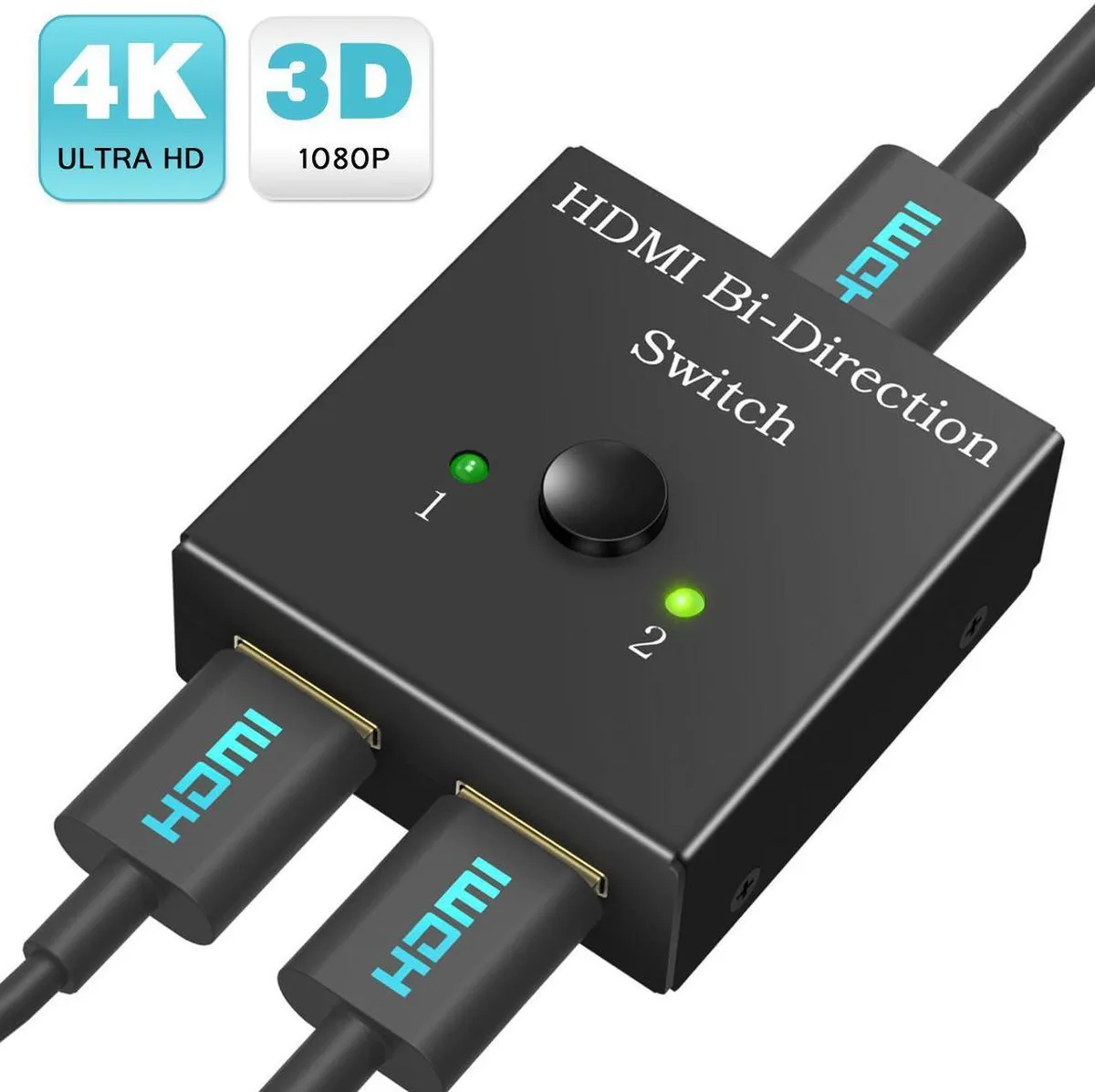
Vszerda Bi-Directional HDMI Switch 2×1/1×2 Manual 4K@30Hz HDMI 1.4
A bi-directional HDMI 1.4 switch toggles two sources to one display or one source between two displays at up to 4K@30Hz
- Switch two sources to one display with a manual button
- Connect one source to two displays and toggle between them
- Supports 4K at 30 Hz and 1080p at 60 Hz
- HDMI 1.4 interface with 3.4 Gbps bandwidth
- Operates from 0 °C to 70 °C (32 °F to 158 °F)
Bi-Directional HDMI Switch
The Vszerda bi-directional HDMI switch handles two roles in one compact unit. It can route two source devices to a single display or send one source to two displays, toggling between them with a manual button. Only one output is active at a time, making it suited for simple home-theatre or desktop setups.
Manual Button Installation
No drivers or external power are required; just connect the HDMI cables and press the button to switch. The mechanical switch provides a clear click, but it must be within reach of the user. Frequent switching can wear the button over time, and the unit does not auto-detect active signals.
4K@30Hz Headroom
The HDMI 1.4 interface passes video up to 4K at 30 Hz or 1080p at 60 Hz with a 3.4 Gbps bandwidth limit. It handles standard streaming boxes, consoles and PCs at those rates. Higher refresh rates, HDR metadata or 4K at 60 Hz exceed the link capacity and will not work.
Highlights
- Switch two sources to one display with a manual button
- Connect one source to two displays and toggle between them
- Supports 4K at 30 Hz and 1080p at 60 Hz
- HDMI 1.4 interface with 3.4 Gbps bandwidth
- Operates from 0 °C to 70 °C (32 °F to 158 °F)
Specifications
No published specifications for this item yet.
Questions about this item
How can I confirm the Vszerda HDMI switch is passing a 4K signal correctly after connecting my devices?
Press the manual button to select the active input or output; the connected display should show a stable 4K image at 30 Hz or 1080p at 60 Hz without flicker.
What comes in the box with the Vszerda bi-directional HDMI switch and do I need to buy any cables separately?
The switch itself is included; HDMI cables for your sources and displays are not supplied and must be purchased separately.
Which version of the Vszerda switch should I choose if I need to toggle between two monitors from one laptop?
This single model operates as a 1×2 switch — connect the laptop to the input and two monitors to the outputs, then press the button to select which monitor is active.
New to this? Which coin should you pay with — what to check, what it costs to pay, and what is never asked for.
Also in this aisle
People compared these
Same shelf, same checkout — eight coins and a 30-minute rate lock.



Black Box Corporation
Black Box Corporation CAT6 EZ-RJ45 Modular Plugs 100-Pack
$95.99
0.00114501BTC
In stock
