


Vszerda
Vszerda 4K HDMI Switch 2x1 Audio Extractor OZV2
Switches two HDMI sources to one display while extracting audio via optical, coaxial, RCA and 3.5 mm outputs
- Switch 2 HDMI sources to one display without cable swapping
- Extract audio via Optical, Coaxial, RCA L/R or 3.5 mm jack
- 4K at 60 Hz with 18.5 Gbps bandwidth and HDR10 support
- HDMI 2.0 and HDCP 2.2 compliant for protected 4K content
- Includes remote control for convenient input switching
Two-input HDMI switch with audio extraction
The Vszerda OZV2 routes two HDMI sources to a single display and extracts embedded audio through optical, coaxial, RCA and 3.5 mm outputs. It handles video up to 4K at 60 Hz, 1080p at 120 Hz and 4Kx2K at 20 or 30 Hz with 24-bit colour. Maximum bandwidth reaches 600 MHz per channel and 18.5 Gbps per display. HDMI 2.0 and HDCP 2.2 are supported.
Plug-and-play installation with remote control
Connect up to two source devices and one display using standard HDMI cables, then choose the active input with the included remote. The unit passes through LPCM 7.1, Dolby TrueHD and DTS-HD Master Audio bitstreams but does not decode them. Coaxial and optical ports support ARC for TV audio return; the 3.5 mm and RCA outputs provide stereo extraction only. No drivers or firmware updates are required.
Suits dual-source home-theatre setups needing
Ideal for users who switch between a console and a streamer while feeding a soundbar or AV receiver via optical or coaxial. Builders who require more than two inputs, HDMI 2.1 features such as 4K at 120 Hz or VRR, or on-device decoding of Dolby and DTS formats should consider a different class of switcher.
Highlights
- Switch 2 HDMI sources to one display without cable swapping
- Extract audio via Optical, Coaxial, RCA L/R or 3.5 mm jack
- 4K at 60 Hz with 18.5 Gbps bandwidth and HDR10 support
- HDMI 2.0 and HDCP 2.2 compliant for protected 4K content
- Includes remote control for convenient input switching
Specifications
No published specifications for this item yet.
Questions about this item
How can I confirm the 4K@60Hz signal is passing through after connecting both HDMI sources and the display?
Switch between the two HDMI inputs using the remote or front button; the display should show each source at up to 4Kx2K@60Hz with 24-bit RGB or YCbCr 4:4:4, and the front LED indicates the active port.
What cables and accessories are included, and which audio cables must I provide separately?
The unit ships with the switch and a remote control; you must supply two HDMI cables for the sources, one HDMI cable for the display, plus any optical TOSLINK, coaxial, RCA L/R or 3.5 mm cables needed for your audio system.
Which audio output should I choose for 5.1 surround from a streaming device versus stereo for headphones?
Use the optical TOSLINK or coaxial output for 5.1 Dolby Digital from the source; use the 3.5 mm jack or RCA L/R for 2-channel stereo analog, noting these two do not support ARC.
New to this? Which coin should you pay with — what to check, what it costs to pay, and what is never asked for.
Also in this aisle
People compared these
Same shelf, same checkout — eight coins and a 30-minute rate lock.


SMUGDESK
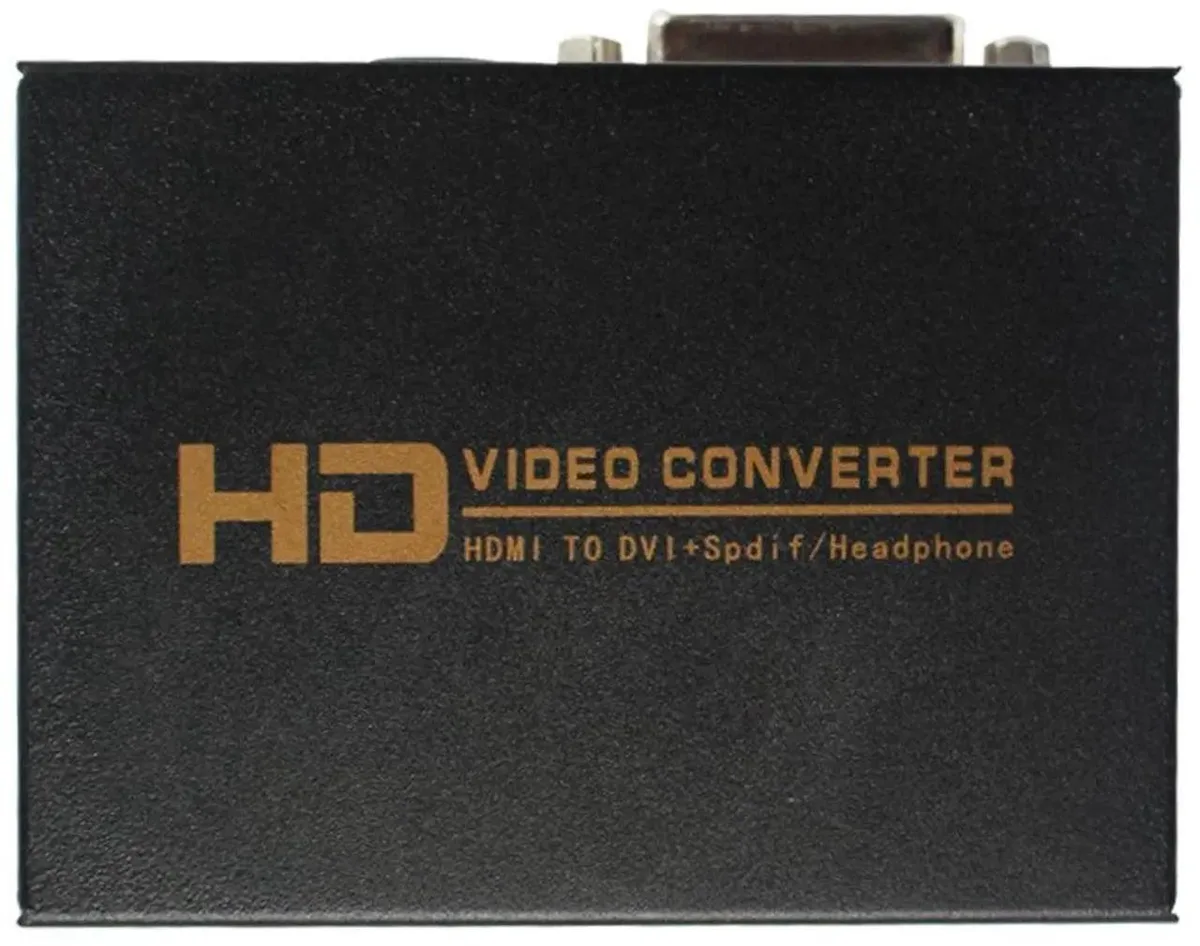
SMUGDESK HDMI to DVI + SPDIF/3.5mm Audio Converter with US Power Supply
$21.99
0.00025436BTC
In stock

AVMatrix
AVMatrix SC1112-12G 12G-SDI to HDMI 2.0 4K audio video converter
$157.99
0.00182749BTC
In stock