


True Image
True Image TN360 Black Toner Cartridge 2600 Pages
Black laser toner cartridge yielding 2600 pages at 5% coverage, compatible with Brother HL-2140, HL-2150, HL-2170, DCP-7030, DCP-7040, DCP-7045N, MFC-7320, MFC-7340, MFC-7345N, MFC-7440N, MFC-7450.
- Cartridge QuantitySingle Pack
- Cartridge ColorBlack
- Replacement BrandBrother
- Replacement ModelBrother
- Compatible Productsfor Brother HL-2140 Toner for Brother HL-2150 Toner for Brot
- Approximate Page Yield2600 Pages
- Prints up to 2600 pages at 5% coverage
- Compatible with Brother HL-2140, HL-2150, HL-2170 series
- Works with Brother DCP-7030, DCP-7040, DCP-7045N models
- Fits Brother MFC-7320, MFC-7340, MFC-7440N printers
- Supports Ricoh Aficio SP 1200 and SP 1210 series
TN360 compatible toner for Brother laser printers
The True Image TN360 black toner cartridge replaces the original Brother TN360 in a wide range of HL, DCP and MFC laser printers. It is aimed at home offices and small businesses that need reliable monochrome output without paying OEM prices.
Laser printing runs cool
Laser print technology produces no ink-drying noise and the cartridge operates within the printer’s normal thermal and electrical envelope. No extra cooling or power provision is required beyond what the host printer already supplies.
Drop-in fit for listed Brother models frees budget
The cartridge installs directly into the compatible Brother HL-2140, HL-2150, HL-2170, DCP-7030, DCP-7040, MFC-7340, MFC-7840W and Ricoh Aficio SP 1200 or 1210 series printers. It is not suited for colour printing, high-capacity needs beyond 2600 pages at 5 % coverage, or printers outside the listed compatibility list.
Highlights
- Prints up to 2600 pages at 5% coverage
- Compatible with Brother HL-2140, HL-2150, HL-2170 series
- Works with Brother DCP-7030, DCP-7040, DCP-7045N models
- Fits Brother MFC-7320, MFC-7340, MFC-7440N printers
- Supports Ricoh Aficio SP 1200 and SP 1210 series
Specifications
| Brand | True Image |
|---|---|
| Series | TN360 |
| Model | TN360 |
| Cartridge Quantity | Single Pack |
| Cartridge Color | Black |
| Replacement Brand | Brother |
| Replacement Model | Brother |
| Compatible Products | for Brother HL-2140 Toner for Brother HL-2150 Toner for Brother HL-2150N Toner for Brother HL-2170 Toner for Brother HL-2170W Toner for Brother DCP-7030 Toner for Brother DCP-7040 Toner for Brother DCP-7045N Toner for Brother MFC-7320 Toner for Brother MFC-7340 Toner for Brother MFC-7345N Toner for Brother MFC-7345DN Toner for Brother MFC-7440N Toner for Brother MFC-7440N Toner for Brother MFC-7450 Toner for Brother MFC-7840W Toner Ricoh Aficio SP 1200 1210 series |
| Approximate Page Yield | 2600 Pages |
| Coverage | 5% |
| Type | Compatible Toner |
| Features | Print Technology: Laser |
| Option | TN360 |
Other versions of this model
5 more in the same range
Same family, different memory, cooler or clock — compare before you commit.


True Image
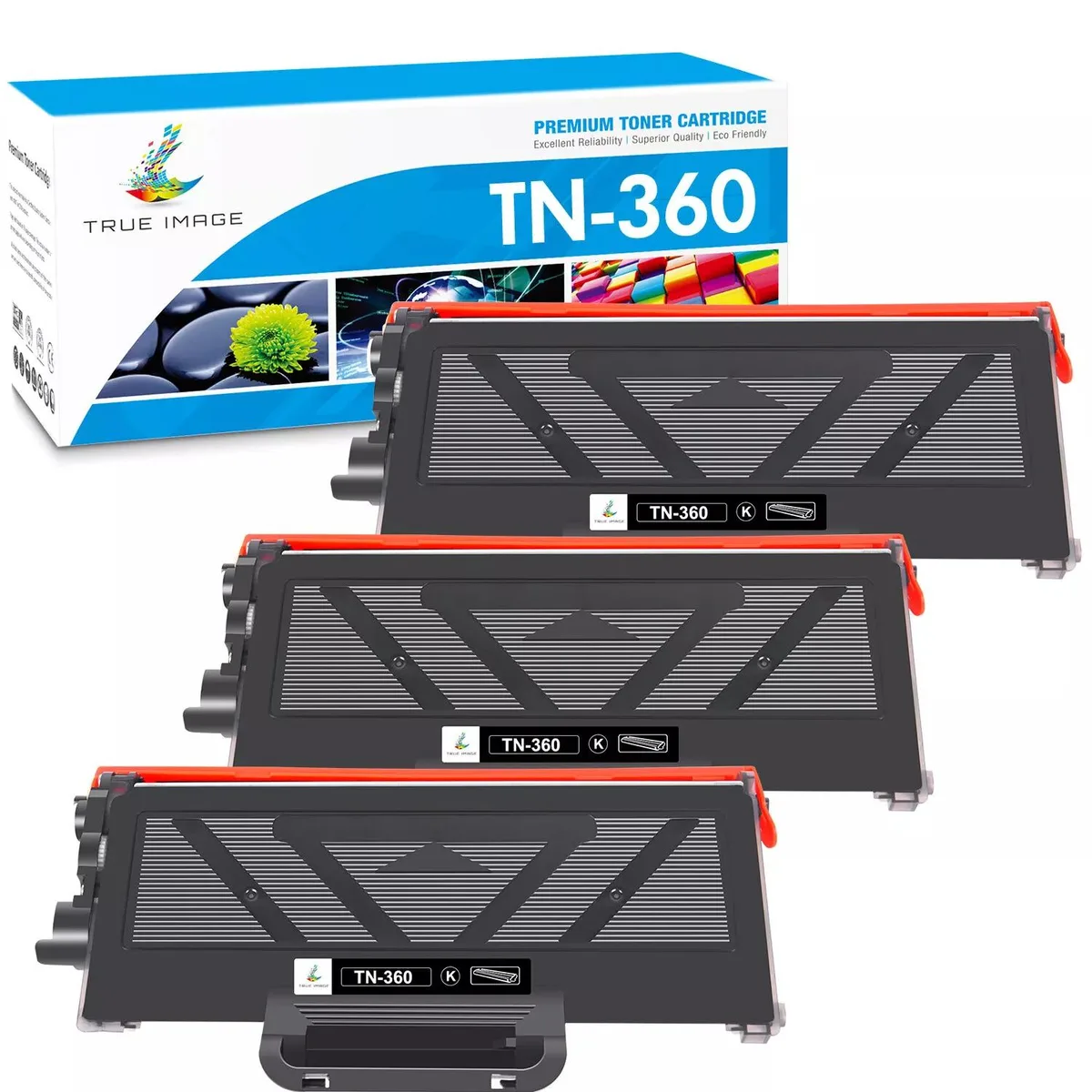
True Image TN360 Black Toner Cartridge 3 Pack 2600 Pages
- 3 Pack
- Black
$30.99
0.00036629BTC
In stock

True Image
True Image TN360 Black Toner Cartridge 6 Pack 2600 Pages
- 6 Pack
- Black
$46.99
0.0005554BTC
In stock
Questions about this item
How do I install the TN360 cartridge in my Brother HL-2140, and what step is often missed?
Open the front cover, pull out the drum unit, press the green lock lever to release the old cartridge, unpack the new TN360, gently shake it side-to-side five or six times, insert it until it clicks, then slide the drum back in and close the cover.
What will need replacement after the TN360 toner runs out?
The TN360 is a toner-only cartridge; when the 2600-page yield at 5% coverage is reached you replace this cartridge. The separate drum unit (DR360) typically lasts several toner cycles and is replaced only when print quality degrades.
What limit appears first during a long, continuous print job with the TN360?
The printer's internal temperature protection will pause printing before the toner itself is exhausted, letting the fuser cool down; after the pause the job resumes until the 2600-page yield is reached.
Also in this aisle
People compared these
Same shelf, same checkout — eight coins and a 30-minute rate lock.



CHIEF MANUFACTURING
CHIEF MANUFACTURING CMS018 18" 457 mm Fixed Extension Column projector accessory
- Extension Column
- Projector
$22.99$22.99
0.00027173BTC
In stock