


TROPRO
TROPRO GPU Support Bracket 49-80mm
An all-aluminium bracket with a magnetic base adjusts from 49 to 80 mm to stop graphics-card sag in ATX, M-ATX or ITX cases
Size M (49-80mm)
- L (70-120mm)
- M (49-80mm)
- S (26-50mm)
Color Black
- Black
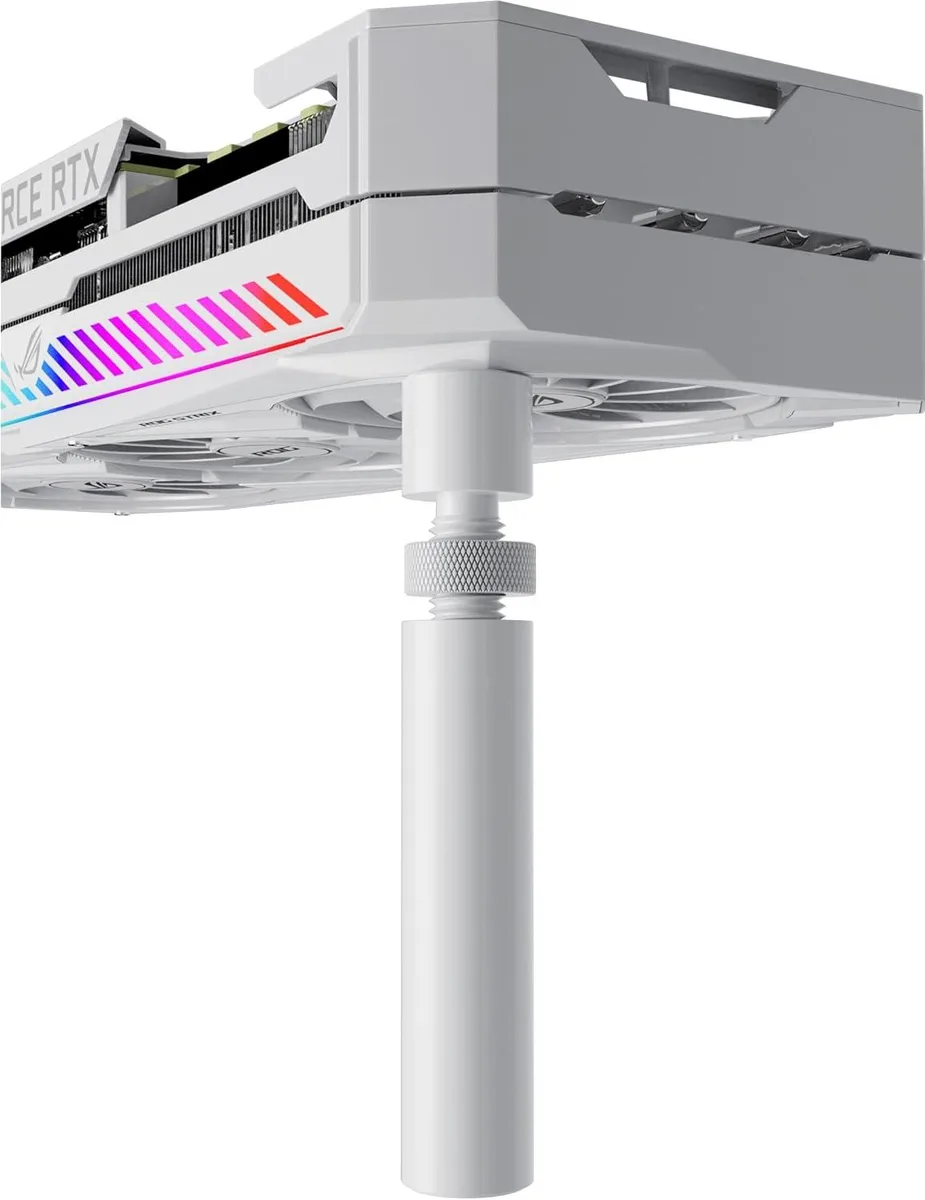
- White
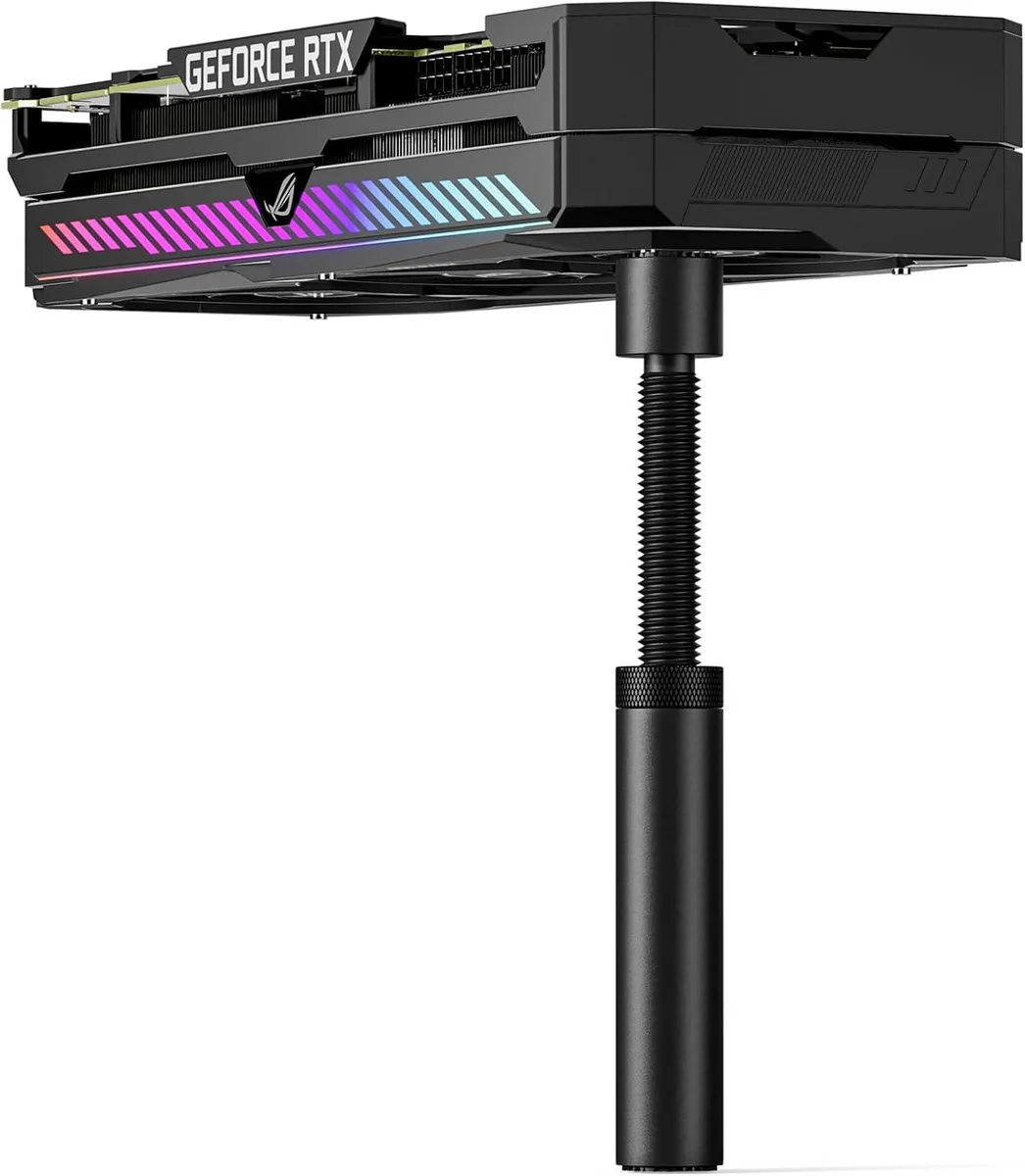
- Sturdy all-aluminium construction prevents GPU sag
- Height adjustable from 49mm to 80mm via screw nut
- Magnetic base secures bracket firmly inside chassis
- Tool-free twist adjustment for quick installation
- Compatible with ATX, M-ATX and ITX cases
Universal GPU Sag Bracket
The TROPRO GPU Support Bracket is an all-aluminium brace that prevents graphics card sag in desktop builds. Its adjustable screw mechanism spans 49 to 80 mm, covering a wide range of chassis layouts. A hidden magnetic base locks the stand firmly to the case floor without tools. The bracket suits ATX, M-ATX and ITX configurations alike.
Replaces Improvised Props
Builders who currently use zip-ties, foam blocks or makeshift stands gain a rigid, height-tunable alternative that installs in seconds. The jump is worth it when a heavy card visibly bends the PCB or stresses the PCIe slot over time. It eliminates the guesswork of stacking objects to the exact gap height. No permanent case modification is required.
Fits Standard Tower Builds
The magnetic foot adheres to any steel panel, freeing the user from drilling or Velcro strips. Twisting the knurled nut sets the precise support height between the case floor and the graphics card backplate. This leaves the motherboard and expansion slots unstressed while keeping airflow paths clear. The compact footprint works inside crowded power-supply tunnels.
Highlights
- Sturdy all-aluminium construction prevents GPU sag
- Height adjustable from 49mm to 80mm via screw nut
- Magnetic base secures bracket firmly inside chassis
- Tool-free twist adjustment for quick installation
- Compatible with ATX, M-ATX and ITX cases
Specifications
No published specifications for this item yet.
Other versions of this model
3 more in the same range
Same family, different memory, cooler or clock — compare before you commit.


Questions about this item
How much clearance do I need between the case floor and the graphics card backplate for this bracket to fit?
The bracket adjusts from 49 mm to 80 mm, so measure the gap in your chassis; if it falls inside that range the bracket will span it.
What is the correct way to set the height before tightening the bracket in place?
Twist the adjustment nut until the top pad contacts the card backplate, then lock the nut; skipping the lock step lets the bracket creep down over time.
Will the magnetic base lose its grip after repeated case moves or vibration?
The magnet is embedded in the aluminum base and rated for the weight of modern graphics cards; normal transport and fan vibration do not degrade its hold.
New to this? Which coin should you pay with — what to check, what it costs to pay, and what is never asked for.
Also in this aisle
People compared these
Same shelf, same checkout — eight coins and a 30-minute rate lock.


Transway's Marketplace
Transway's Marketplace CU0122 1.8 m USB 3.0 A Male to B Male printer cable
$15.99
0.00018464BTC
In stock
Transway's Marketplace
Transway's Marketplace CU0093 1.8 m USB 2.0 A Male to B Male Printer Cable, Crystal Blue
$8.99
0.00010381BTC
In stock
Transway's Marketplace
Transway's Marketplace 10 ft USB to Parallel Printer Adapter
$21.99
0.00025392BTC
In stock