

Targus
Targus USB 2.0 Micro Bluetooth Adapter ACB10US1-60 128bit encryption
A USB 2.0 micro adapter adds Bluetooth to a computer, letting you link up to seven peripherals and sync smartphones with 128-bit encryption
- Wireless Internet access via Bluetooth phone or PDA
- Connect up to 7 Bluetooth devices without cables
- 128-bit encryption secures every connection
- Automatic PDA and smartphone sync with Outlook
- USB 2.0 micro adapter for cordless peripherals
USB 2.0 Micro Bluetooth Adapter
The Targus USB 2.0 Micro Bluetooth Adapter lets you add wireless connectivity to a laptop or desktop through a single USB port. It supports up to 7 Bluetooth peripherals such as keyboards, mice, printers and phones. Plug-and-play operation with 128bit encryption keeps the link secure. The compact dongle stays inserted without blocking neighbouring ports.
For cable-free peripheral users
This adapter suits anyone who wants to connect mice, keyboards, printers or phones without cables and who needs a simple, secure link. It is not for users who require longer wireless range than a standard micro adapter provides. Buyers needing higher data throughput for audio streaming or large file transfers should look at a different class of device. Systems without an available USB port cannot use it.
128bit encryption and authentication
The single specification that decides fit is the 128bit encryption and authentication built into the adapter. It ensures that paired devices communicate over a secured channel, which is essential for business data sync and modem tethering. If your environment demands a different security level or protocol, this adapter will not meet that requirement.
Highlights
- Wireless Internet access via Bluetooth phone or PDA
- Connect up to 7 Bluetooth devices without cables
- 128-bit encryption secures every connection
- Automatic PDA and smartphone sync with Outlook
- USB 2.0 micro adapter for cordless peripherals
Specifications
No published specifications for this item yet.
Questions about this item
What does the USB 2.0 interface cap for this Bluetooth adapter?
The USB 2.0 interface limits the adapter to its maximum rated throughput, which governs how quickly data moves between the dongle and the host computer.
What physical space does the micro form factor need to fit?
The micro design protrudes only a few millimetres from the USB port, so it fits beside other connectors and stays inside a laptop sleeve without snagging.
How is the adapter installed, and which step do users often miss?
Plug the adapter into a USB 2.0 port, let the operating system load the generic Bluetooth stack, then open the Bluetooth settings to pair each device — skipping the pairing step leaves the link unencrypted.
Also in this aisle
People compared these
Same shelf, same checkout — eight coins and a 30-minute rate lock.


Astro Gaming
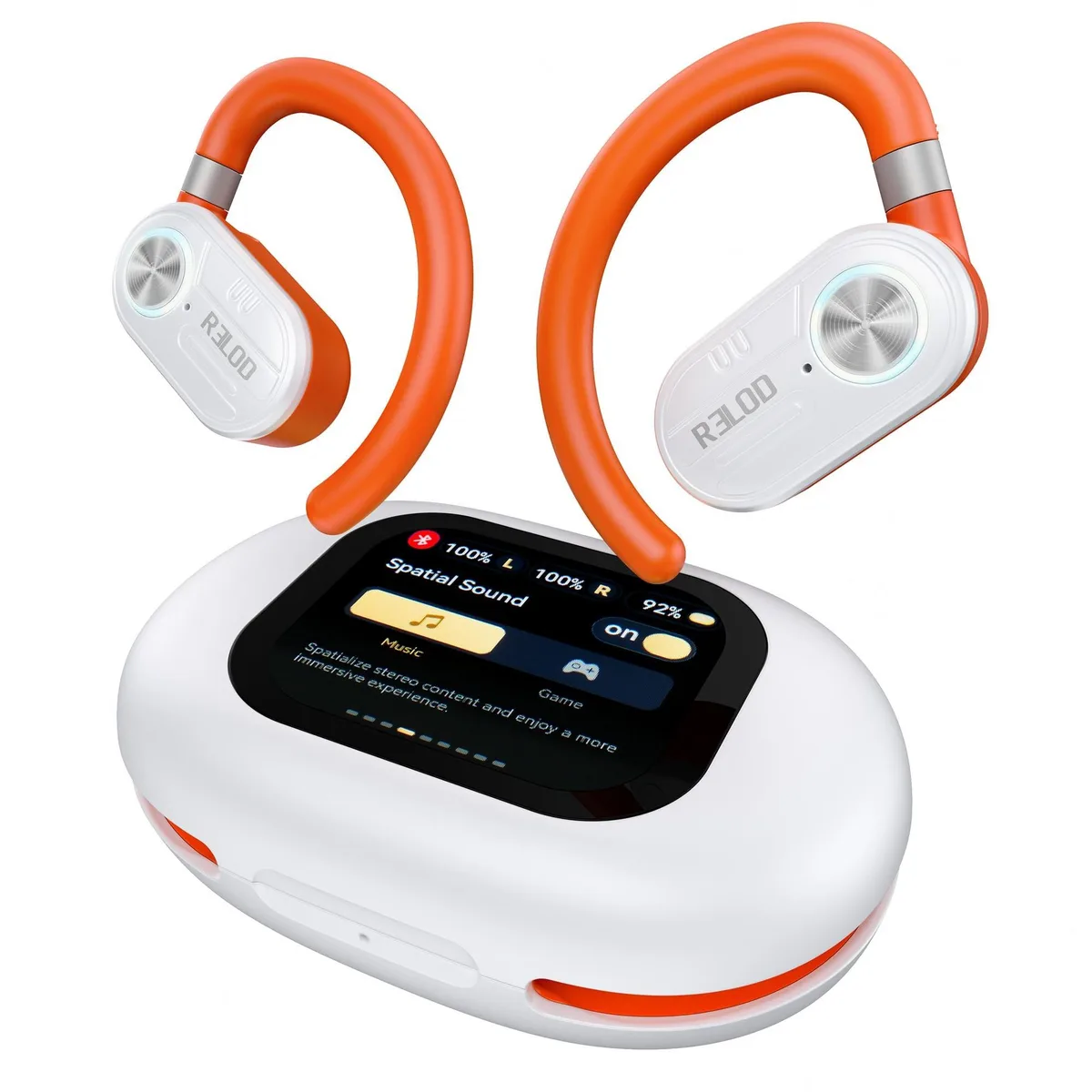
Astro Gaming TOUCHFIT PRO Open Ear Headphones 30h ENC 2.0 2 in 1 accessory
$123.99
0.00145264BTC
In stock