

Astro Gaming
Astro Gaming Wireless Keyboard Mouse Combo Silver White 2 in 1 Accessories
$43.99
0.00052297BTC
In stockWe take cryptocurrency — so the coins you hold can buy real hardware.Pay in crypto, spend it on real hardware. Free insured shipping worldwide over $399. Plain, unbranded boxes, sent from Germany.Free insured shipping over $399. Your rate is locked for 30 minutes once checkout opens.Rate locked 30 minutes. Every item sealed, serial-checked and covered by a 24-month warranty.Sealed, 24-month warranty.
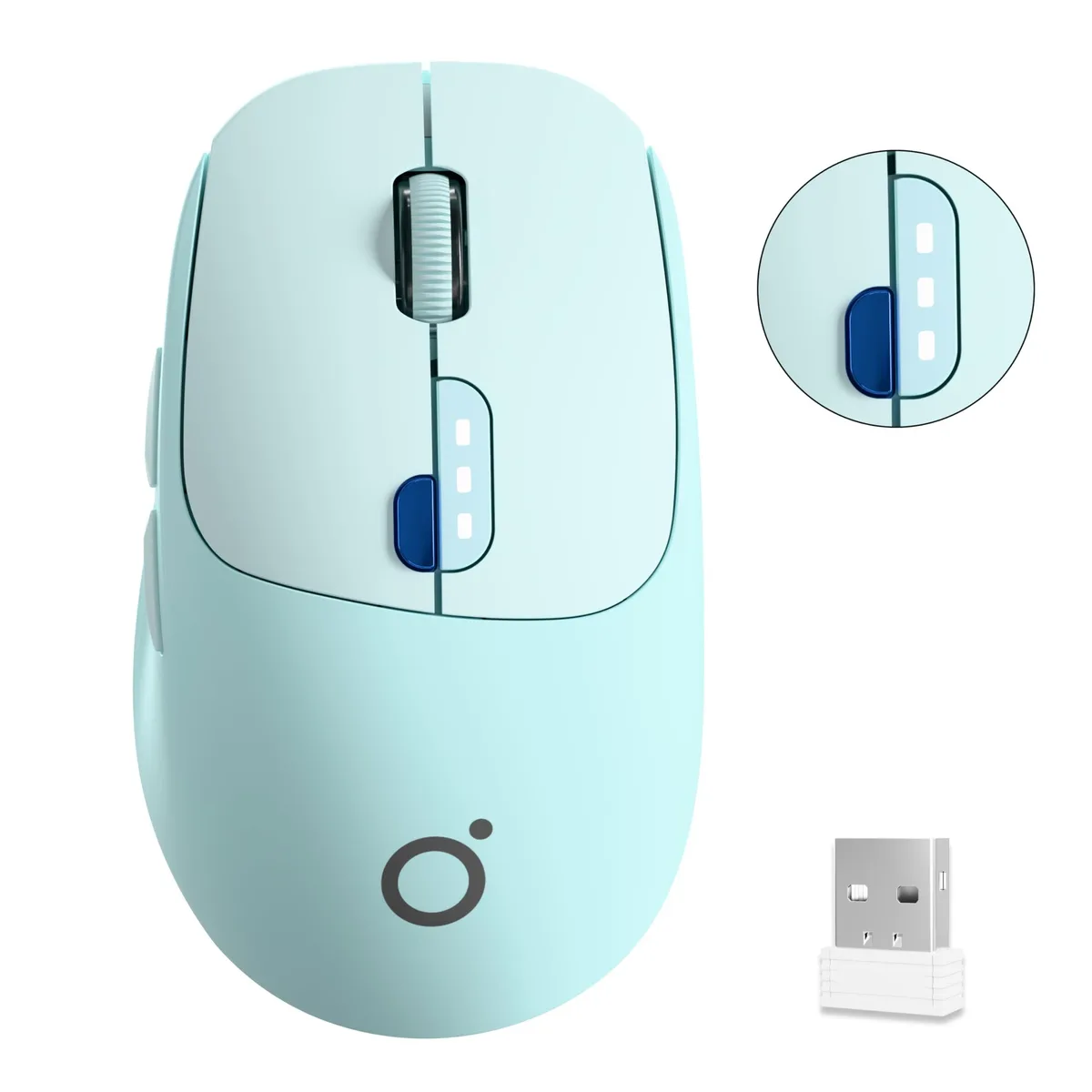


EWEADN
A dual-mode wireless mouse with Bluetooth 5.0 and 2.4G connectivity, 1600 DPI tracking, a 500mAh rechargeable battery, and a one-click privacy key
The EWEADN mouse combines Bluetooth 5.0 and 2.4 GHz wireless connectivity in a single device. It targets professionals and remote workers who switch between a laptop, desktop and tablet throughout the day. A dedicated privacy key lets users hide the desktop instantly. The 500 mAh battery recharges via Type-C.
Bluetooth 5.0 and the 2.4 GHz dongle share the same 1600 DPI sensor, so precision does not change between modes. The 2.4 GHz link requires a free USB-A port for its receiver; Bluetooth works without one but depends on the host radio quality. Both radios enter sleep after 10 minutes of inactivity to save power. Range and stability vary with obstacles and competing 2.4 GHz traffic.
Pairing is a simple scroll-wheel toggle: press to switch between the two paired hosts. Charge the mouse with any Type-C cable; the three-step LED under the wheel shows remaining capacity. If the cursor stutters, move the dongle to a front port or use a short extender to clear metal interference. Bluetooth pairing follows the standard OS menu; no driver is required. The silent clicks feel softer than mechanical switches, which some users find unfamiliar at first.
No published specifications for this item yet.
Use the 2.4 GHz dongle when you need the lowest latency on a desktop or laptop with a free USB-A port. Switch to Bluetooth 5.0 to connect a tablet or a second computer without occupying another port; the scroll-wheel toggle lets you move between the two links instantly.
The sensor is fixed at 1600 counts per inch, giving a brisk but controllable pointer speed on typical office monitors without needing software adjustment.
Bluetooth 5.0 provides a stable, low-latency link up to the standard 10 m range and pairs with Windows, macOS, Chrome OS and most tablets without extra drivers.
Also in this aisle
Same shelf, same checkout — eight coins and a 30-minute rate lock.
What you pay in, and what you read prices in.
Sent from your wallet at checkout
Display only — the catalogue is priced in USD
No currency matches that.
Pick the language the site speaks to you in.
No language matches that.
New here?
Already have one?
There is no automatic reset: this shop sends no mail, so there is no one-time link to ask for. Leave the address on the account and it gets picked up by hand.
Request noted
Nothing is on its way to your inbox — this shop sends no mail at all. Someone picks these up by hand.
Remembered it?


