


Targus
Targus ACA968GLX USB Display Adapter
Connect a USB-C device to an 8K display for editing or streaming
- Connect an 8K display via USB-C for ultra-high-definition editing and streaming
- USB-C to DisplayPort Alt. Mode adapter enables direct video output without extra drivers
- Supports photo and video editing workflows on a single high-resolution external screen
- Targus ACA968GLX model provides reliable USB-C display connectivity for compatible devices
USB-C to DisplayPort Adapter
The Targus ACA968GLX connects a USB-C device to a DisplayPort display using Alt Mode. It supports video output up to 8K resolution for editing, streaming or general productivity. The adapter suits professionals who need a simple link between a modern laptop or tablet and a high-resolution monitor. No extra drivers are required for basic operation.
Upgrade from basic video outputs
This adapter replaces limited onboard ports or lower-resolution dongles that cannot drive an 8K panel. The jump is worth it when your workflow demands the full pixel count of an ultra-high-definition display for colour-critical editing or multi-stream playback. It is not for users who only need 1080p or 4K output, or for systems without a USB-C port that supports DisplayPort Alt Mode.
Highlights
- Connect an 8K display via USB-C for ultra-high-definition editing and streaming
- USB-C to DisplayPort Alt. Mode adapter enables direct video output without extra drivers
- Supports photo and video editing workflows on a single high-resolution external screen
- Targus ACA968GLX model provides reliable USB-C display connectivity for compatible devices
Specifications
No published specifications for this item yet.
Questions about this item
What physical port does the ACA968GLX adapter need on the host device?
The adapter plugs into a USB-C port on your computer or tablet.
What is the correct order to connect the ACA968GLX adapter so the 8K display is detected?
Connect the adapter to the USB-C port first, then attach the DisplayPort cable to the adapter and the display.
New to this? Which coin should you pay with — what to check, what it costs to pay, and what is never asked for.
Also in this aisle
People compared these
Same shelf, same checkout — eight coins and a 30-minute rate lock.


WAWEIS
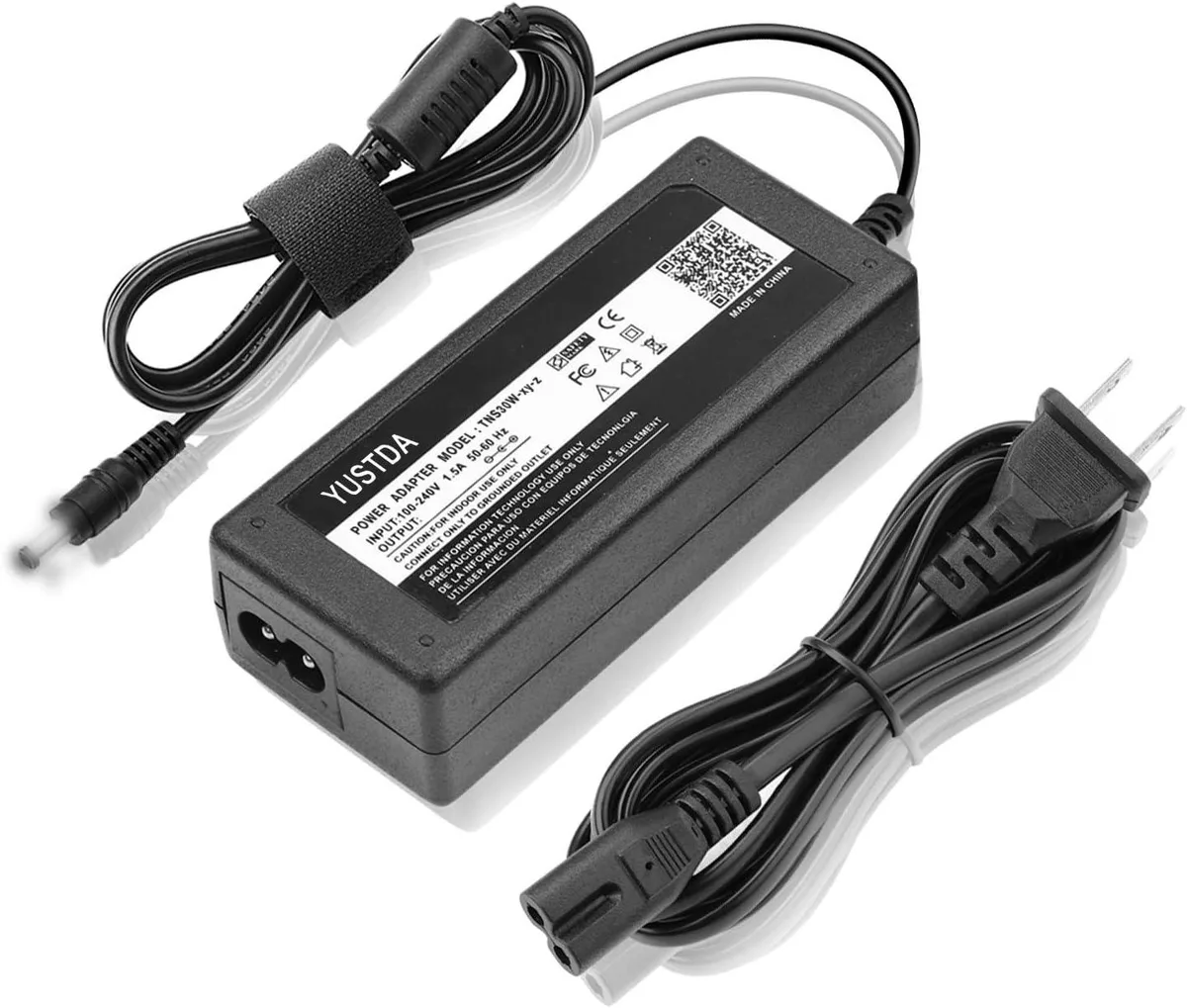
WAWEIS power adapter for AmazonBasics SB210 2.1 Channel Bluetooth Sound Bar
$15.99
0.00018453BTC
In stock
