


SXDOOL
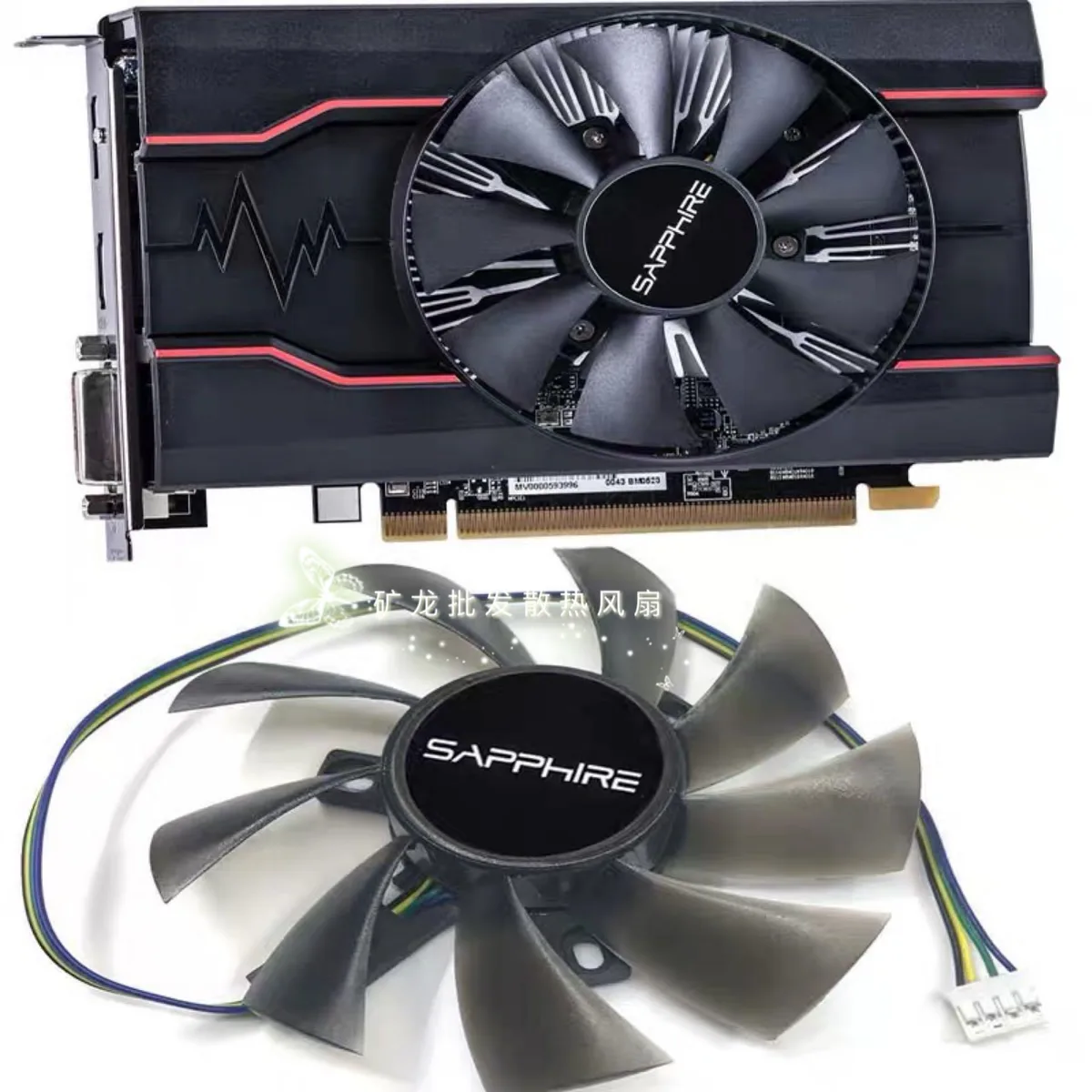
SXDOOL VGA Cooling Fan for Sapphire RX550 RX560 260X 750 650
Replacement cooling fan compatible with Sapphire RX 550, RX 560, R7 260X, R7 750 and R7 650 graphics cards
- Replaces the original cooler on Sapphire RX 550, 560, 260X, 750 and 650 cards
- Keeps your GPU running cool during extended gaming sessions
- Direct-fit design matches the factory mounting points exactly
- New replacement fan restores reliable airflow to the graphics board
Replacement Fan for Sapphire RX 550 560 260X 750 650
This cooling fan is built to fit Sapphire graphics cards including the RX 550 2G and 4G models as well as the RX 560 260X 750 and 650. It serves as a direct replacement for a worn or noisy original cooler. Gamers and PC builders restoring these specific cards can install it without modification. The part is not suited for cards outside this Sapphire lineup or for users needing a larger heatsink assembly.
Thermals Noise and Power Draw in Normal Use
The fan spins to move air across the existing heatsink keeping GPU temperatures stable during typical gaming or desktop loads. Acoustic output stays low enough for a quiet case environment when the curve is set conservatively. Power draw is minimal because the motor runs on the card's standard fan header. No extra connectors or external power are required for operation.
Highlights
- Replaces the original cooler on Sapphire RX 550, 560, 260X, 750 and 650 cards
- Keeps your GPU running cool during extended gaming sessions
- Direct-fit design matches the factory mounting points exactly
- New replacement fan restores reliable airflow to the graphics board
Specifications
No published specifications for this item yet.
Questions about this item
How do I install the SXDOOL fan on my Sapphire RX 550 4G and which step is often missed?
Remove the original cooler, clean the GPU die, apply fresh thermal paste, then mount the SXDOOL fan using the original screw holes; the step most people skip is cleaning off the old paste completely.
What maintenance will this replacement fan need after fitting it to a Sapphire RX 560?
Blow dust from the heatsink fins every few months with compressed air and listen for bearing noise; if the fan becomes loud or stops spinning, replace the entire fan assembly.
New to this? Which coin should you pay with — what to check, what it costs to pay, and what is never asked for.
Also in this aisle
People compared these
Same shelf, same checkout — eight coins and a 30-minute rate lock.



Black Box Corporation
Black Box Corporation CAT6 EZ-RJ45 Modular Plugs 100-Pack
$95.99
0.00114814BTC
In stock
