
Supermicro
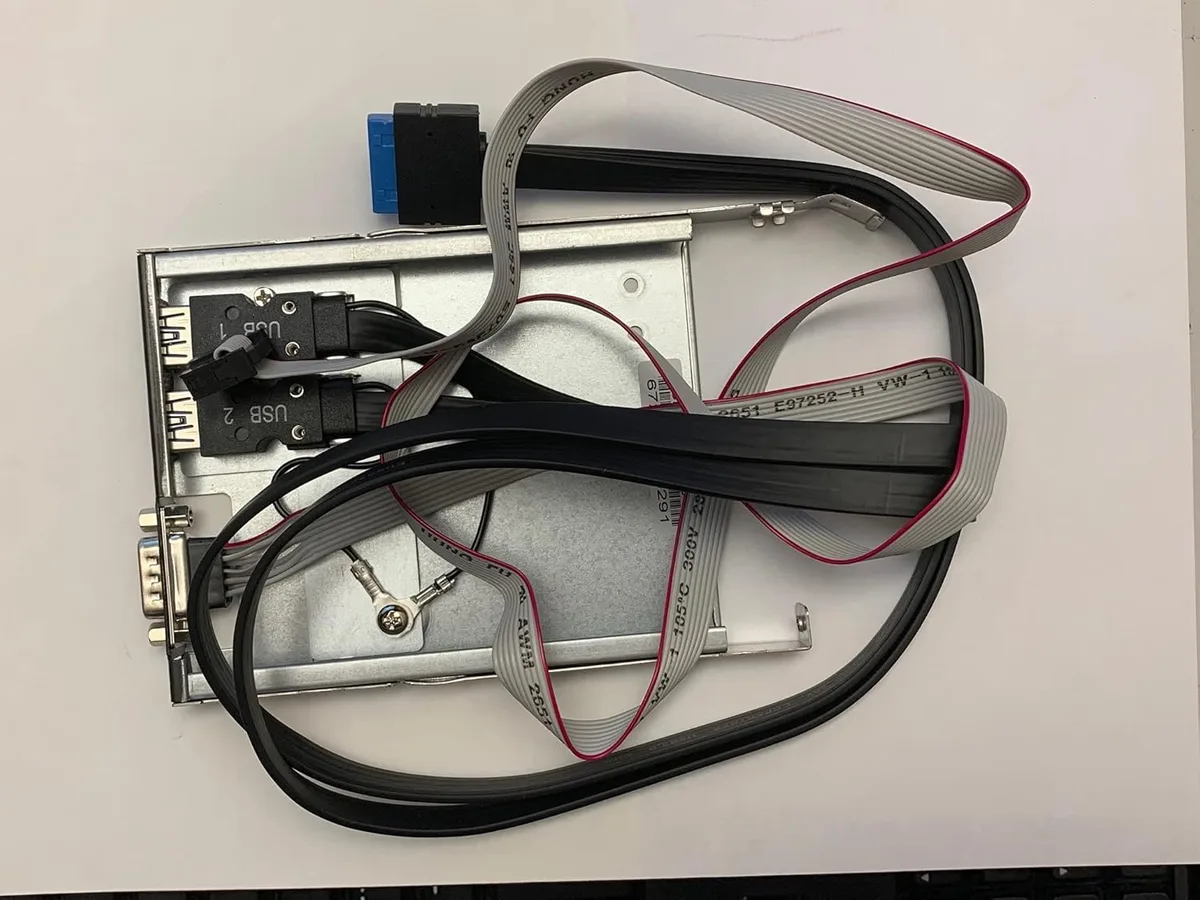
Supermicro MCP-220-00129-0B server accessory
A slim FDD bay tray adds two USB 3.0 ports and a COM port in black with RoHS and REACH compliance
- TypeConsumer Electronics
- Fits a slim FDD bay for front access
- Two USB 3.0 ports and a COM port included
- Black finish matches rack aesthetics
- RoHS and REACH certified for compliance
Drive bay adapter with USB 3.0 and COM ports
The Supermicro MCP-220-00129-0B fits a standard slim FDD bay and adds two USB 3.0 ports plus a serial COM port to the front panel. It is finished in black and carries RoHS and REACH environmental certifications. This accessory targets server builders and IT technicians who need legacy serial connectivity alongside modern high-speed USB at the rack front.
Replaces empty slim FDD bays on 1U and 2U chassis
Install this tray when a server lacks front USB 3.0 or a COM port for console access, KVM switching or legacy hardware management. The upgrade is worth it if the chassis has an unused slim FDD opening and the workload requires both interface types simultaneously. It does not suit builds that need additional drive bays or internal headers only.
Highlights
- Fits a slim FDD bay for front access
- Two USB 3.0 ports and a COM port included
- Black finish matches rack aesthetics
- RoHS and REACH certified for compliance
Specifications
| Brand | SUPERMICRO |
|---|---|
| Type | Consumer Electronics |
| Shipping weight | 0.45 kg |
| Package size | 178 × 127 × 25 mm |
Questions about this item
Does this adapter fit a standard slim floppy drive bay?
Yes, the tray is designed to mount in a slim FDD bay opening.
What is the correct way to secure the USB 3.0 and COM cables during installation?
Route each cable through the tray cut-outs and latch the connectors before screwing the tray into the bay.
New to this? Buying server hardware with crypto — what to check, what it costs to pay, and what is never asked for.
Also in this aisle
People compared these
Same shelf, same checkout — eight coins and a 30-minute rate lock.


LaCie
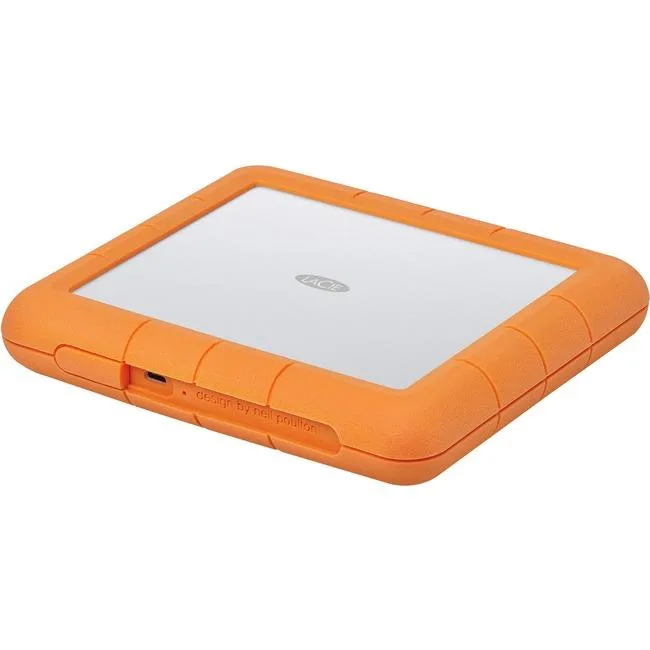
LaCie STHT8000800 8TB RAID subsystem USB 3.1 Type C RAID 0 1
- USB 3.1 Type C
- 0, 1
$445.99$471.99−6%
0.00514192BTC
In stock

SanDisk Professional
SanDisk Professional SDPH34H-024T-NBAAB 24TB RAID enclosure
- Thunderbolt 3 and U…
$1,337.99
0.01542601BTC
In stock