


STARTECH
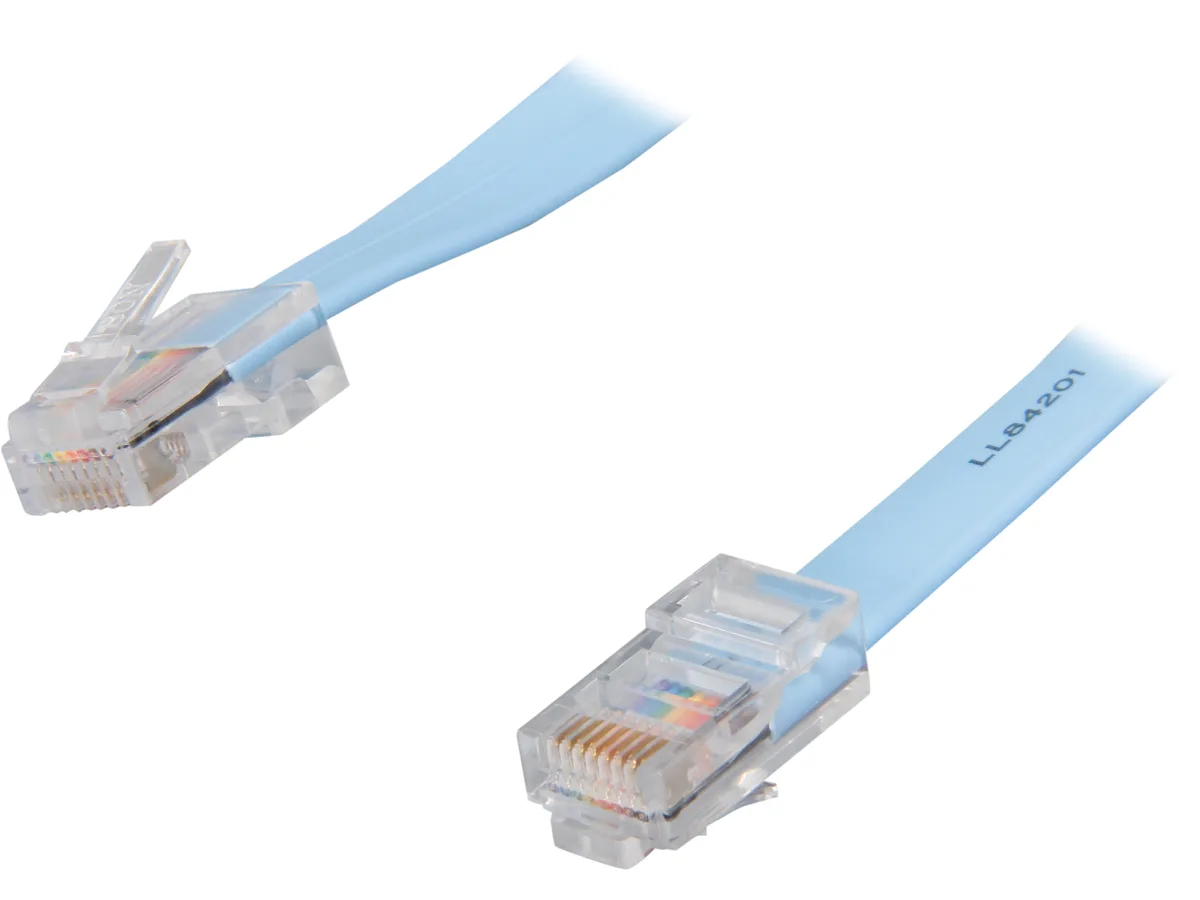
STARTECH ROLLOVERMM6 network ethernet cable 6 ft blue
Connects a computer terminal to a Cisco router console port using the Yost wiring standard with RJ45 male connectors on both ends in a 6 ft blue cable
- TypeNetwork Cable
- Connector ARJ45
- Connector BRJ45
- Length6 ft.
- ColorBlue
- FeaturesPortable design Easy to use and install
- Connects PC to Cisco router console port
- 6 ft blue rollover cable for portable use
- RJ45 male-to-male connectors for direct link
- Conforms to Yost serial wiring standard
- Replaces existing Cisco console cable easily
Cisco Console Connection
The StarTech ROLLOVERMM6 is a six-foot rollover cable built for direct console access to Cisco routers, switches and other network equipment. It provides the standard serial pinout required for out-of-band management sessions.
Yost-Standard Wiring
Both ends terminate in RJ45 male plugs wired to the Yost Serial Device Wiring Standard, ensuring compatibility with Cisco console ports without adapters. The blue jacket makes the cable easy to identify in a crowded rack or kit bag.
Six-Foot Reach
At six feet long, the cable suits bench work or rack-side troubleshooting where the console port is within arm's reach. Installations needing a longer run to a distant terminal or crash cart will need a different length.
Highlights
- Connects PC to Cisco router console port
- 6 ft blue rollover cable for portable use
- RJ45 male-to-male connectors for direct link
- Conforms to Yost serial wiring standard
- Replaces existing Cisco console cable easily
Specifications
| Brand | StarTech.com |
|---|---|
| Model | ROLLOVERMM6 |
| Type | Network Cable |
| Connector A | RJ45 |
| Connector B | RJ45 |
| Length | 6 ft. |
| Color | Blue |
| Features | Portable design Easy to use and install |
| Shipping weight | 0.08 kg |
| Package size | 198 × 159 × 3 mm |
Questions about this item
Does the RJ45 rollover cable follow the Yost serial wiring standard for Cisco console ports?
Yes, it conforms to the Yost Serial Device Wiring Standard so the pin-out matches Cisco console port requirements.
What physical space does the 6 ft blue cable need for a typical console connection?
The six-foot length reaches from a laptop or terminal on a desk to a rack-mounted router or switch without excess slack.
How do you connect the cable to a Cisco device and what step is often missed?
Plug one RJ45 end into the computer serial adapter or console port and the other into the Cisco console port; the step often missed is using a USB-to-serial adapter when the computer lacks a native serial port.
New to this? Which coin should you pay with — what to check, what it costs to pay, and what is never asked for.
Also in this aisle
People compared these
Same shelf, same checkout — eight coins and a 30-minute rate lock.


Transway's Marketplace
Transway's Marketplace CU0122 1.8 m USB 3.0 A Male to B Male printer cable
$15.99
0.00018464BTC
In stock
Transway's Marketplace
Transway's Marketplace CU0093 1.8 m USB 2.0 A Male to B Male Printer Cable, Crystal Blue
$8.99
0.00010381BTC
In stock
Transway's Marketplace
Transway's Marketplace 10 ft USB to Parallel Printer Adapter
$21.99
0.00025392BTC
In stock