


STARTECH
STARTECH DKM31C3HVCPD usb display adapter
Connects USB-C laptops to dual monitors via HDMI and VGA while adding a 10Gbps USB-C port
- Connect dual monitors via HDMI and VGA for expanded workspace
- Drive a USB-C portable display using DP Alt Mode video output
- Add high-speed USB-C peripherals through 10Gbps downstream port
- Compatible with Windows, Android, Linux and ChromeOS laptops
- Works best with 11th and 12th gen Intel laptop CPUs
Portable USB-C Multiport Dock
The StarTech DKM31C3HVCPD adds HDMI and VGA outputs plus a 10 Gbps USB-C data port to laptops that support DisplayPort Alt Mode. It suits mobile professionals who need dual extended displays at a desk, hot-desk or meeting room without carrying a full-sized dock. Compatibility spans Windows, Linux, ChromeOS and Android devices with a USB-C or Thunderbolt host port.
Dual Video Headroom
Two external monitors can run simultaneously as extended desktops using any combination of the HDMI and VGA ports. A third display is possible by adding a separate USB-C video adapter to the downstream USB-C port. The HDMI output handles higher resolutions while VGA covers legacy projectors; neither port drives a display on its own without host GPU support.
Thermals and Power Draw
The aluminium enclosure passively dissipates heat during typical office workloads with two monitors attached. No fan is present so operation stays silent. Bus power from the host laptop supplies the adapter itself while the downstream USB-C port delivers up to 10 Gbps data bandwidth for peripherals; connected displays draw power from their own sources.
Highlights
- Connect dual monitors via HDMI and VGA for expanded workspace
- Drive a USB-C portable display using DP Alt Mode video output
- Add high-speed USB-C peripherals through 10Gbps downstream port
- Compatible with Windows, Android, Linux and ChromeOS laptops
- Works best with 11th and 12th gen Intel laptop CPUs
Specifications
| Brand | StarTech |
|---|---|
| Shipping weight | 0.45 kg |
| Package size | 211 × 151 × 38 mm |
Questions about this item
Will this adapter let me keep using an older VGA monitor alongside a newer HDMI screen?
Yes, the adapter provides both HDMI and VGA ports so you can connect one monitor to each port for extended displays.
How can I confirm the 10Gbps USB-C port is delivering data at full speed after I plug it in?
Open the operating system's USB controller view and verify the port enumerates at 10Gbps; a quick file transfer to a fast USB-C drive will also show the expected throughput.
Does the package include a USB-C video cable for the downstream port or do I need to buy one separately?
The box contains the adapter and a quick-start guide only; any USB-C video cable or additional USB-C video adapters for HDMI, DVI, VGA, or DisplayPort monitors must be purchased separately.
New to this? Which coin should you pay with — what to check, what it costs to pay, and what is never asked for.
Also in this aisle
People compared these
Same shelf, same checkout — eight coins and a 30-minute rate lock.


WAWEIS
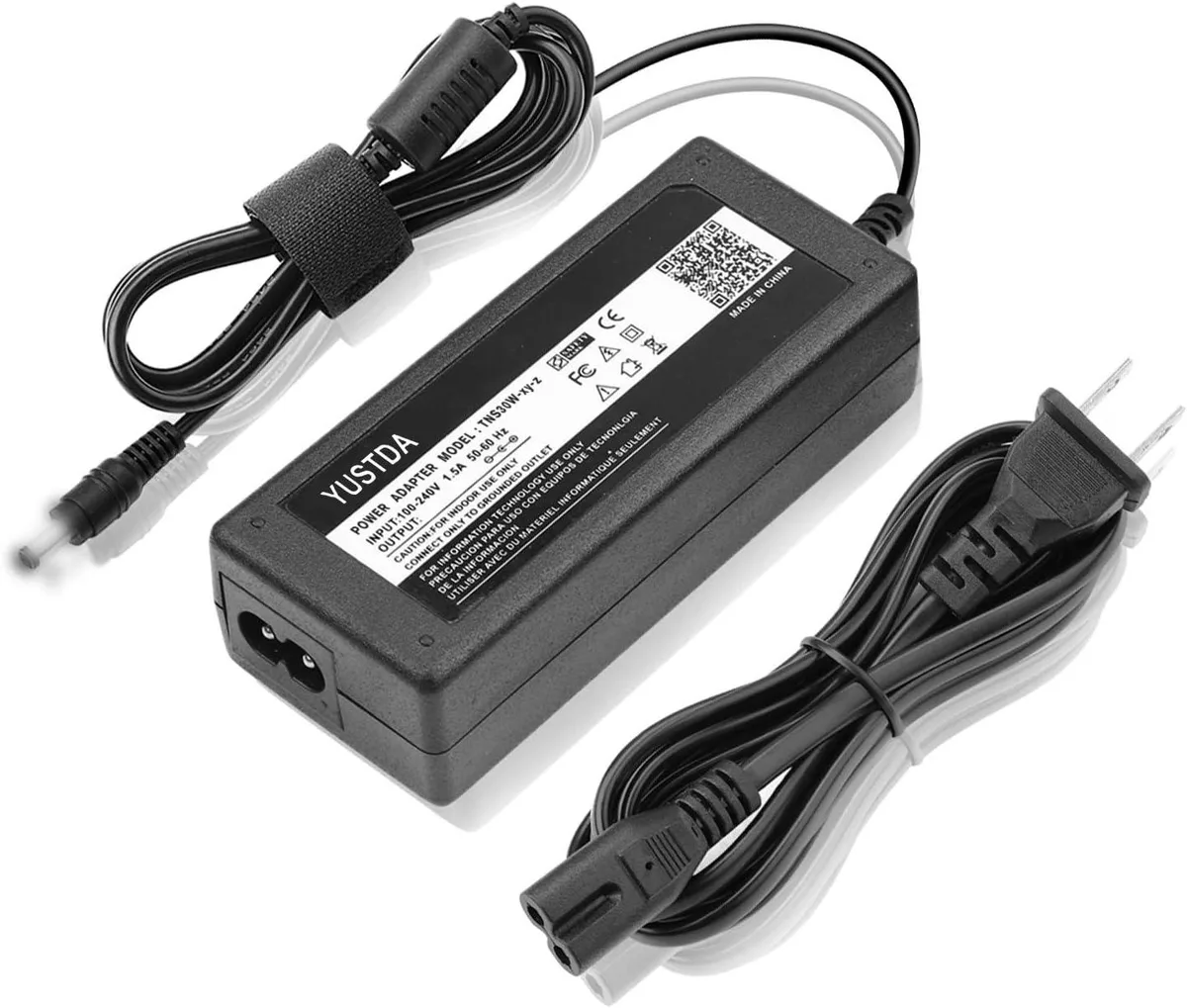
WAWEIS power adapter for AmazonBasics SB210 2.1 Channel Bluetooth Sound Bar
$15.99
0.0001846BTC
In stock
