STARTECH
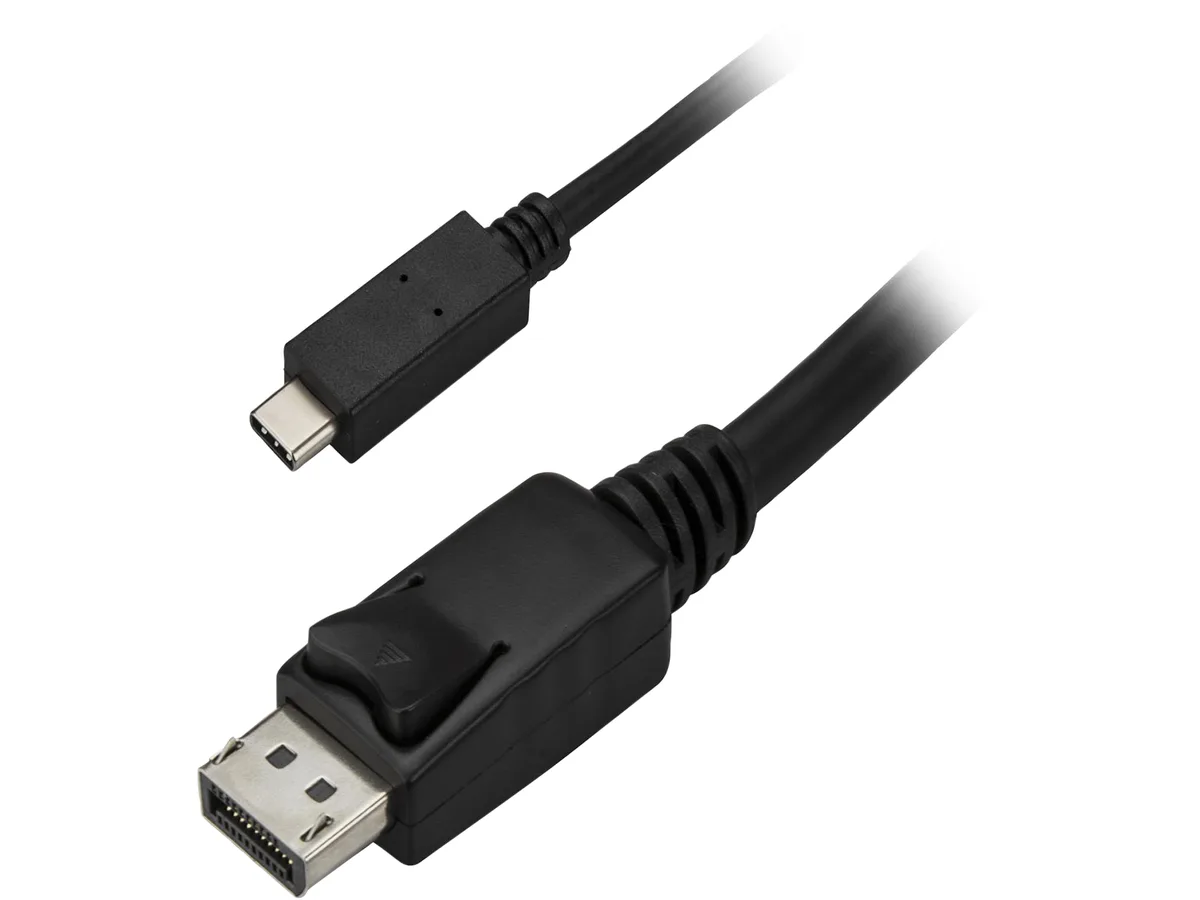
STARTECH CDP2DPMM6B 1.8 m USB-C to DisplayPort cable 4K 60 Hz black
- USB-C to DisiplayPo…
- Black
$26.99
0.00032071BTC
In stockWe take cryptocurrency — so the coins you hold can buy real hardware.Pay in crypto, spend it on real hardware. Free insured shipping worldwide over $399. Plain, unbranded boxes, sent from Germany.Free insured shipping over $399. Your rate is locked for 30 minutes once checkout opens.Rate locked 30 minutes. Every item sealed, serial-checked and covered by a 24-month warranty.Sealed, 24-month warranty.


STARTECH
Connects a USB-C device to a DisplayPort monitor at 3840x2160 60 Hz with 7.1 audio in a white 1.8 m cable
Cable Length 6 Feet
The six-foot cable connects a USB-C source that supports DisplayPort Alt Mode to a DisplayPort monitor in a single white assembly. It targets users who want a tidy desk link between a laptop or tablet and an external display without carrying a separate adapter. The reversible USB-C plug simplifies orientation during connection.
Replacing a two-piece adapter-plus-cable setup removes a connection point that can loosen or introduce signal loss. The jump is worth it when you regularly move the link between workstations or need a clean white cable that matches a MacBook finish. The integrated design supports 4K at 60 Hz and 7.1 surround audio, matching the resolution and audio needs of typical productivity and media workflows.
No driver installation is required on operating systems that support DisplayPort Alt Mode natively. Ensure the host USB-C port actually carries DisplayPort Alt Mode; ports limited to data or charging only will not transmit video. The fixed six-foot length may restrict placement if the monitor sits farther away, and the cable cannot be extended without an additional active coupler.
| Brand | StarTech.com |
|---|---|
| Model | CDP2DPMM6W |
| Type | USB-C to DisplayPort Cable |
| Color | White |
| Connector Number | 2 |
| Connector Detail | Connector A: 1 x USB-C (24 pin) DisplayPort Alt Mode Male Input Connector B: 1 x DisplayPort (20 pin) Output |
| Specifications | Audio Specifications: 7.1 surround sound Maximum Digital Resolutions: 3840x2160 @ 60 Hz Supported Resolutions : 1024x768 1280x720 (High-definition 720p) 1920x1080 (High-definition 1080p) 1920x1200 2560x1440 2560x1600 3840x2160 (Ultra HD 4K) Wide Screen Supported: Yes Note: Your USB-C equipped device must support video (DP Alt Mode) to work with this adapter. |
| Shipping weight | 0.06 kg |
| Package size | 213 × 193 × 23 mm |
Other versions of this model
Same family, different memory, cooler or clock — compare before you commit.
The cable has a 24-pin USB-C male connector on one end and a 20-pin DisplayPort male connector on the other, with a 6 ft (1.8 m) length.
Plug the USB-C end into a port that supports DisplayPort Alt Mode; the cable will not transmit video from a USB-C port that only carries data or power.
The 20-pin DisplayPort connector uses a friction latch; press the release button before pulling to avoid damaging the latch or port.
Also in this aisle
Same shelf, same checkout — eight coins and a 30-minute rate lock.
What you pay in, and what you read prices in.
Sent from your wallet at checkout
Display only — the catalogue is priced in USD
No currency matches that.
Pick the language the site speaks to you in.
No language matches that.
New here?
Already have one?
There is no automatic reset: this shop sends no mail, so there is no one-time link to ask for. Leave the address on the account and it gets picked up by hand.
Request noted
Nothing is on its way to your inbox — this shop sends no mail at all. Someone picks these up by hand.
Remembered it?