

STARTECH
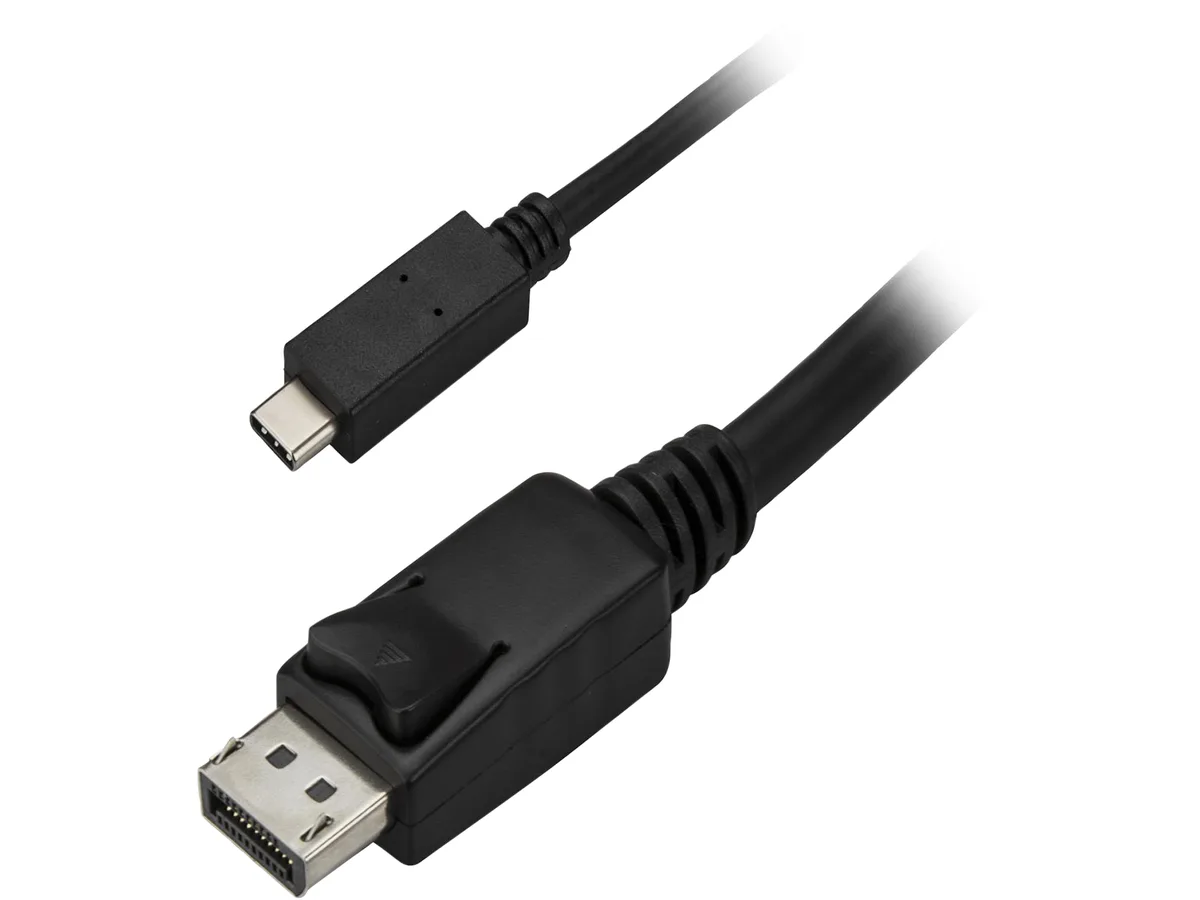
STARTECH CDP2DPMM6B 1.8 m USB-C to DisplayPort cable 4K 60 Hz black
- USB-C to DisiplayPo…
- Black
$26.99
0.00032092BTC
In stockWe take cryptocurrency — so the coins you hold can buy real hardware.Pay in crypto, spend it on real hardware. Free insured shipping worldwide over $399. Plain, unbranded boxes, sent from Germany.Free insured shipping over $399. Your rate is locked for 30 minutes once checkout opens.Rate locked 30 minutes. Every item sealed, serial-checked and covered by a 24-month warranty.Sealed, 24-month warranty.


STARTECH
Connects a USB-C device directly to a DisplayPort monitor at 3840x2160 60 Hz with 7.1 audio
Cable Length 3 Feet
The StarTech.com CDP2DPMM1MB is a 1 m adapter cable that connects a USB-C port with DisplayPort Alt Mode directly to a DisplayPort monitor. It supports digital video up to 3840x2160 at 60 Hz and carries 7.1 surround sound audio. The reversible USB-C connector plugs in either way up, and the single-cable design removes the need for a separate adapter. It works with Thunderbolt 3 ports that also support DP Alt Mode.
This cable suits users who want a tidy, direct link from a USB-C laptop, ultrabook or 2018 iPad Pro to one DisplayPort screen at 4K 60 Hz. It is not for buyers who need more length than 1 m, who require multiple monitors from one port, or whose USB-C port lacks DisplayPort Alt Mode. It also will not help if the source device only supports lower resolutions or if the display uses HDMI, DVI or VGA inputs.
Installation is plug-and-play: connect the USB-C end to the host and the DisplayPort end to the monitor, then select the correct input on the screen. No drivers are required. The most frequent problem is a blank screen caused by a host port that does not support DP Alt Mode or a Thunderbolt 3 port without video capability. Checking the device specifications for Alt Mode support before purchase avoids this.
| Brand | StarTech.com |
|---|---|
| Model | CDP2DPMM1MB |
| Type | USB-C to DisplayPort Cable |
| Color | Black |
| Connector Number | 2 |
| Connector Detail | Connector A: 1 x USB-C (24 pin) DisplayPort Alt Mode Male Input Connector B: 1 x DisplayPort (20 pin) Output |
| Specifications | Audio Specifications: 7.1 surround sound Maximum Digital Resolutions: 3840x2160 @ 60 Hz Supported Resolutions : 1024x768 1280x720 (High-definition 720p) 1920x1080 (High-definition 1080p) 1920x1200 2560x1440 2560x1600 3840x2160 (Ultra HD 4K) Wide Screen Supported: Yes Note: Your USB-C equipped device must support video (DP Alt Mode) to work with this adapter. |
| Features | Reduce clutter with a compact 1 m (3 ft.) adapter cable Hassle-free connection with the reversible USB-C connector Astonishing video quality with support for video resolutions up to 4K at 60 Hz Plug-and-play installation No power adapter required Thunderbolt 3 port compatible |
| Shipping weight | 0.11 kg |
| Package size | 203 × 130 × 20 mm |
Other versions of this model
Same family, different memory, cooler or clock — compare before you commit.
The host port must support DisplayPort Alternate Mode over its 24-pin USB-C connector; Thunderbolt 3 ports also provide this capability.
Yes, the link negotiates down to the monitor's native resolution — 1920x1080, 2560x1440 or any listed mode — without losing the 60 Hz refresh rate.
Open your OS display settings and verify 3840x2160 at 60 Hz is active, then check sound control panel for a 7.1-channel output device on the DisplayPort sink.
Also in this aisle
Same shelf, same checkout — eight coins and a 30-minute rate lock.
What you pay in, and what you read prices in.
Sent from your wallet at checkout
Display only — the catalogue is priced in USD
No currency matches that.
Pick the language the site speaks to you in.
No language matches that.
New here?
Already have one?
There is no automatic reset: this shop sends no mail, so there is no one-time link to ask for. Leave the address on the account and it gets picked up by hand.
Request noted
Nothing is on its way to your inbox — this shop sends no mail at all. Someone picks these up by hand.
Remembered it?





