


SPRACHT
SPRACHT MagPad Charger and Mouse Pad Brown MGPBN
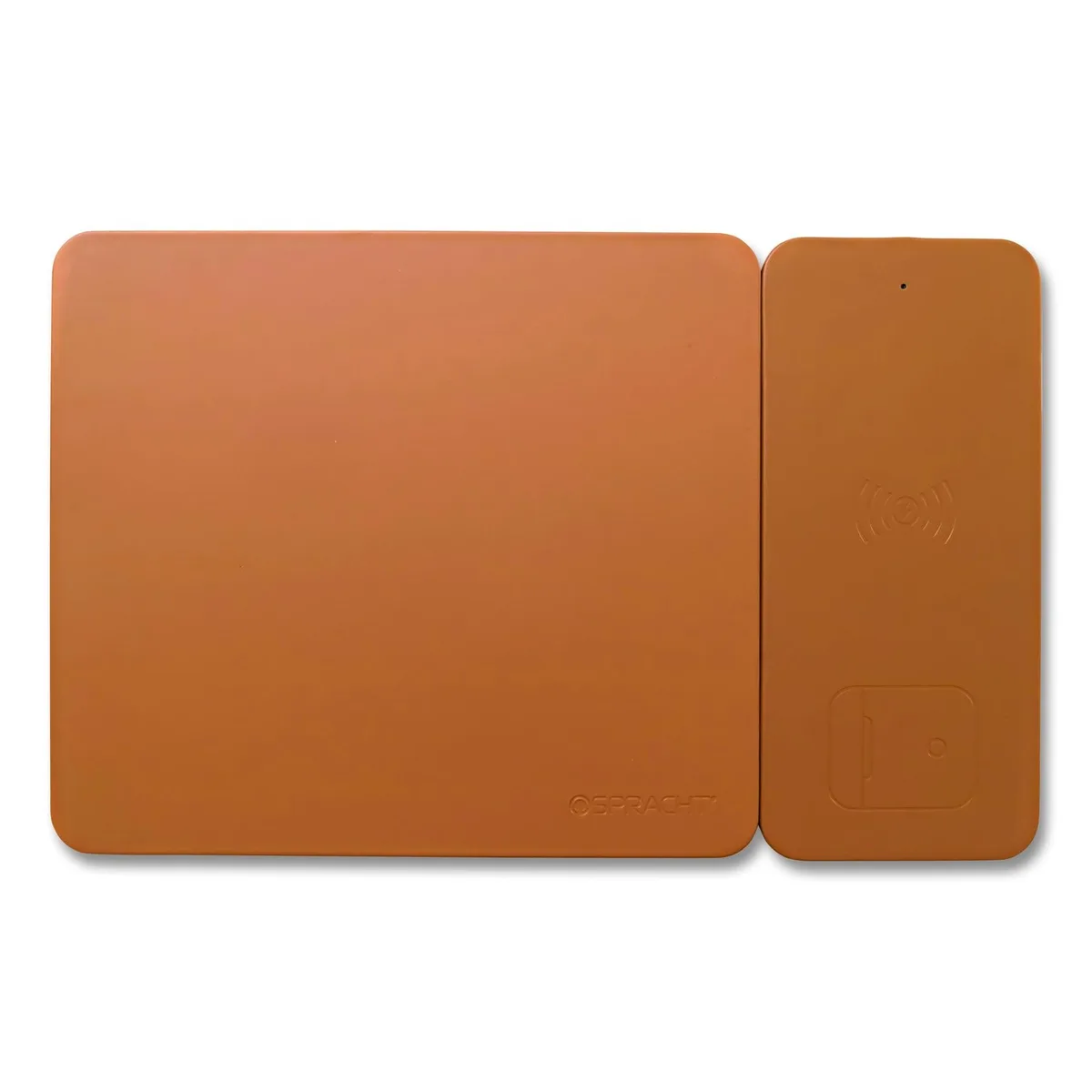
A brown mouse pad with an integrated wireless charger and included USB-C cable
- TypeSee Description
- Wireless charging for mobile devices via USB-C
- Dual USB-C ports power two items at once
- USB-C cable included for immediate use
- Functions as a mouse pad and charger
- OEM compatible design for reliable performance
Charging Pad and Mouse Pad Combination
The SPRACHT MagPad integrates a wireless charging surface with a mouse pad in a brown finish. It is designed for users who want to charge compatible mobile devices while keeping a work surface tidy. The unit connects through a USB-C port and includes the required cable. Two USB ports are provided for additional connectivity.
Thermals Noise and Power Draw
The pad draws power from a USB port and operates without active cooling or moving parts. Silent operation is inherent because no fans are present. Heat output remains low during normal charging sessions. Power consumption scales with the connected device and the host USB supply.
Build Integration Needs
The device requires an available USB-C port or USB-A port with an adapter to function. It frees desk space by combining a charging zone with a mouse-tracking surface. No software installation or driver configuration is needed. Buyers who need multi-device simultaneous charging or dedicated high-wattage laptop power will find this unit unsuitable.
Highlights
- Wireless charging for mobile devices via USB-C
- Dual USB-C ports power two items at once
- USB-C cable included for immediate use
- Functions as a mouse pad and charger
- OEM compatible design for reliable performance
Specifications
| Brand | SPRACHT |
|---|---|
| Type | See Description |
Questions about this item
How do I install the MagPad Charger and which USB-C port should I use for power?
Connect the included USB-C cable to a USB-C power source and place the MagPad on a flat surface; use the USB-C port marked for power input to avoid data-only ports.
What maintenance will the MagPad Charger need over time?
Wipe the brown surface with a dry cloth to remove dust and check the USB-C cable for wear; the charging coil has no user-serviceable parts.
What limit appears first during sustained charging on the MagPad Charger?
The 2-port USB-C design shares total output, so simultaneous charging splits available current and may reduce speed for each device.
New to this? Which coin should you pay with — what to check, what it costs to pay, and what is never asked for.
Also in this aisle
People compared these
Same shelf, same checkout — eight coins and a 30-minute rate lock.


