


SMUGDESK
SMUGDESK USB-C to DisplayPort Cable 3.3 ft
Connects USB-C devices to DisplayPort monitors at up to 8K 60 Hz or 4K 144 Hz with 32.4 Gbps bandwidth over 3.3 feet and works with Thunderbolt 3 hosts
- 8K 60 Hz clarity with 32.4 Gbps bandwidth
- 4K 144 Hz gaming via DisplayPort 1.4
- 2K 240 Hz smoothness from HBR3 link
- Thunderbolt 3/4 host support with DP Alt Mode
- 3 ft cable drives multiple 1080p displays
USB-C to DisplayPort Cable for Thunderbolt 3/4 Hosts
This 3.3-foot cable connects a USB-C source that supports DisplayPort Alternate Mode to a DisplayPort display. It is suited for laptop owners, creative professionals and gamers who need a direct link without separate adapters or driver installation.
Passive Cable With 32.4 Gbps Bandwidth
The link uses DisplayPort 1.4 signalling at HBR3 rates to carry 8K at 60 Hz, 4K at 144 Hz or 2K at 240 Hz with DSC 1.2 compression and 32-bit audio. No active electronics means no external power draw and no added heat or fan noise in normal operation.
Replaces Adapter Chains for Single-Display Setups
It removes the need for a USB-C hub plus a separate DisplayPort cable when driving one monitor from a Thunderbolt 3 or 4 port. The jump is worthwhile when you want a shorter, simpler run that supports MST daisy-chaining and HDCP 2.2 without extra boxes.
Highlights
- 8K 60 Hz clarity with 32.4 Gbps bandwidth
- 4K 144 Hz gaming via DisplayPort 1.4
- 2K 240 Hz smoothness from HBR3 link
- Thunderbolt 3/4 host support with DP Alt Mode
- 3 ft cable drives multiple 1080p displays
Specifications
No published specifications for this item yet.
Other versions of this model
5 more in the same range
Same family, different memory, cooler or clock — compare before you commit.



SMUGDESK
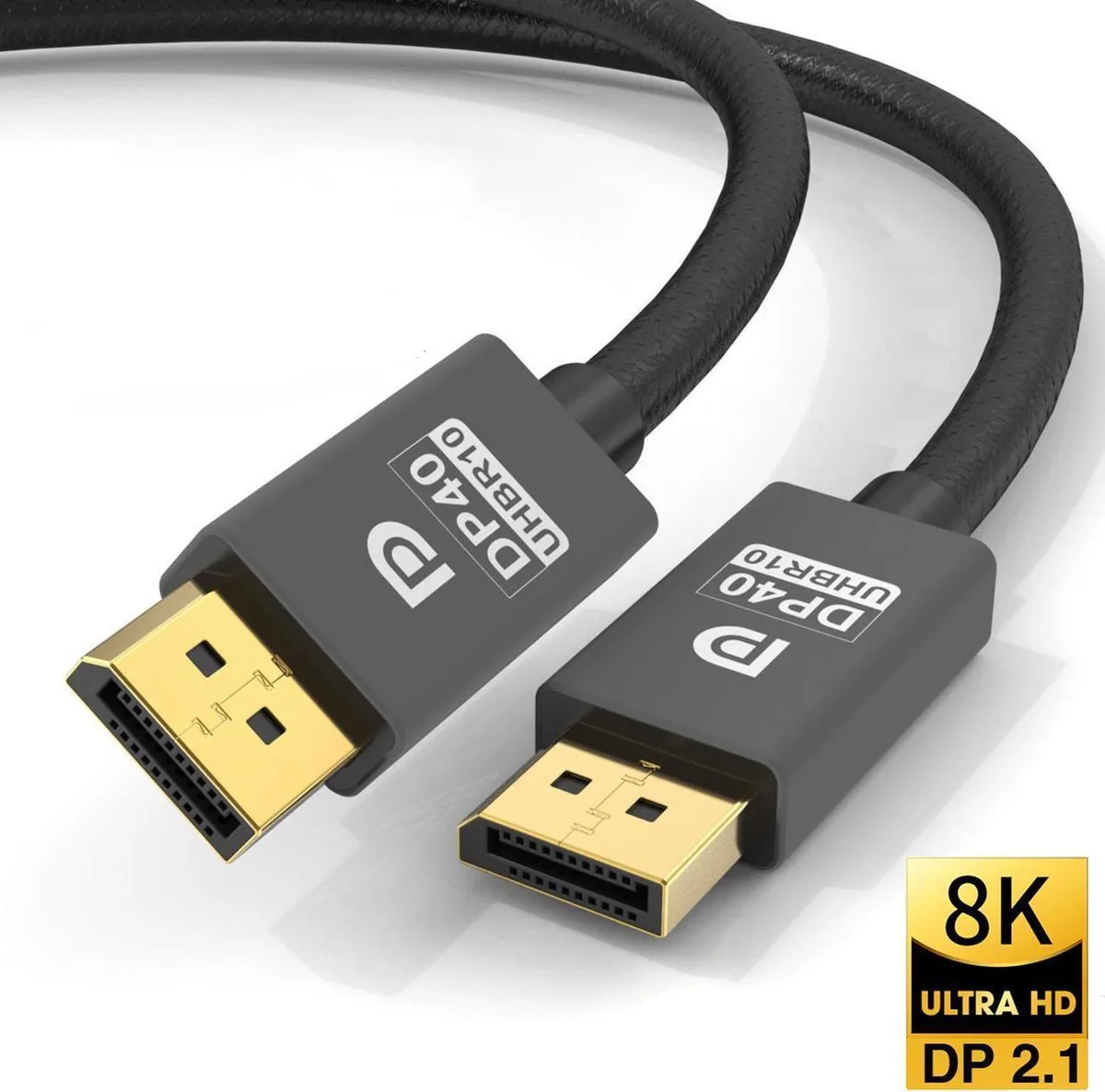
SMUGDESK Mini DisplayPort to DisplayPort 1.4 Cable 10ft 8K 60Hz 4K 144Hz Bi-Directional with Adapter
$16.99
0.0001966BTC
In stock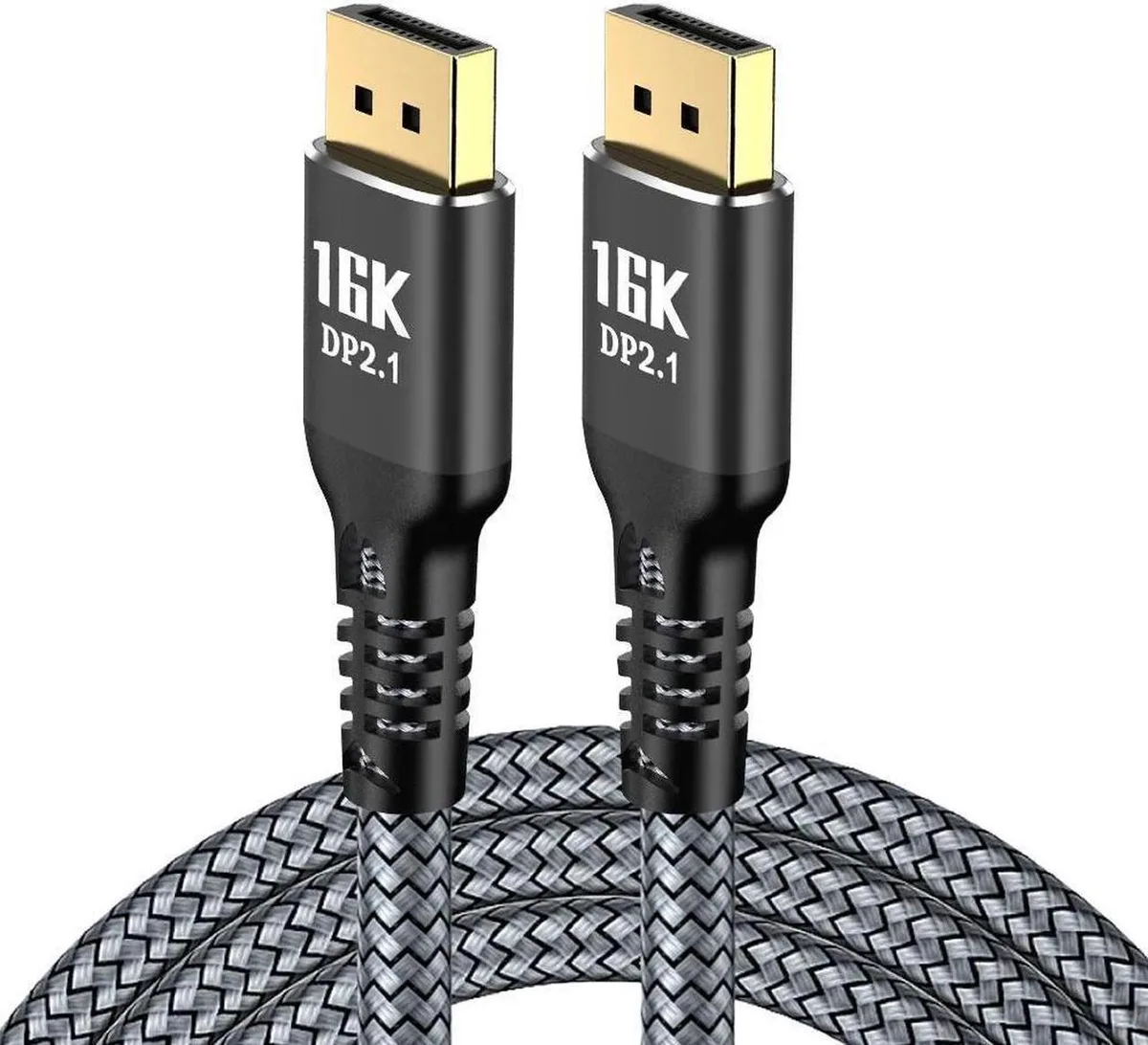
SMUGDESK
SMUGDESK DisplayPort 2.1 cable 6.6FT 80Gbps 16K@60Hz 8K@120Hz 4K@240Hz
$16.99
0.0001966BTC
In stock
SMUGDESK
SMUGDESK USB-C to DisplayPort 1.4 Cable 3.3FT 8K@60Hz 4K@144Hz 2K@240Hz 32.4Gbps HDR
$16.99
0.0001966BTC
In stockQuestions about this item
How do I install the cable and which step do people miss?
Connect the USB-C end to a port that supports DP Alt Mode and the DisplayPort end to the monitor; the step often missed is confirming the source device actually supports DP Alt Mode.
What maintenance or replacement will this cable need later?
No scheduled maintenance is required; replace the cable only if the connectors become loose or the jacket shows physical damage.
What limit appears first during sustained high-refresh use?
The 32.4 Gbps bandwidth ceiling limits simultaneous resolution, refresh rate and colour depth; pushing 4K at 144 Hz with HDR may hit that ceiling.
New to this? Which coin should you pay with — what to check, what it costs to pay, and what is never asked for.
Also in this aisle
People compared these
Same shelf, same checkout — eight coins and a 30-minute rate lock.

Innovation First, Inc.
Innovation First, Inc. 1UCMA-137 1U Cable Management Arm 19" 28.5"-33" computer accessory
- Product Type:Cable…
- Panel Width:19" Rac…
$72.99
0.00084463BTC
In stock
Vertiv
Vertiv 4UTELECOMRKIT 19 in rack mount bracket accessory
- GXT4U Wall Mount Br…
- Mounting Bracket
$70.99
0.00082148BTC
In stock
