


SMUGDESK
SMUGDESK USB 4 Type-C Cable Right Angle 240W 40Gbps 8K 3.3FT
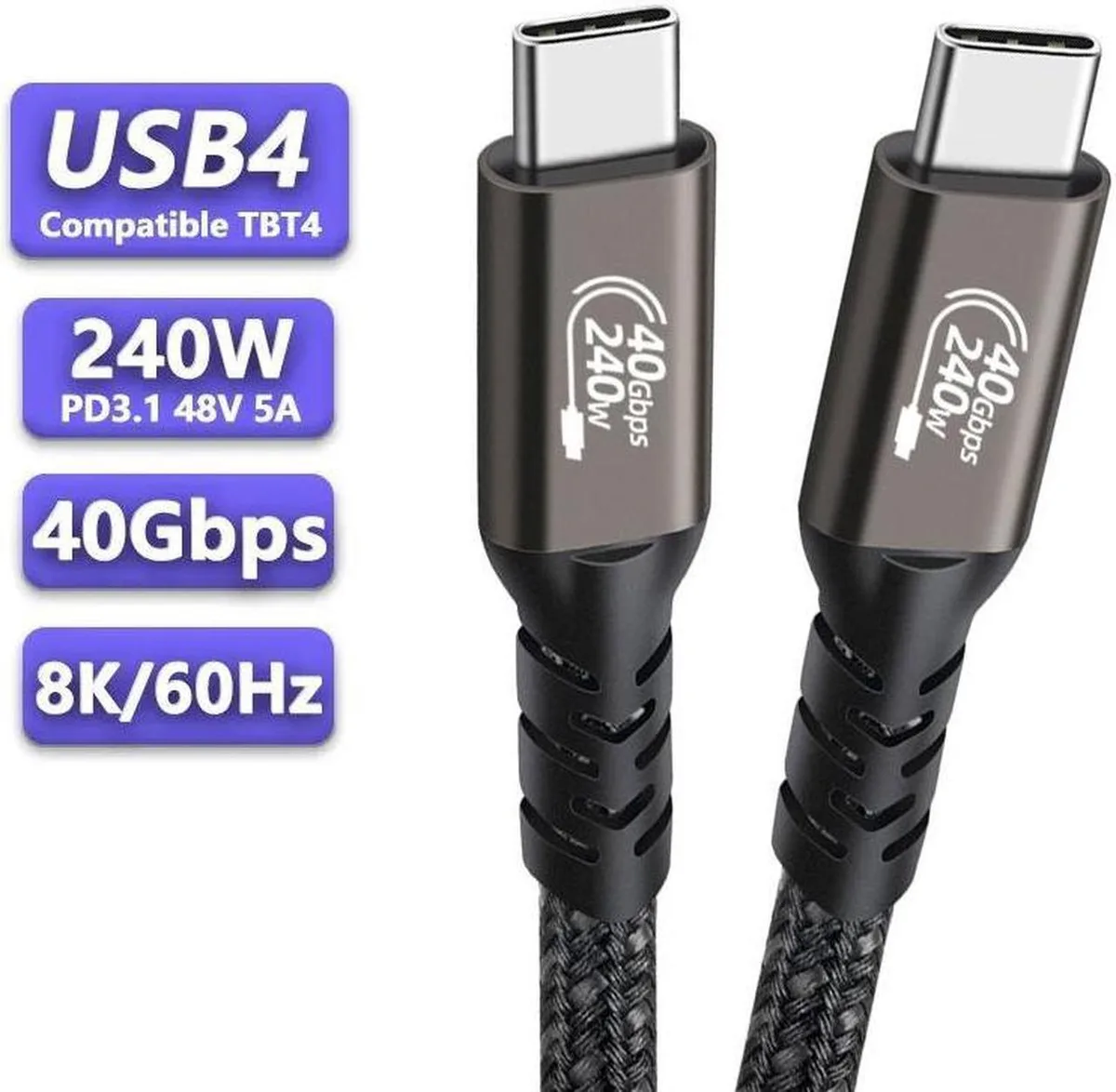
Right-angled USB-C cable delivers up to 240W charging, 40Gbps data and 8K@60Hz video
- Charges compatible devices at up to 240W
- Transfers data at up to 40Gbps with USB4 Gen3x2
- Drives an 8K display at 60Hz or 4K at 144Hz
- Works with Thunderbolt 4, Thunderbolt 3 and earlier USB-C standards
- Right-angle connector eases cable routing in tight spaces
Right-Angle USB4 Cable for Tight Ports
This 3.3 ft USB4 Type-C to Type-C cable has a right-angle connector that eases strain in cramped laptop or dock ports. It delivers up to 240 W power, 40 Gbps data and 8K 60 Hz video through a single link. The cable is new and backward compatible with Thunderbolt 3, USB 3.2, 3.1 and 3.0 devices.
Suits High-Power Laptops and Fast External Drives
Creators charging a 240 W notebook, editors moving large files to a 40 Gbps SSD enclosure, or professionals driving an 8K 60 Hz monitor will use the full spec. Users who only need 60 W charging, 10 Gbps data or 4K 60 Hz video do not require this bandwidth and power headroom.
240 W Power Delivery Decides Fit
The cable supports USB Power Delivery up to 240 W at 48 V/5 A, the highest level in the USB PD 3.1 standard. If your charger, laptop and dock all negotiate 240 W, this cable carries it; if the chain tops out at 100 W or 140 W, the extra headroom goes unused.
Highlights
- Charges compatible devices at up to 240W
- Transfers data at up to 40Gbps with USB4 Gen3x2
- Drives an 8K display at 60Hz or 4K at 144Hz
- Works with Thunderbolt 4, Thunderbolt 3 and earlier USB-C standards
- Right-angle connector eases cable routing in tight spaces
Specifications
No published specifications for this item yet.
Other versions of this model
5 more in the same range
Same family, different memory, cooler or clock — compare before you commit.




Questions about this item
Does the right-angle USB-C connector need extra clearance behind the port?
The right-angle plug extends about 13 mm past the port face, so allow at least that much space behind the device for a clean fit.
Which end should I plug in first when connecting a 240 W charger to a laptop?
Connect the cable to the charger first, then to the laptop; reversing the order can prevent the PD 3.1 handshake from reaching 48 V 5 A.
How often should I inspect the cable for wear if I use it daily at 40 Gbps?
Check the strain reliefs and connector shells every three months; replace the cable if the right-angle bend shows kinking or the contacts appear discoloured.
Also in this aisle
People compared these
Same shelf, same checkout — eight coins and a 30-minute rate lock.



CHIEF MANUFACTURING
CHIEF MANUFACTURING CMS018 18" 457 mm Fixed Extension Column projector accessory
- Extension Column
- Projector
$22.99$22.99
0.0002714BTC
In stock