


SMUGDESK
SMUGDESK 90 Degree USB-C to USB-C Cable 40Gbps 240W 3.3ft
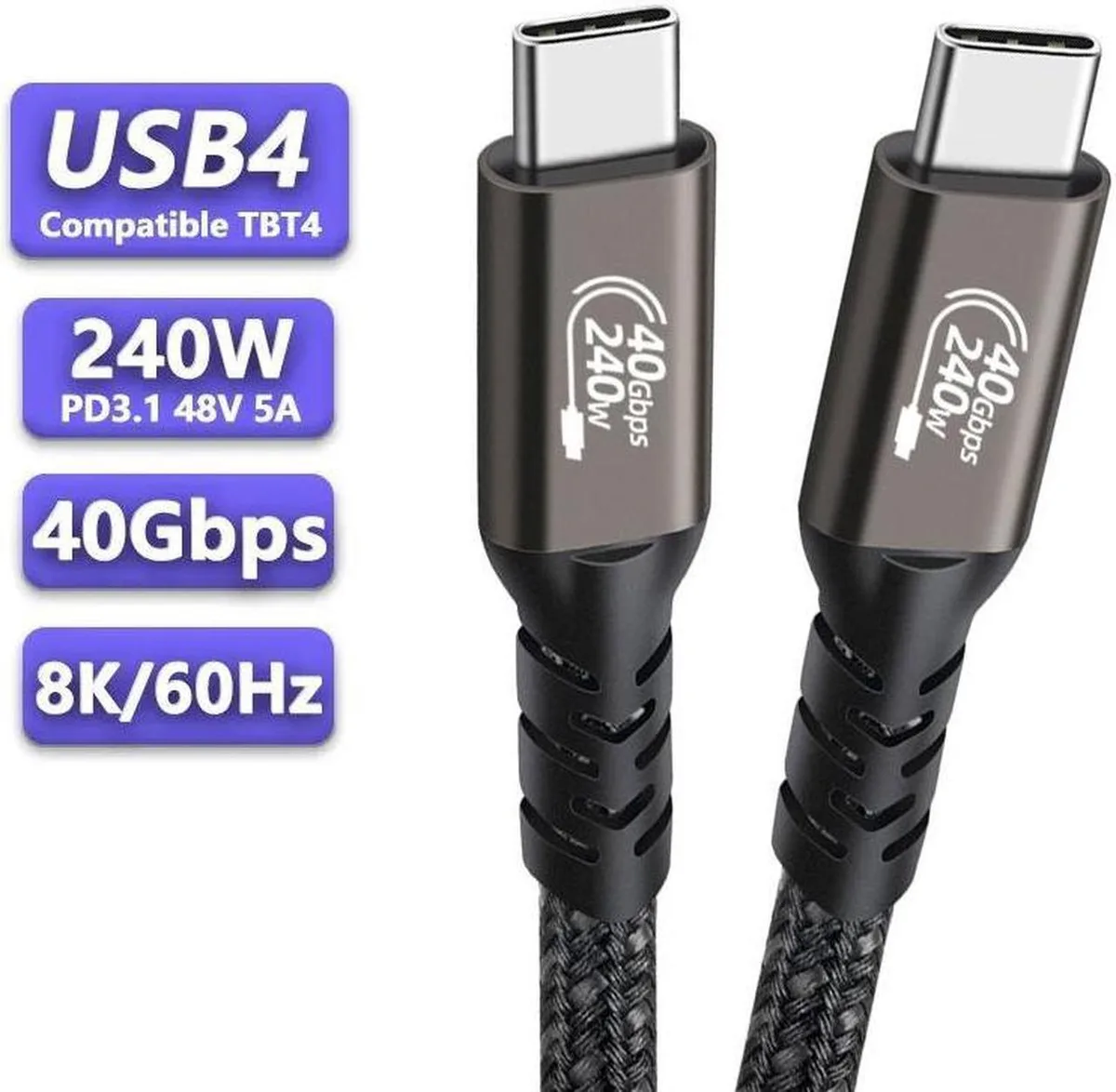
A right-angle USB-C cable delivering 240W charging, 40Gbps data and 8K video in 3.3ft
- Charges up to 240 W with a compatible charger
- Transfers data at 40 Gbps on USB4 Gen3x2 ports
- Drives a single 8K 60 Hz or dual 4K 60 Hz display
- Right-angle connector fits tight spaces and reduces cable strain
- Works with all USB-C devices including phones, laptops and docks
90-degree USB-C cable for tight ports
This 3.3ft USB-C to USB-C cable features a right-angle connector designed for cramped spaces behind monitors, docks or laptops. It supports USB4 Gen3x2 at 40Gbps, 240W Power Delivery and video up to 8K@60Hz or dual 4K@60Hz. The nylon-braided jacket adds durability for daily carry.
Replaces straight cables that block adjacent ports
Upgrade when a straight connector presses against a wall, desk edge or neighbouring port and risks damage. The 90-degree bend keeps the cable flush with the device so neighbouring connections stay free. The jump is worth it whenever cable routing is tight or the port sits close to a chassis lip.
Plug in and route along the device edge
No driver install is needed; the cable negotiates power, data and video automatically with any USB-C host. The only common issue is expecting 40Gbps or 240W from a port that only supports USB 3.1 Gen2 or lower Power Delivery profiles. Check the host specification first.
Highlights
- Charges up to 240 W with a compatible charger
- Transfers data at 40 Gbps on USB4 Gen3x2 ports
- Drives a single 8K 60 Hz or dual 4K 60 Hz display
- Right-angle connector fits tight spaces and reduces cable strain
- Works with all USB-C devices including phones, laptops and docks
Specifications
No published specifications for this item yet.
Other versions of this model
5 more in the same range
Same family, different memory, cooler or clock — compare before you commit.


Questions about this item
Does the 90-degree USB-C connector need extra clearance behind my laptop port?
The right-angle plug extends sideways from the port, so allow roughly the cable diameter behind the device; no special adapter is required beyond a standard USB-C receptacle.
What is the correct way to seat the right-angle plug so the 40Gbps link trains reliably?
Insert the connector straight into the USB-C port until it clicks, avoiding any sideways torque that can misalign the high-speed lanes.
How often should I inspect the braided jacket for wear that could affect 240W charging?
Check the nylon sheath every few months for fraying or kinks near the angled strain relief; replace the cable if the braid is damaged.
Also in this aisle
People compared these
Same shelf, same checkout — eight coins and a 30-minute rate lock.



CHIEF MANUFACTURING
CHIEF MANUFACTURING CMS018 18" 457 mm Fixed Extension Column projector accessory
- Extension Column
- Projector
$22.99$22.99
0.00027204BTC
In stock