


SMUGDESK
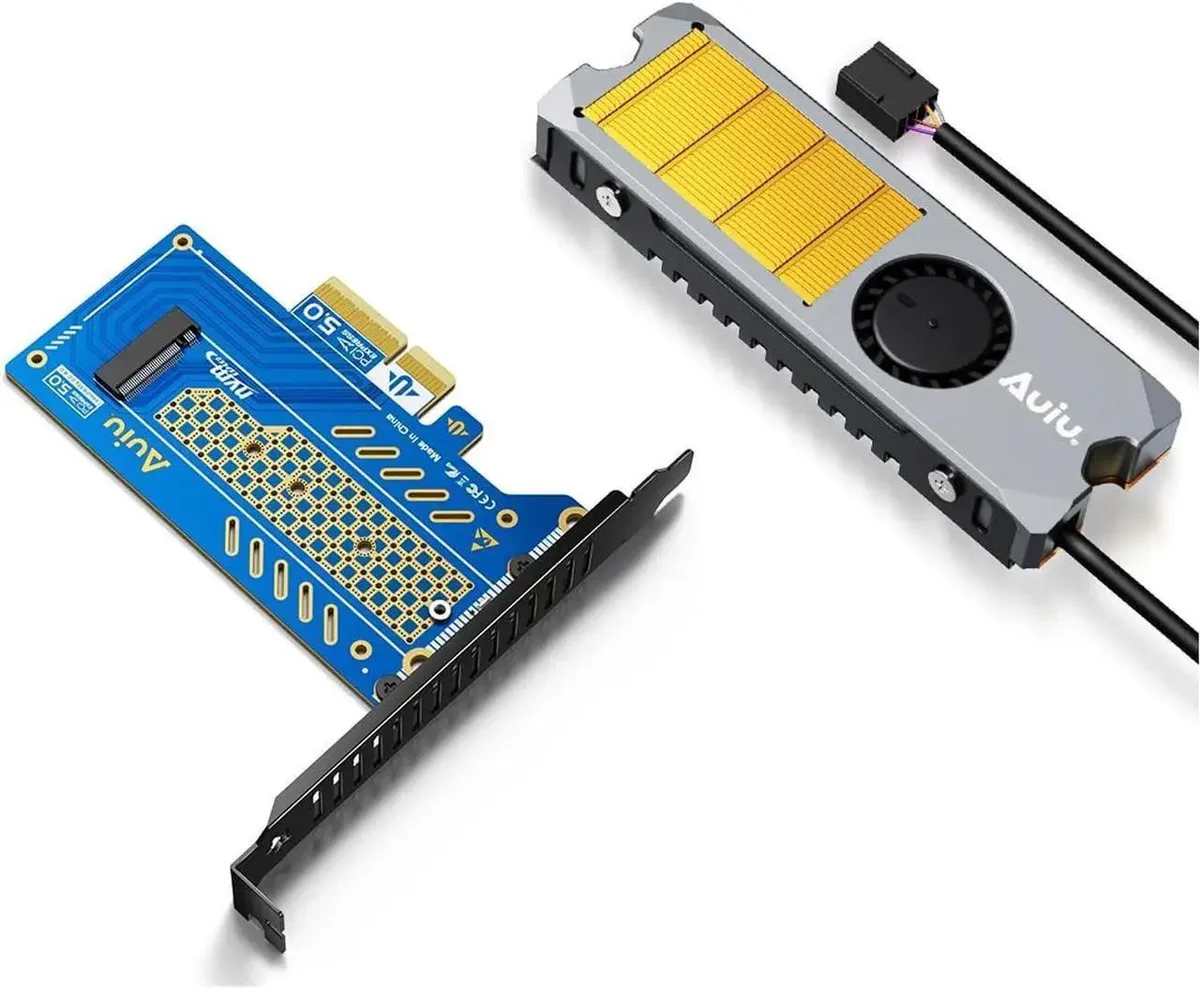
SMUGDESK PCIe 5.0 x4 to M.2 NVMe B+M Key Adapter (Card Set8)
Adds a PCIe 5.0 x4 M.2 NVMe slot for 2230, 2240, 2260 and 2280 B+M Key SSDs in PCIe x4, x8 or x16 motherboard slots
- Adds NVMe storage via PCIe 5.0 x4 link
- Fits 2230 2240 2260 2280 B+M Key SSDs
- Works in PCIe x4 x8 x16 motherboard slots
- PCIe 5.0 x4 standard enables high transfer speed
- Compact card installs easily for stable daily use
PCIe 5.0 x4 NVMe adapter
This PCIe 5.0 x4 expansion card adds an M.2 NVMe slot to any desktop with a free PCIe X4, X8 or X16 slot. It accepts B+M Key SSDs in 2230, 2240, 2260 and 2280 lengths for flexible storage upgrades.
Passive cooling and low power
The card runs without a fan or heatsink, so it adds no audible noise to the system. Power draw is limited to the slot supply, keeping thermals simple in normal desktop use.
No bundled software or hardware
The package contains only the adapter board; no mounting screws, heat pads or management utilities are included. Builders must source their own SSD fasteners and rely on the operating system for drive configuration.
Highlights
- Adds NVMe storage via PCIe 5.0 x4 link
- Fits 2230 2240 2260 2280 B+M Key SSDs
- Works in PCIe x4 x8 x16 motherboard slots
- PCIe 5.0 x4 standard enables high transfer speed
- Compact card installs easily for stable daily use
Specifications
No published specifications for this item yet.
Questions about this item
How do I install the SMUGDESK PCIe 5.0 x4 adapter and which step is often missed?
Insert the card into any PCIe X4, X8 or X16 slot, then secure the M.2 NVMe SSD (2230, 2240, 2260 or 2280) with the motherboard standoff screw; the step people skip is fastening that screw, which prevents the drive from lifting and losing contact.
What maintenance or replacement will this adapter need over time?
The adapter itself has no moving parts and requires no scheduled maintenance; only the installed NVMe SSD may eventually need replacement when its write endurance is reached.
What limit appears first when the adapter runs under sustained heavy workloads?
The card delivers PCIe 5.0 x4 bandwidth, so the first bottleneck is usually the thermal throttle point of the specific NVMe SSD you have fitted.
New to this? Which coin should you pay with — what to check, what it costs to pay, and what is never asked for.
Also in this aisle
People compared these
Same shelf, same checkout — eight coins and a 30-minute rate lock.



Black Box Corporation
Black Box Corporation CAT6 EZ-RJ45 Modular Plugs 100-Pack
$95.99
0.00114364BTC
In stock
