
SMUGDESK
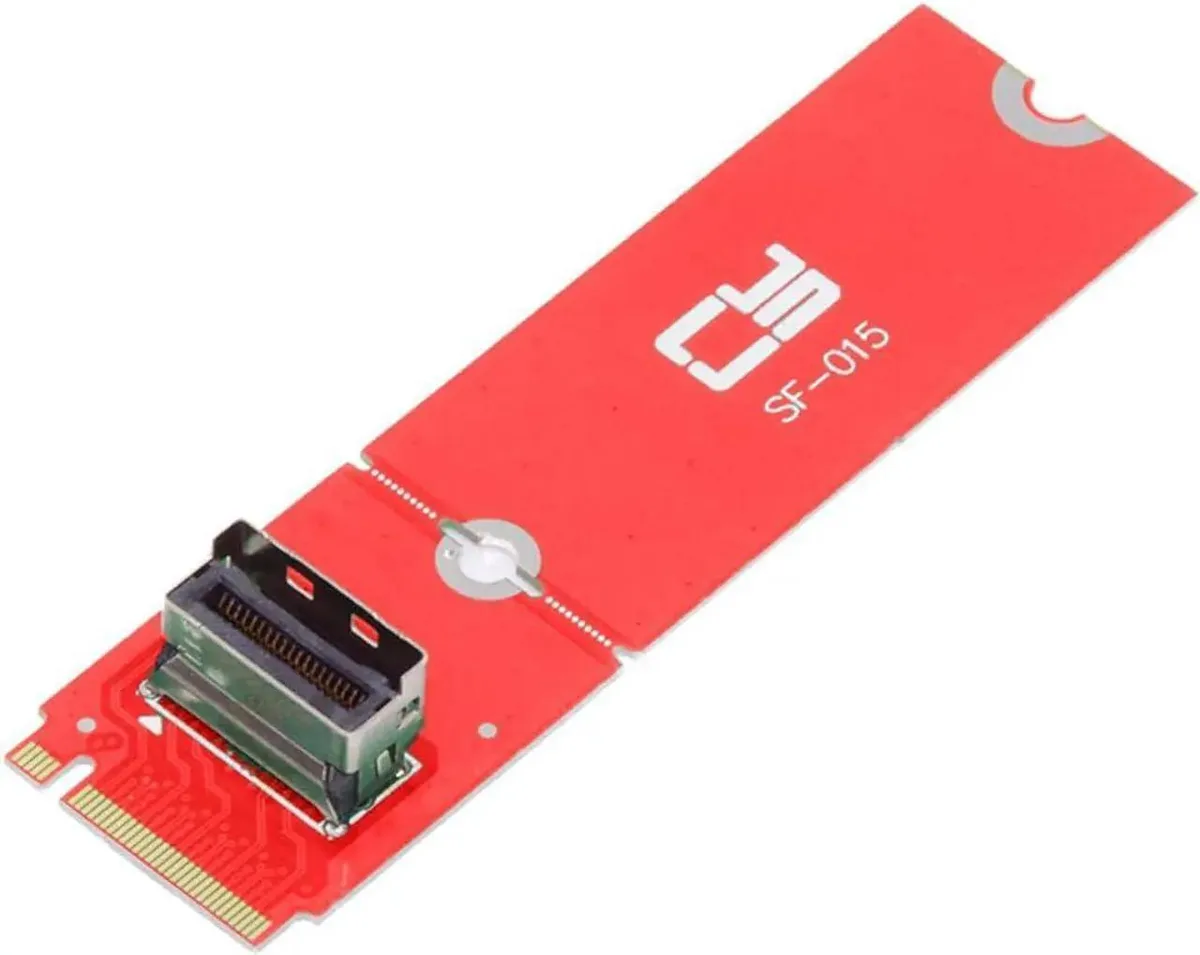
SMUGDESK PCIe 5.0 M.2 M-Key to MCIO Adapter 2230 2280 NVMe
Converts M.2 M-Key NVMe SSDs in 2230 and 2280 sizes to an MCIO female port using PCIe 5.0
- PCIe 5.0 speed for ultra-fast NVMe transfers
- M.2 M-Key to MCIO conversion expands connectivity
- Supports 2230 and 2280 NVMe SSD form factors
- Backward compatible with older PCIe generations
- Compact plug-and-play design suits servers and workstations
PCIe 5.0 M.2 to MCIO Adapter
This adapter converts an M.2 M-Key NVMe SSD to an MCIO female connector, enabling high-speed storage expansion in servers and workstations. It supports both 2230 and 2280 form factors for flexible drive selection. The card operates under the PCIe 5.0 standard while remaining backward compatible with earlier generations. Installation is straightforward with a plug-and-play design.
Passive Operation and Signal Integrity
The adapter uses a passive circuit design with no active cooling, fans or external power requirements. Optimised PCB routing maintains stable signal transmission for reliable long-term operation. Power draw is limited to the NVMe drive itself, adding negligible load to the host system. Silent operation makes it suitable for noise-sensitive rack or workstation environments.
Direct MCIO Connectivity for Dense Builds
The MCIO female port provides a compact, high-density cable interface that frees up motherboard M.2 slots for other devices. It requires an available MCIO header or compatible backplane on the host side to function. Builders needing a traditional PCIe card bracket or U.2/U.3 drive support will find this adapter unsuitable for those configurations.
Highlights
- PCIe 5.0 speed for ultra-fast NVMe transfers
- M.2 M-Key to MCIO conversion expands connectivity
- Supports 2230 and 2280 NVMe SSD form factors
- Backward compatible with older PCIe generations
- Compact plug-and-play design suits servers and workstations
Specifications
No published specifications for this item yet.
Questions about this item
How do I install the SMUGDESK PCIe 5.0 M.2 to MCIO adapter and what step is often missed?
Insert the 2230 or 2280 NVMe SSD into the M.2 M-Key slot at the correct angle, secure it with the mounting screw, then connect the MCIO cable; the step often missed is fastening the retention screw before cabling.
What maintenance or replacement will this adapter need over time?
The adapter itself has no moving parts or wear items; maintenance is limited to keeping the MCIO connector and M.2 slot free of dust and reseating the NVMe drive if contact oxidation appears after years of service.
What limit appears first on this adapter during sustained PCIe 5.0 workloads?
The primary limit is signal integrity over the MCIO link; prolonged heavy throughput can expose marginal contact quality or cable length constraints before the PCIe 5.0 electrical budget is exhausted.
New to this? Which coin should you pay with — what to check, what it costs to pay, and what is never asked for.
Also in this aisle
People compared these
Same shelf, same checkout — eight coins and a 30-minute rate lock.



Black Box Corporation
Black Box Corporation CAT6 EZ-RJ45 Modular Plugs 100-Pack
$95.99
0.00114364BTC
In stock
