


SMUGDESK
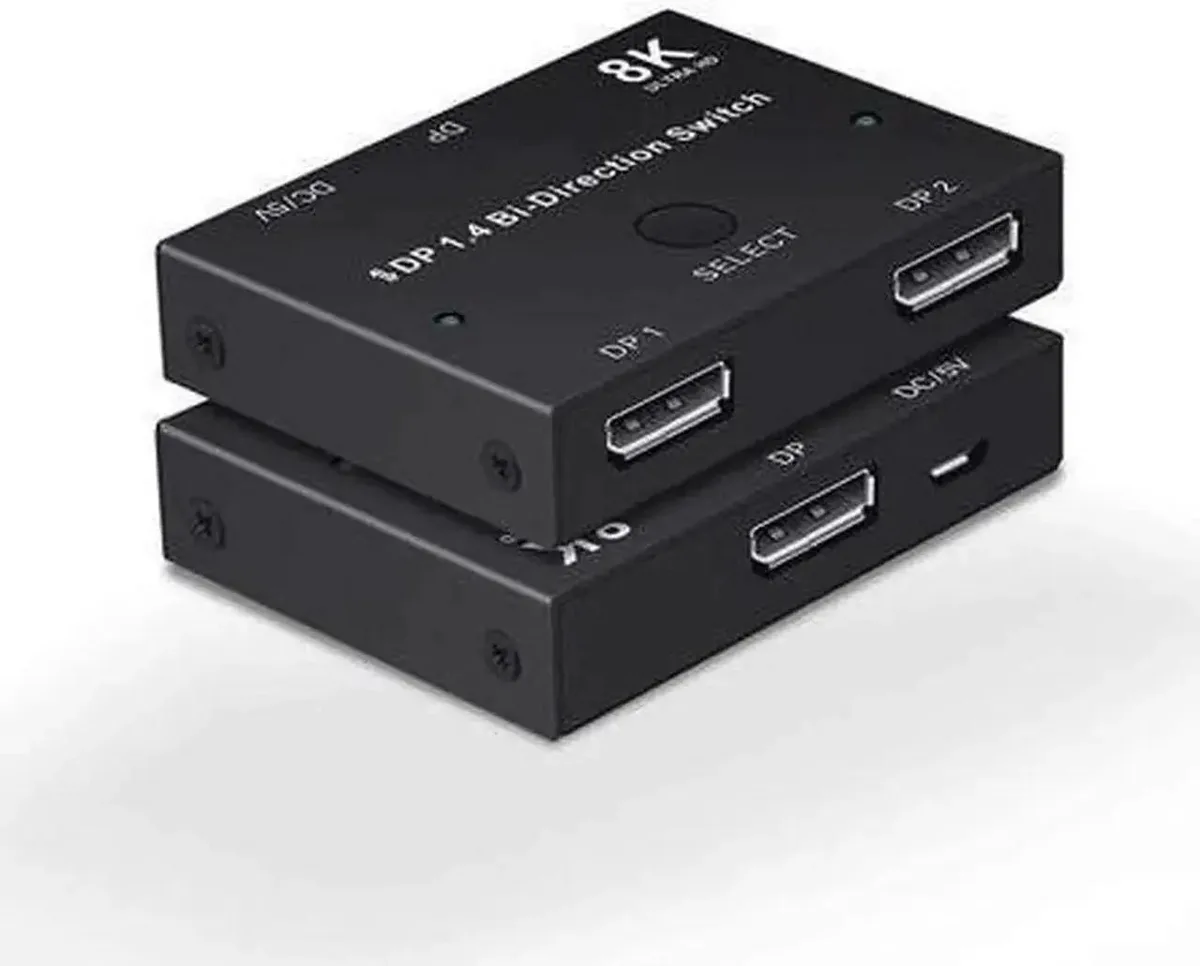
SMUGDESK Bi-Directional DP 1.4 Switch 2-in-1-Out 1-in-2-Out 8K30 4K120 2K144
A bidirectional DisplayPort 1.4 switch lets two computers share one monitor or one computer toggle between two displays at up to 8K 30 Hz, 4K 120 Hz or 2K 144 Hz
- Switch two PCs to one monitor or one PC to two displays
- DP 1.4 compliant with 8K at 30 Hz and 4K at 120 Hz
- 2K at 144 Hz refresh rate for esports gaming
- HDR and HDCP pass-through preserves original color and detail
- One-touch button with LED indicator, no driver or external power needed
Two PCs One Monitor Switch
This DisplayPort 1.4 selector lets two computers share a single screen with a simple button press. It handles 8K at 30 Hz and 4K at 120 Hz for sharp, responsive visuals. HDR and HDCP pass through untouched so colours stay accurate. No drivers or external power are required.
Check Ports And Resolution Needs
Verify that each computer has a DisplayPort output and that your monitor accepts a DisplayPort input. The switch tops out at 8K 30 Hz, 4K 120 Hz and 2K 144 Hz, so higher refresh rates at 4K will not be supported. It does not carry USB or audio channels beyond the standard DP stream.
Passive Cooling Silent Operation
The unit draws power directly from the DisplayPort connection and uses a shielded metal casing to suppress interference. With no fan or active components it runs completely silent. Typical power draw is negligible and adds no measurable heat to a desk setup.
Highlights
- Switch two PCs to one monitor or one PC to two displays
- DP 1.4 compliant with 8K at 30 Hz and 4K at 120 Hz
- 2K at 144 Hz refresh rate for esports gaming
- HDR and HDCP pass-through preserves original color and detail
- One-touch button with LED indicator, no driver or external power needed
Specifications
No published specifications for this item yet.
Questions about this item
Does the SMUGDESK switch include DisplayPort cables or must they be purchased separately?
The package contains only the switch unit itself; DisplayPort cables for each computer and monitor connection are not included and must be bought separately.
Which resolution and refresh-rate combination should I select for competitive gaming on a 1440p monitor?
Choose the 2K@144Hz mode, which the DP 1.4 switch supports for high-refresh esports displays without compression or flicker.
Will 4K@120Hz HDR content pass through to my monitor without loss of colour depth?
Yes, the switch provides full HDR and HDCP pass-through at 4K@120Hz, preserving the original colour gamut and image detail with no compression.
New to this? Which coin should you pay with — what to check, what it costs to pay, and what is never asked for.
Also in this aisle
People compared these
Same shelf, same checkout — eight coins and a 30-minute rate lock.



Black Box Corporation
Black Box Corporation CAT6 EZ-RJ45 Modular Plugs 100-Pack
$95.99
0.00114354BTC
In stock
