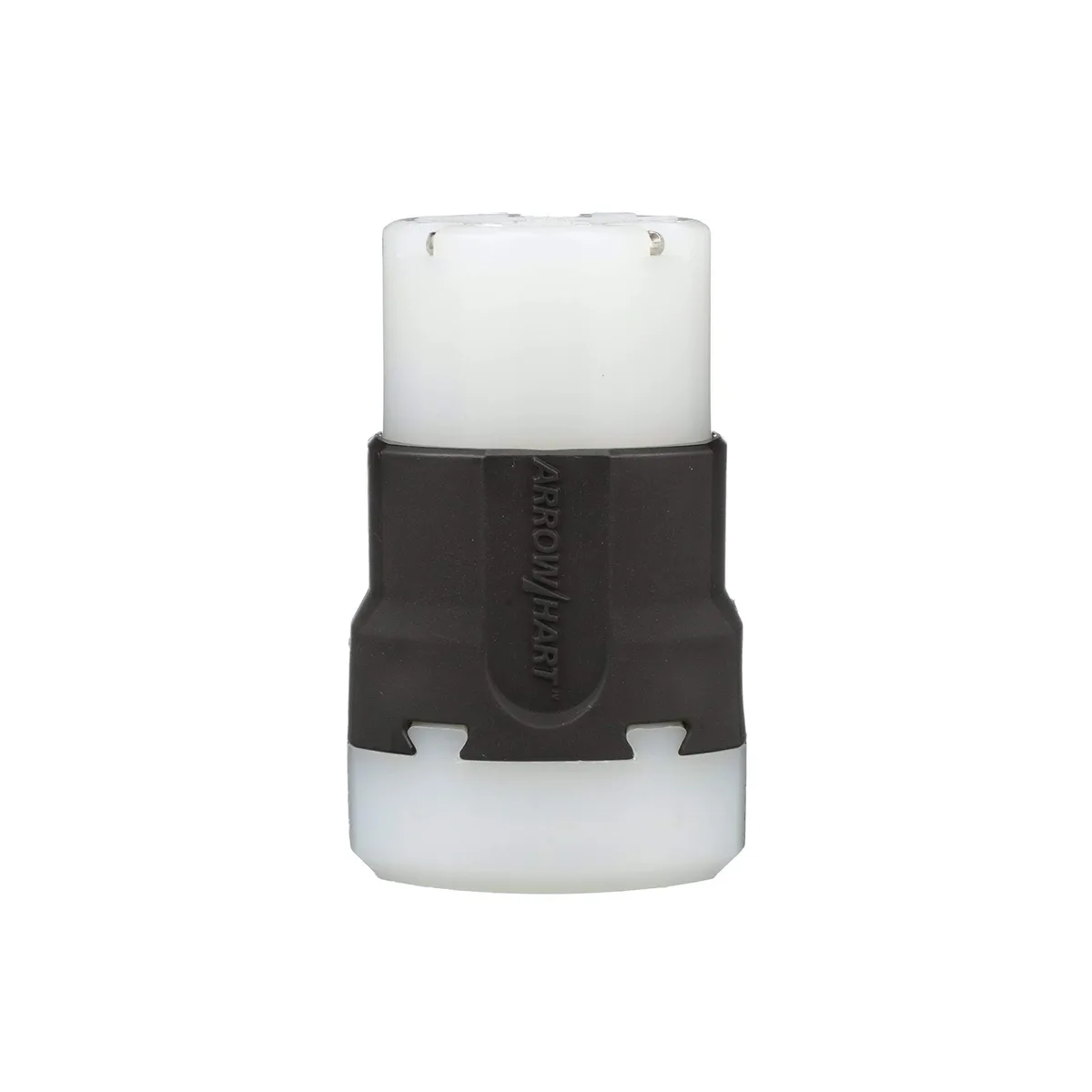
Eaton AH5269 15 Amp 125V 5-15 Ultra & Safety Grip Connector
- 125 volts
- AH5269
$29.99
0.00034764BTC
In stockWe take cryptocurrency — so the coins you hold can buy real hardware.Pay in crypto, spend it on real hardware. Free insured shipping worldwide over $399. Plain, unbranded boxes, sent from Germany.Free insured shipping over $399. Your rate is locked for 30 minutes once checkout opens.Rate locked 30 minutes. Every item sealed, serial-checked and covered by a 24-month warranty.Sealed, 24-month warranty.


Extends a desktop power button up to 1.6 m with a mechanical switch, blue LED indicator and adhesive or magnetic mounting
The SinLoon desktop power switch extension adds a remote start button with a blue LED to any standard ATX motherboard. It connects through the front-panel header using POWER SW, POWER LED+ and POWER LED- pins. The 1.6 metre cable lets you place the switch on a desk or shelf while the tower stays tucked away. It suits home users, office workers and anyone who finds the case button hard to reach.
The unit uses a male-to-female Type A straight-blade plug arrangement with copper contacts inside an ABS shell. A self-adhesive pad and magnets are supplied so the button can be fixed to metal or plastic surfaces without tools. Included splitter cables allow the original case button and the new remote to operate simultaneously. The LED leads are optional; leaving them unconnected disables the light while keeping the switch functional.
The switch only handles the motherboard’s low-voltage front-panel signals; it does not switch mains power and cannot replace a faulty PSU or wall outlet. Cable length is fixed at 1.6 metres, so the button must stay within that radius of the motherboard header. Polarity matters for the LED pins; reversing them will stop the light from working. The product carries no stated certifications, so it is intended for indoor, low-voltage use only.
| Standards/Certifications | false |
|---|---|
| Compatibility/Fitment | Type A, Male-to-Female |
It uses a 4-pin header with POWER SW, POWER LED+ and POWER LED- terminals that plug directly onto the front-panel pins.
The kit supplies a self-adhesive sticker and magnets so you can stick or magnetically fix the button to the case or desk.
Plug the two supplied 1-to-2 splitter cables into the motherboard headers, then connect both the original button and the extension to the splitters.
Also in this aisle
Same shelf, same checkout — eight coins and a 30-minute rate lock.
What you pay in, and what you read prices in.
Sent from your wallet at checkout
Display only — the catalogue is priced in USD
No currency matches that.
Pick the language the site speaks to you in.
No language matches that.
New here?
Already have one?
There is no automatic reset: this shop sends no mail, so there is no one-time link to ask for. Leave the address on the account and it gets picked up by hand.
Request noted
Nothing is on its way to your inbox — this shop sends no mail at all. Someone picks these up by hand.
Remembered it?