

Sunfounder
Sunfounder Raspberry Pi Ultimate Kit with PiCrawler AI Robot 337 components 131 projects
$174.99
0.00207013BTC
In stockWe take cryptocurrency — so the coins you hold can buy real hardware.Pay in crypto, spend it on real hardware. Free insured shipping worldwide over $399. Plain, unbranded boxes, sent from Germany.Free insured shipping over $399. Your rate is locked for 30 minutes once checkout opens.Rate locked 30 minutes. Every item sealed, serial-checked and covered by a 24-month warranty.Sealed, 24-month warranty.


SAMSUNG
High-capacity microSDXC card delivering 100 MB/s read and 20 MB/s write speeds for 4K capture
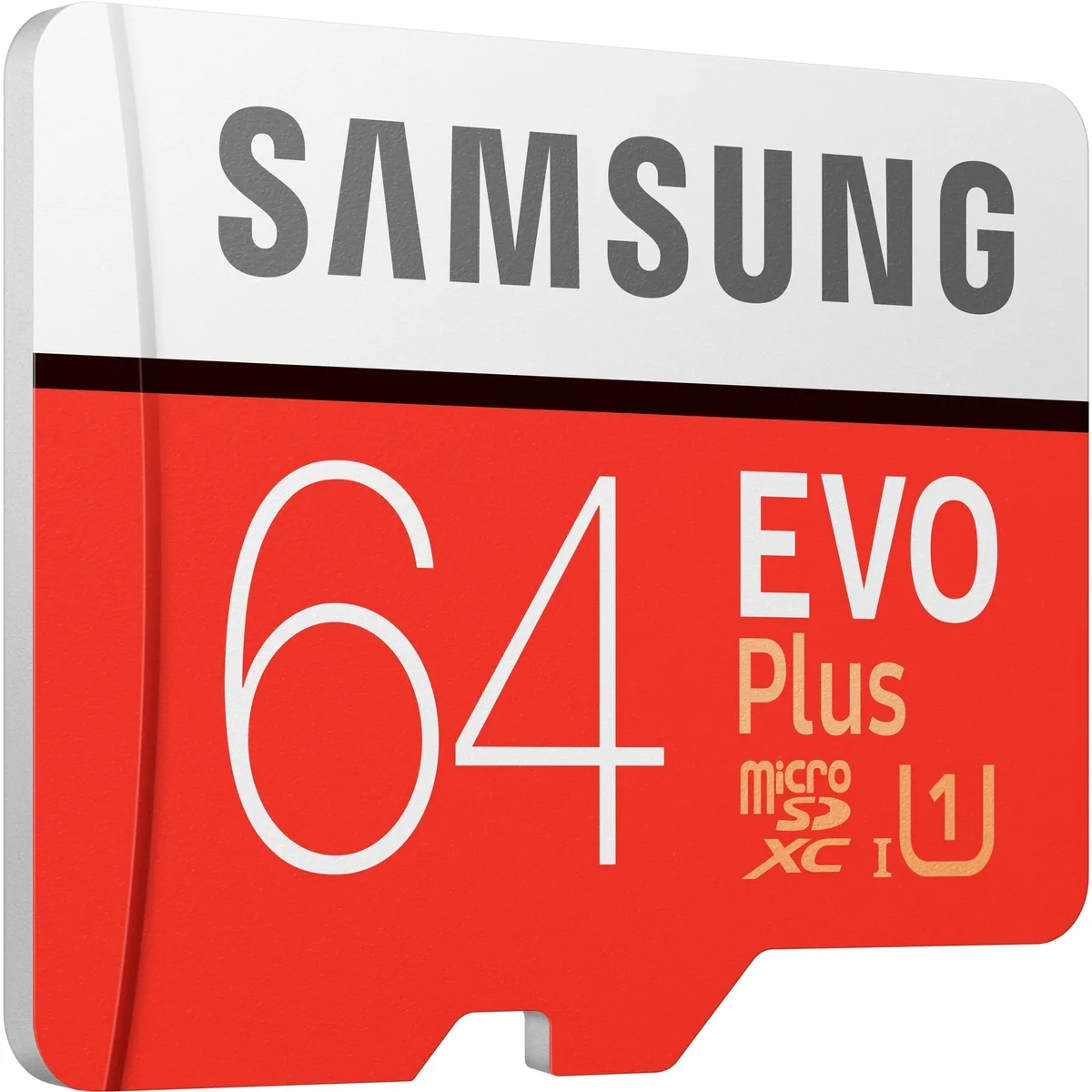
This Samsung EVO Plus microSDXC card provides 64 GB of storage with a UHS-I interface. It delivers read speeds up to 100 MB/s and write speeds up to 20 MB/s. The card carries a Class 10 rating for full HD capture.
Photographers and mobile users who want dependable capacity for photos and video will find this card fits their needs. Buyers who require faster sustained write performance for high-bitrate 4K workflows should look at higher-tier options. Devices limited to older speed classes may not utilise the full read potential.
The Class 10 and UHS-I ratings guarantee a minimum sequential write of 10 MB/s for continuous recording. Maximum read reaches 100 MB/s for quick file transfers to a computer. Write performance tops out at 20 MB/s, which determines how quickly the buffer clears during burst shooting.
No published specifications for this item yet.
The UHS-I U3 interface on this 64 GB microSDXC card caps sequential read at 100 MB/s and write at 20 MB/s.
This card uses the microSDXC form factor and fits any device with a microSDXC or microSDHC slot.
Insert the card label-side up until it clicks; the step many miss is formatting it to exFAT in the device before first use.
New to this? Buying memory and SSDs with crypto — what to check, what it costs to pay, and what is never asked for.
Also in this aisle
Same shelf, same checkout — eight coins and a 30-minute rate lock.
What you pay in, and what you read prices in.
Sent from your wallet at checkout
Display only — the catalogue is priced in USD
No currency matches that.
Pick the language the site speaks to you in.
No language matches that.
New here?
Already have one?
There is no automatic reset: this shop sends no mail, so there is no one-time link to ask for. Leave the address on the account and it gets picked up by hand.
Request noted
Nothing is on its way to your inbox — this shop sends no mail at all. Someone picks these up by hand.
Remembered it?



