


Rocstor
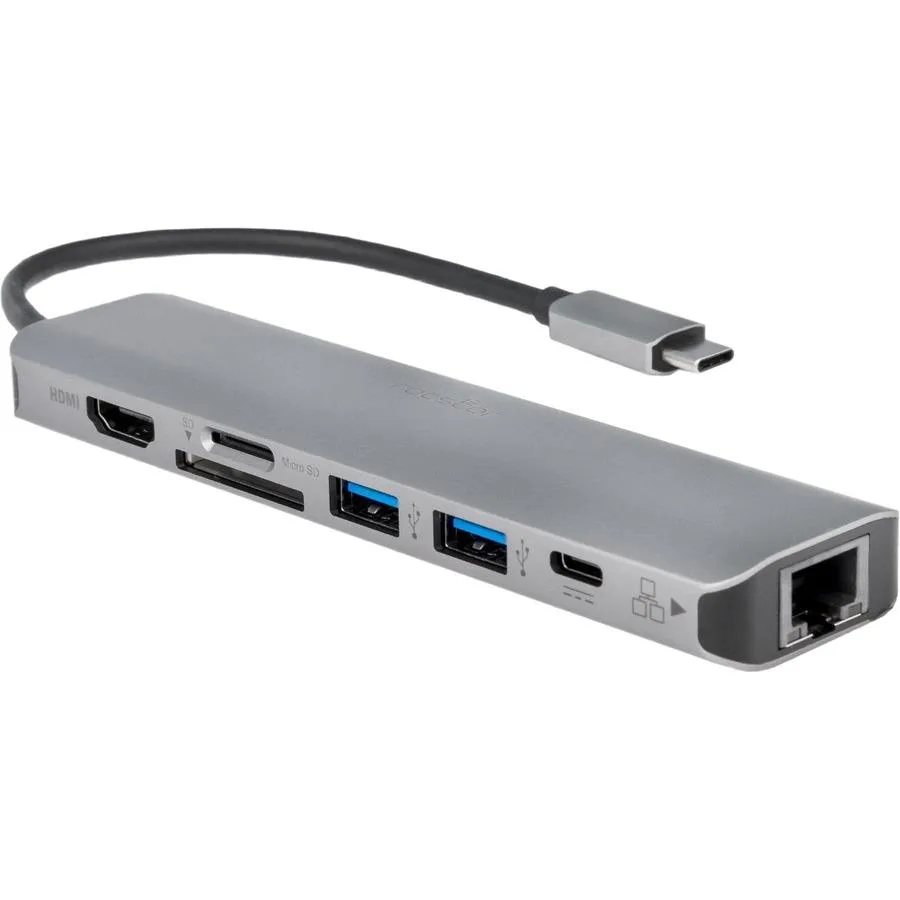
Rocstor Y10A236A1 usb display adapter
Aluminium USB-C multiport adapter connects laptops to extra displays and peripherals
- USB-C multport adapter expands one port into nine connections
- Aluminium housing dissipates heat for stable operation
- Compatible with MacBook Air, MacBook Pro, EliteBook, Chromebook and XPS
- Includes user manual for quick first-time setup
- Manufacturer listed in January 2025 for current design
Compact USB-C docking station
The Rocstor Y10A236A1 is a compact USB-C docking station designed for professionals who need extra video outputs and peripheral ports from a single laptop connection. It suits users of Apple MacBook Air, MacBook Pro, HP EliteBook, Google Chromebook and Dell XPS models that have limited built-in I/O.
Nine ports expand connectivity
The adapter bundles nine ports including HDMI, DisplayPort, USB-A, USB-C, Ethernet, SD and microSD card readers plus audio, so one cable adds monitors, wired network, storage cards and legacy accessories. A printed user manual is included for first-time setup.
Bandwidth shared across all ports
Total throughput is limited by the host USB-C link, so driving multiple high-resolution displays or moving large files over Ethernet while reading cards will reduce per-port performance. The aluminium casing helps dissipate heat but does not increase the underlying interface speed.
Highlights
- USB-C multport adapter expands one port into nine connections
- Aluminium housing dissipates heat for stable operation
- Compatible with MacBook Air, MacBook Pro, EliteBook, Chromebook and XPS
- Includes user manual for quick first-time setup
- Manufacturer listed in January 2025 for current design
Specifications
| Brand | Rocstor |
|---|---|
| Shipping weight | 0.45 kg |
| Package size | 329 × 237 × 15 mm |
Questions about this item
Does the USB-C multiport adapter have any replaceable parts or cables that wear out?
The adapter has no user-serviceable parts; the integrated cable and ports are fixed, so nothing is designed to be swapped later.
What limits the number of displays or data throughput when the adapter runs continuously?
The single USB-C uplink carries all video and data, so the host port's bandwidth is the first bottleneck under sustained load.
How warm does the aluminum enclosure get and does it need a fan when used all day?
The aluminum body acts as a passive heatsink; it gets warm but stays within safe limits without any fan.
New to this? Which coin should you pay with — what to check, what it costs to pay, and what is never asked for.
Also in this aisle
People compared these
Same shelf, same checkout — eight coins and a 30-minute rate lock.


WAWEIS
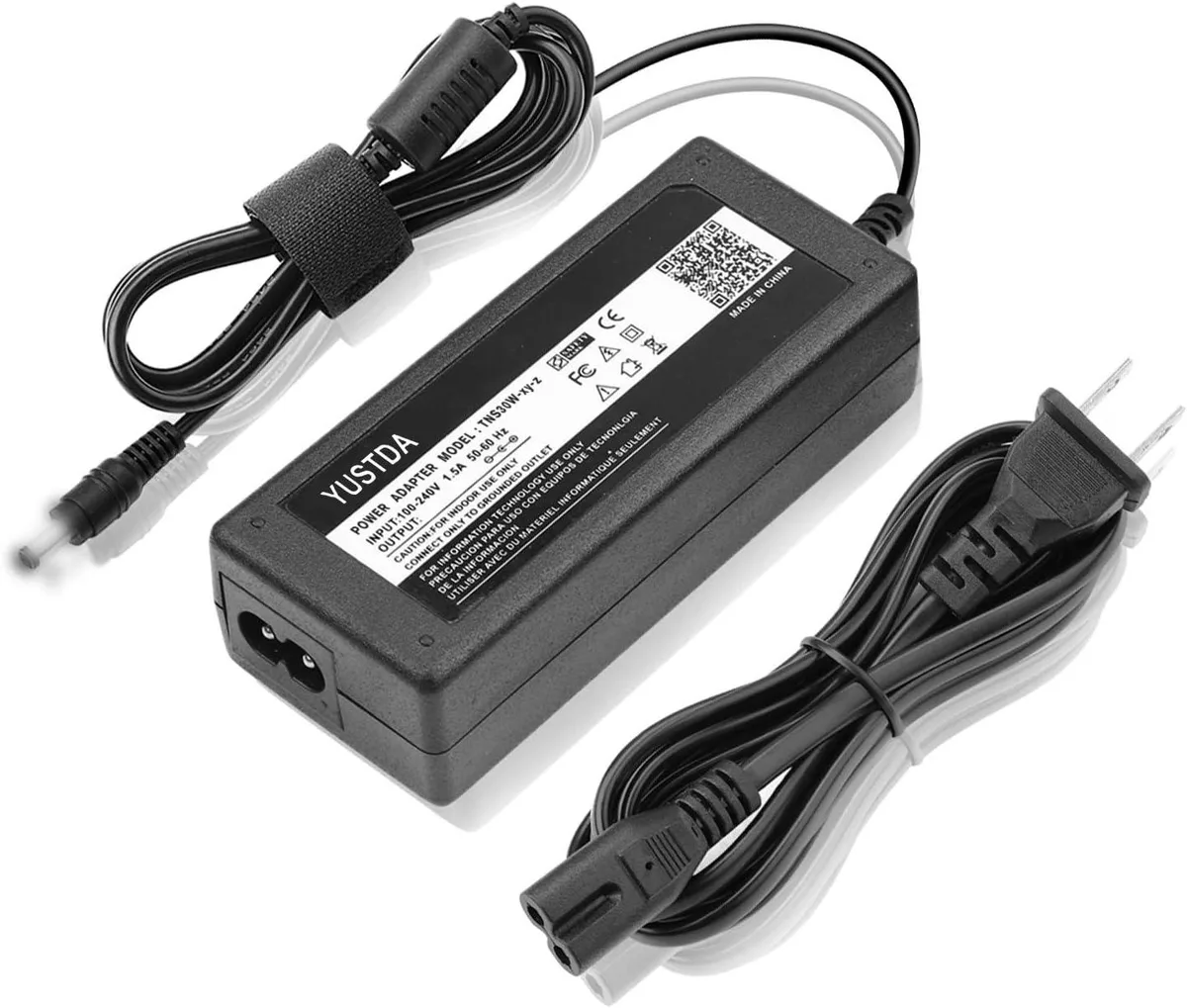
WAWEIS power adapter for AmazonBasics SB210 2.1 Channel Bluetooth Sound Bar
$15.99
0.00018453BTC
In stock
