


Plugable Technologies
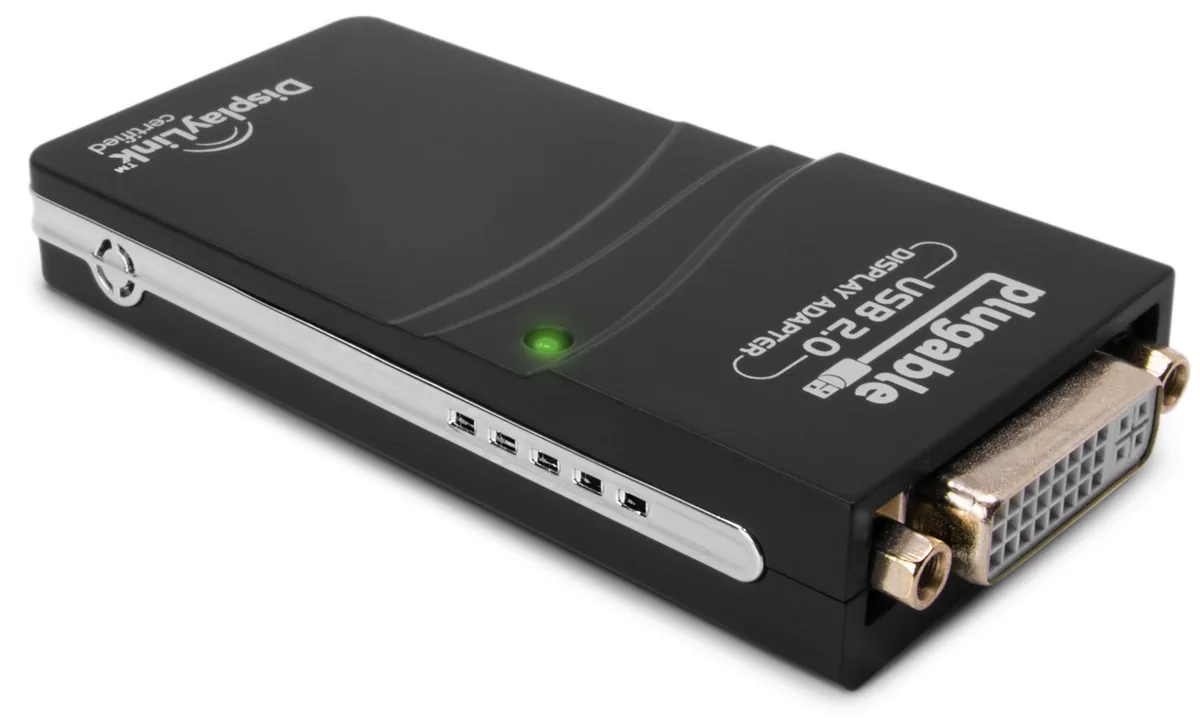
Plugable Technologies UGA-165 USB 2.0 display adapter 1920x1080
Adds a 1920x1080 HDMI, DVI, or VGA monitor via USB 2.0, supports up to six displays on Windows 11, 10, 8.1, 7, XP, and Mac 10.14+
- ColorBlack
- Add up to six 1920x1080 displays via USB 2.0
- Works with Windows 11, 10, 8.1, 7, XP and Mac 10.14+
- Pocket-sized adapter needs no external power supply
- Drivers install automatically through Windows Update or direct download
- CPU-based rendering suits office work and web browsing
What this adapter does
The Plugable UGA-165 is a USB 2.0 display adapter that adds a 1920x1080 HDMI, DVI, or VGA monitor to a Windows or Mac computer using the DisplayLink DL-165 chipset. One adapter drives one screen, and up to six adapters can run on a Windows PC or four on macOS. It draws power from the USB port and fits in a small black case about the size of a pack of cards. Drivers arrive through Windows Update or a direct download for Mac 10.14 and later.
Who it suits and who it does not
Office workers, students, and travellers who need extra screen space for documents, browsers, or email will find the adapter simple and portable. It works with virtually any Windows 11, 10, 8.1, 7, or XP 32-bit system and Mac 10.14+. Buyers who want to play 3D games, watch HD video, or stream copy-protected Blu-ray discs should look elsewhere because the adapter does not support HDCP and is not built for heavy graphics workloads. Systems without a 2 GHz dual-core CPU and 2 GB of RAM will also struggle.
Behaviour under sustained load
The adapter renders 2D and 3D content on the host CPU and GPU, compresses changed pixels, and sends them over USB 2.0. During long sessions the host processor handles the continuous encoding, so performance scales with the computer's own thermal headroom rather than the adapter itself. Extended productivity use such as coding, spreadsheet work, or video calls remains stable, while sustained 3D rendering or full-screen video playback will drop frames as the USB 2.0 bandwidth and host CPU become the limiting factors.
Highlights
- Add up to six 1920x1080 displays via USB 2.0
- Works with Windows 11, 10, 8.1, 7, XP and Mac 10.14+
- Pocket-sized adapter needs no external power supply
- Drivers install automatically through Windows Update or direct download
- CPU-based rendering suits office work and web browsing
Specifications
| Brand | Plugable Technologies |
|---|---|
| Model | UGA-165 |
| Color | Black |
| Shipping weight | 0.32 kg |
| Package size | 20 × 13 × 4 mm |
Questions about this item
What type of USB port does the UGA-165 need on my computer to function?
The UGA-165 connects through any available USB 2.0 port and works with USB 2.0 hubs or repeaters if extra ports are needed.
Will the UGA-165 run alongside my existing graphics card without driver conflicts on Windows 10?
Yes, the DisplayLink DL-165 chipset installs separately and operates independently of your primary GPU, so Windows 10 can drive both simultaneously.
How can I confirm the UGA-165 is delivering a 1920x1080 signal after I plug in a monitor?
Open Windows Display Settings or macOS Displays preferences; the external screen should list 1920x1080 as its active resolution.
New to this? Which coin should you pay with — what to check, what it costs to pay, and what is never asked for.
Also in this aisle
People compared these
Same shelf, same checkout — eight coins and a 30-minute rate lock.


WAWEIS
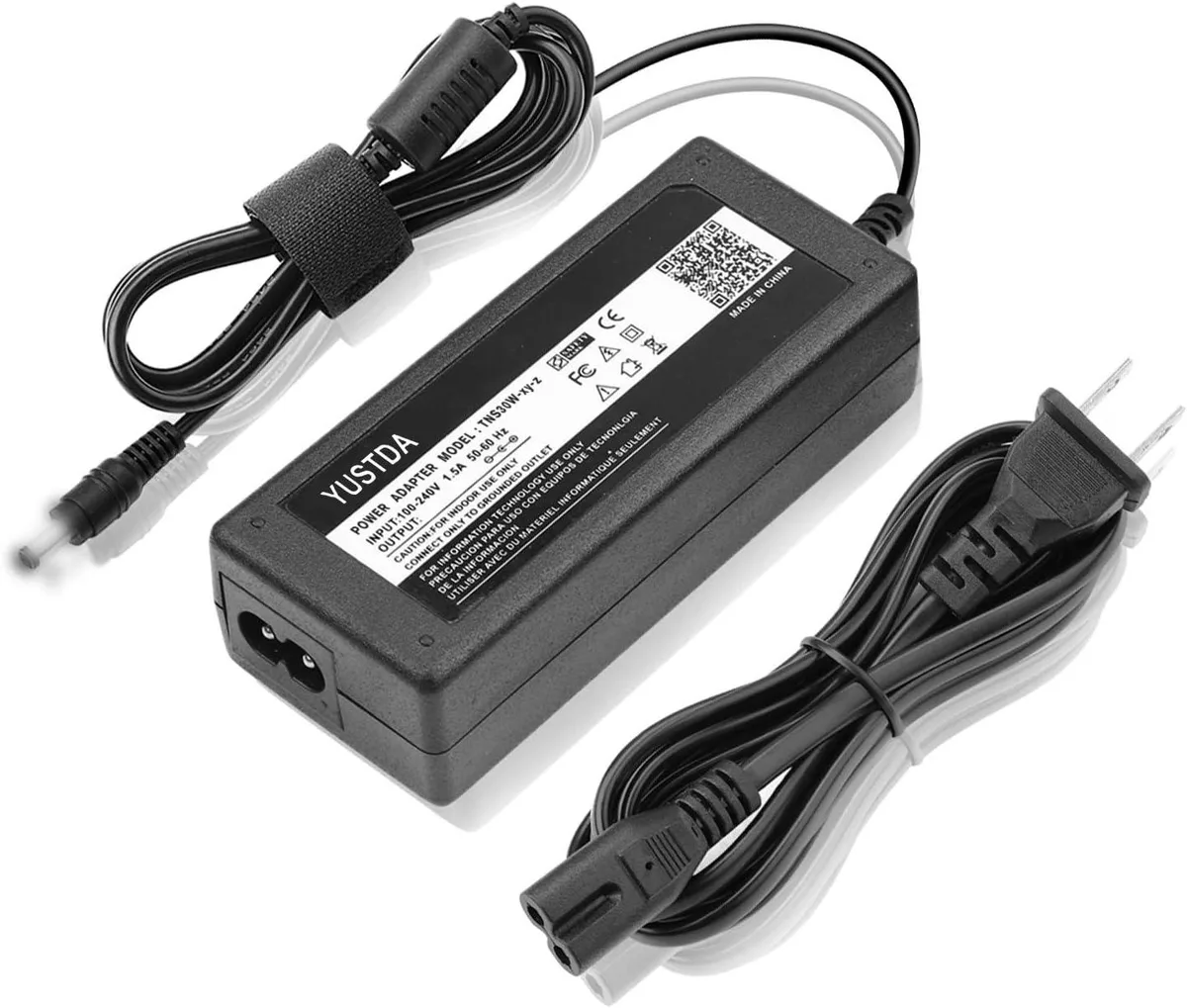
WAWEIS power adapter for AmazonBasics SB210 2.1 Channel Bluetooth Sound Bar
$15.99
0.00018432BTC
In stock
