

PNY Technologies, Inc.
PNY Technologies, Inc. 699-2G133-0200-C00 NVIDIA A40 48GB GDDR6 ai accelerator card
$4,649.99
0.05441512BTC
In stockWe take cryptocurrency — so the coins you hold can buy real hardware.Pay in crypto, spend it on real hardware. Free insured shipping worldwide over $399. Plain, unbranded boxes, sent from Germany.Free insured shipping over $399. Your rate is locked for 30 minutes once checkout opens.Rate locked 30 minutes. Every item sealed, serial-checked and covered by a 24-month warranty.Sealed, 24-month warranty.


PISKEKAT
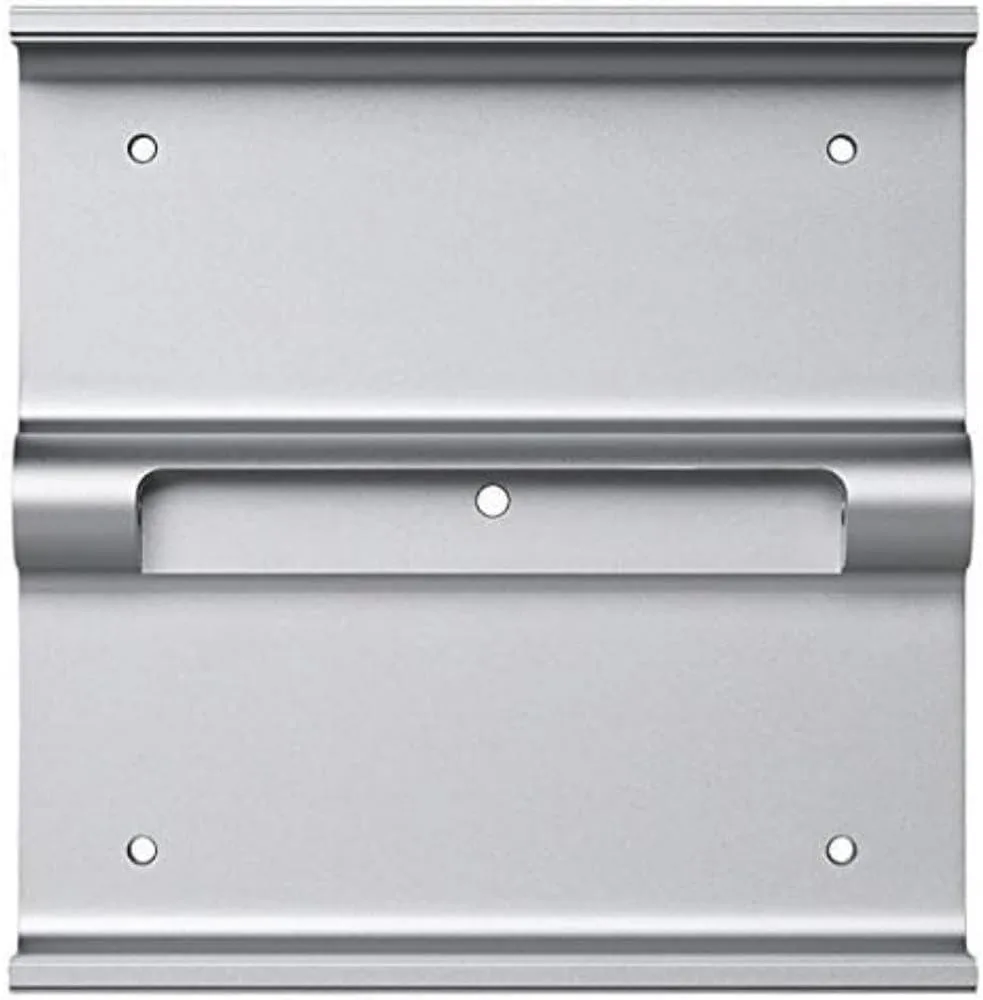
VESA mount adapter kit fits 24 and 27 iMac, LED Cinema and Thunderbolt Display models from 2009 to 2011, excluding late 2012 iMac
This VESA Mount Adapter Kit enables compatible iMac and Apple display models to attach to standard VESA mounting hardware. It supports the 24 inch iMac in aluminium and glass variants, the 27 inch iMac from late 2009, mid 2010 and mid 2011, plus the 24 and 27 inch LED Cinema Displays and the 27 inch Apple Thunderbolt Display.
The adapter kit is a purely mechanical bracket set that adds no active components to the system. It draws no power, generates no heat and produces no noise during operation. Thermal performance and acoustic profile remain entirely dependent on the host computer or display and the chosen mount.
The kit provides only the adapter plates that replace the original stand foot on supported models. A VESA-compliant articulating arm or wall mount must be purchased separately to complete the installation. It does not fit the late 2012 iMac, so owners of that model cannot use this adapter.
| Type | Mounting Racks |
|---|
Remove the built-in stand, align the adapter brackets with the VESA holes on the rear casing, then secure them using the original stand screws — do not overtighten.
Check the four adapter screws every few months; vibration from arm movement can loosen them, so retighten if any play appears.
The late 2012 model uses a different rear chassis without the VESA mounting points this adapter requires.
New to this? Buying server hardware with crypto — what to check, what it costs to pay, and what is never asked for.
Also in this aisle
Same shelf, same checkout — eight coins and a 30-minute rate lock.
What you pay in, and what you read prices in.
Sent from your wallet at checkout
Display only — the catalogue is priced in USD
No currency matches that.
Pick the language the site speaks to you in.
No language matches that.
New here?
Already have one?
There is no automatic reset: this shop sends no mail, so there is no one-time link to ask for. Leave the address on the account and it gets picked up by hand.
Request noted
Nothing is on its way to your inbox — this shop sends no mail at all. Someone picks these up by hand.
Remembered it?


