
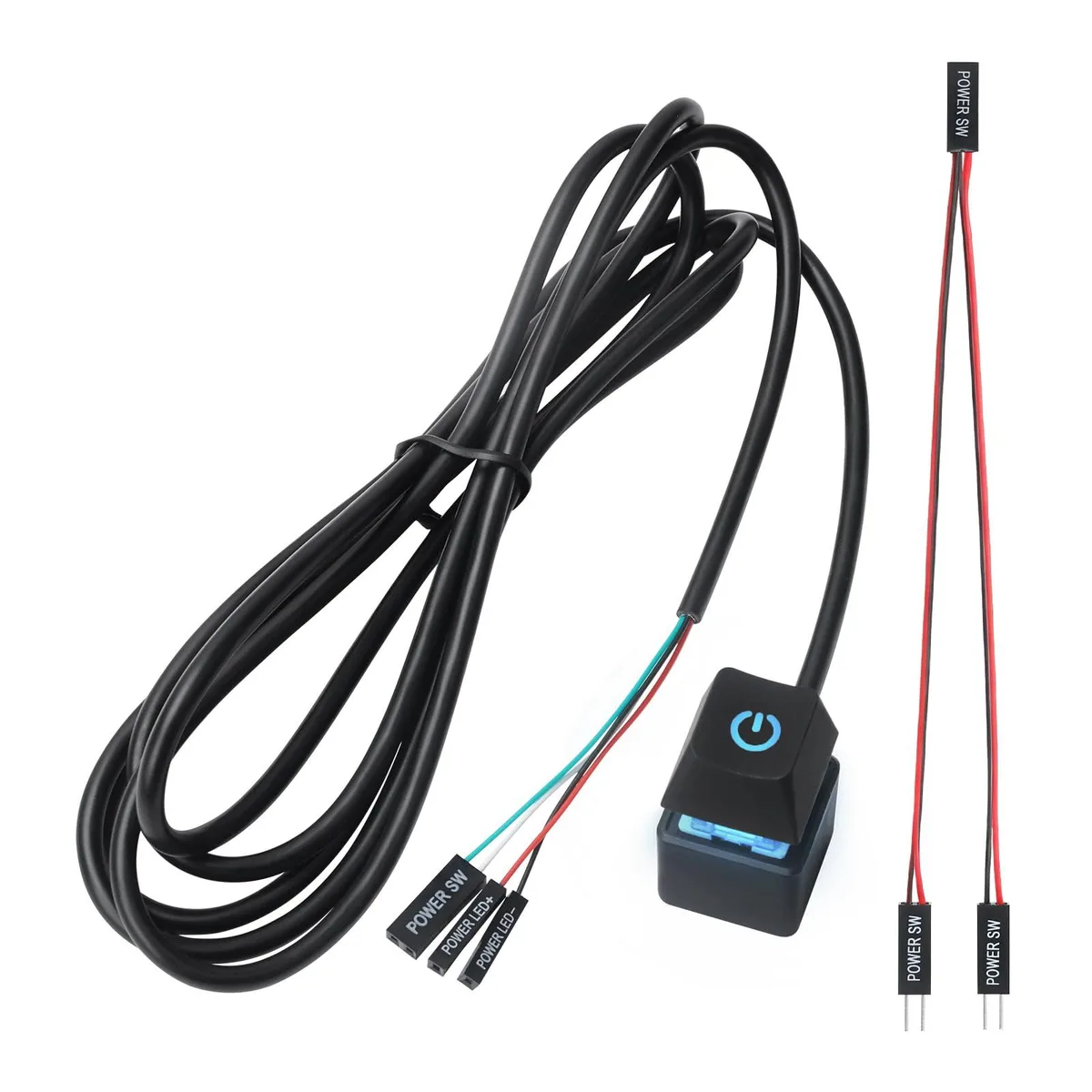


PC Power Button External ON Off LED Push Switch 1.8m Cable Black
External power button with LED indicator and 1.8 m cable connects to motherboard for convenient system startup
- Length< 1"
- Connector Number1
- SpecificationsAPIELE, 10 L x 5 W x 5 H centimeters
- Compact 19 mm button fits tight spaces
- LED ring shows power state at a glance
- 8 m cable reaches motherboard from outside
- Simple two-pin header connects to any PC
Compact external power button
This small push switch adds an illuminated power button to a desktop computer via a 1.8 m cable. It connects to the motherboard front-panel header so the system can be turned on without reaching the case front. The unit measures 19 x 19 x 24 mm and is finished in black.
Cable length limits placement options
The 1.8 m lead restricts how far the button can sit from the chassis. Builders who need a longer run or multiple switches will find this single-connector design insufficient. The momentary action suits standard ATX power-on behaviour but cannot replace a maintained-contact switch for other uses.
Highlights
- Compact 19 mm button fits tight spaces
- LED ring shows power state at a glance
- 8 m cable reaches motherboard from outside
- Simple two-pin header connects to any PC
Specifications
| Brand | Perle |
|---|---|
| Length | < 1" |
| Connector Number | 1 |
| Specifications | APIELE, 10 L x 5 W x 5 H centimeters |
Questions about this item
What length cable do I need to reach my desk from the motherboard?
The switch comes with a 1.8 m cable, long enough to route from a floor-standing case to a typical desk height.
How much space does the 19 x 19 x 24 mm button actually take on my desk?
At 19 mm wide, 19 mm deep and 24 mm tall it sits flat like a large keycap and leaves plenty of room for a keyboard or mouse.
New to this? Which coin should you pay with — what to check, what it costs to pay, and what is never asked for.
Also in this aisle
People compared these
Same shelf, same checkout — eight coins and a 30-minute rate lock.


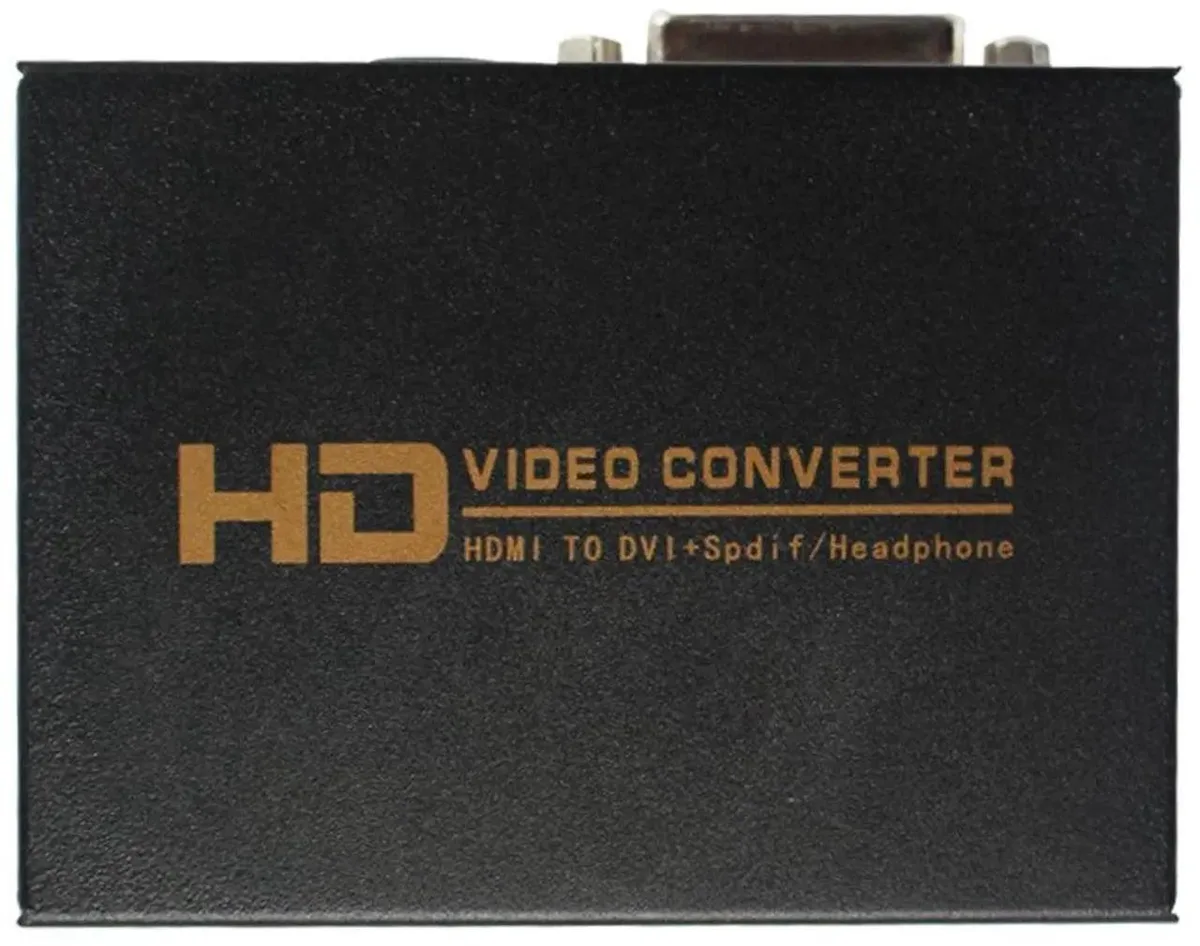
SMUGDESK
SMUGDESK HDMI to DVI + SPDIF/3.5mm Audio Converter with US Power Supply
$21.99
0.00025406BTC
In stock

AVMatrix
AVMatrix SC1112-12G 12G-SDI to HDMI 2.0 4K audio video converter
$157.99
0.00182536BTC
In stock