


Panduit
Panduit Blank Mini-Com Module Ivory
Ivory blank module fills unused Mini-Com ports in faceplates and panels
- TypeBlanking Panel
- Fills unused ports to maintain airflow
- Electric Ivory colour matches standard Mini-Com faceplates
- Blank insert prevents dust ingress in patch panels
- Tool-less snap-in design for quick installation
- Compatible with all Mini-Com modular panels
Panduit Blank Mini-Com Module
The Panduit Blank Mini-Com Module in ivory is a blanking panel designed for Mini-Com faceplates and panels. It fills unused ports to maintain a clean, professional appearance in network installations. This new component is intended for installers and network managers organising structured cabling systems.
Replaces open ports in Mini-Com systems
Use this module to cover empty openings in existing Mini-Com faceplates or patch panels. The jump is worth it when documenting port assignments or preventing dust ingress in active network racks. It requires no cable termination and supports consistent labelling across the installation.
Passive component with no active load
As a blank insert, it has no electrical or thermal behaviour under sustained load. It remains mechanically secure in the faceplate during routine maintenance or reconfiguration. Long-term performance is limited to physical retention and colour stability in standard indoor environments.
Highlights
- Fills unused ports to maintain airflow
- Electric Ivory colour matches standard Mini-Com faceplates
- Blank insert prevents dust ingress in patch panels
- Tool-less snap-in design for quick installation
- Compatible with all Mini-Com modular panels
Specifications
| Brand | Panduit |
|---|---|
| Type | Blanking Panel |
| Shipping weight | 0.01 kg |
| Package size | 211 × 135 × 51 mm |
Questions about this item
Will this blank module snap into a standard Mini-Com faceplate or patch panel?
Yes, it is designed to fit any Mini-Com faceplate or panel that accepts Mini-Com inserts.
How is the module installed, and what mistake should I avoid?
Align the module with the Mini-Com opening and press straight in until the retention clips click; do not force it at an angle or the clips may bend.
Does the insert require any cleaning or replacement over time?
No maintenance is needed; the passive plastic insert simply occupies an unused port and is replaced only if the port is later populated with an active jack.
New to this? Buying server hardware with crypto — what to check, what it costs to pay, and what is never asked for.
Also in this aisle
People compared these
Same shelf, same checkout — eight coins and a 30-minute rate lock.


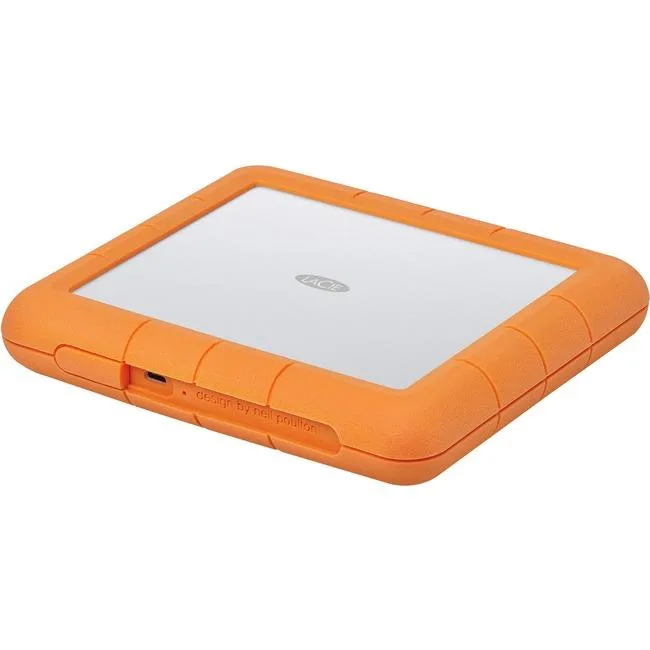
LaCie
LaCie STHT8000800 8TB RAID subsystem USB 3.1 Type C RAID 0 1
- USB 3.1 Type C
- 0, 1
$445.99$471.99−6%
0.00514994BTC
In stock

SanDisk Professional
SanDisk Professional SDPH34H-024T-NBAAB 24TB RAID enclosure
- Thunderbolt 3 and U…
$1,337.99
0.01545005BTC
In stock