


Orico
Orico HDD Protector 3.5 inch Grey PHP-35
A grey protective case that shields a 3.5 inch hard drive from shock, dust and moisture while adding a marking label for easy library management
- ColorGrey
- Shock-resistant engineering plastic shell safeguards 3.5 inch drives
- Anti-static EVA cushion lining protects data from electrostatic discharge
- Water-resistant and dust-proof seals defend against environmental damage
- Marking label simplifies HDD library management and identification
- Includes 18-month warranty with lifetime technical support
3.5-inch HDD Protective Case
This grey protective case fits a single 3.5-inch hard disk drive. The ABS plastic shell and internal EVA cushion shield the drive from shocks, static, dust and water splashes. A simple lock mechanism keeps the lid secure during transport. The case includes a marking label for easy library management.
Upgrade from bare drives or static bags
Replacing loose drives or anti-static bags with this rigid case adds drop and vibration protection when moving drives between systems or sites. The jump is worth it whenever drives leave a rack or desktop and travel in a bag, toolbox or drawer where they can be knocked or exposed to moisture.
Suits technicians and archivists who move 3.5-inch
Ideal for anyone who carries bare 3.5-inch drives between workstations, off-site backups or storage shelves. Not suited for 2.5-inch drives, M.2 modules or users needing multi-bay enclosures with active cooling or RAID electronics.
Highlights
- Shock-resistant engineering plastic shell safeguards 3.5 inch drives
- Anti-static EVA cushion lining protects data from electrostatic discharge
- Water-resistant and dust-proof seals defend against environmental damage
- Marking label simplifies HDD library management and identification
- Includes 18-month warranty with lifetime technical support
Specifications
| Color | Grey |
|---|
Questions about this item
Will this case fit my 3.5 inch hard drive?
Yes, the protector is made specifically for 3.5 inch hard disk drives. The engineering plastic shell and internal EVA cushion surround every corner to hold the drive securely.
How do I open and close the case, and what mistake should I avoid?
Use the easy lock mechanism to open and close the lid. Do not force the latch; it is designed to snap shut gently when aligned correctly.
How do I keep track of multiple drives in these cases over time?
Each case includes a marking label on the exterior. Write the drive details on the label for library management and quick identification.
New to this? Which coin should you pay with — what to check, what it costs to pay, and what is never asked for.
Also in this aisle
People compared these
Same shelf, same checkout — eight coins and a 30-minute rate lock.


WAWEIS
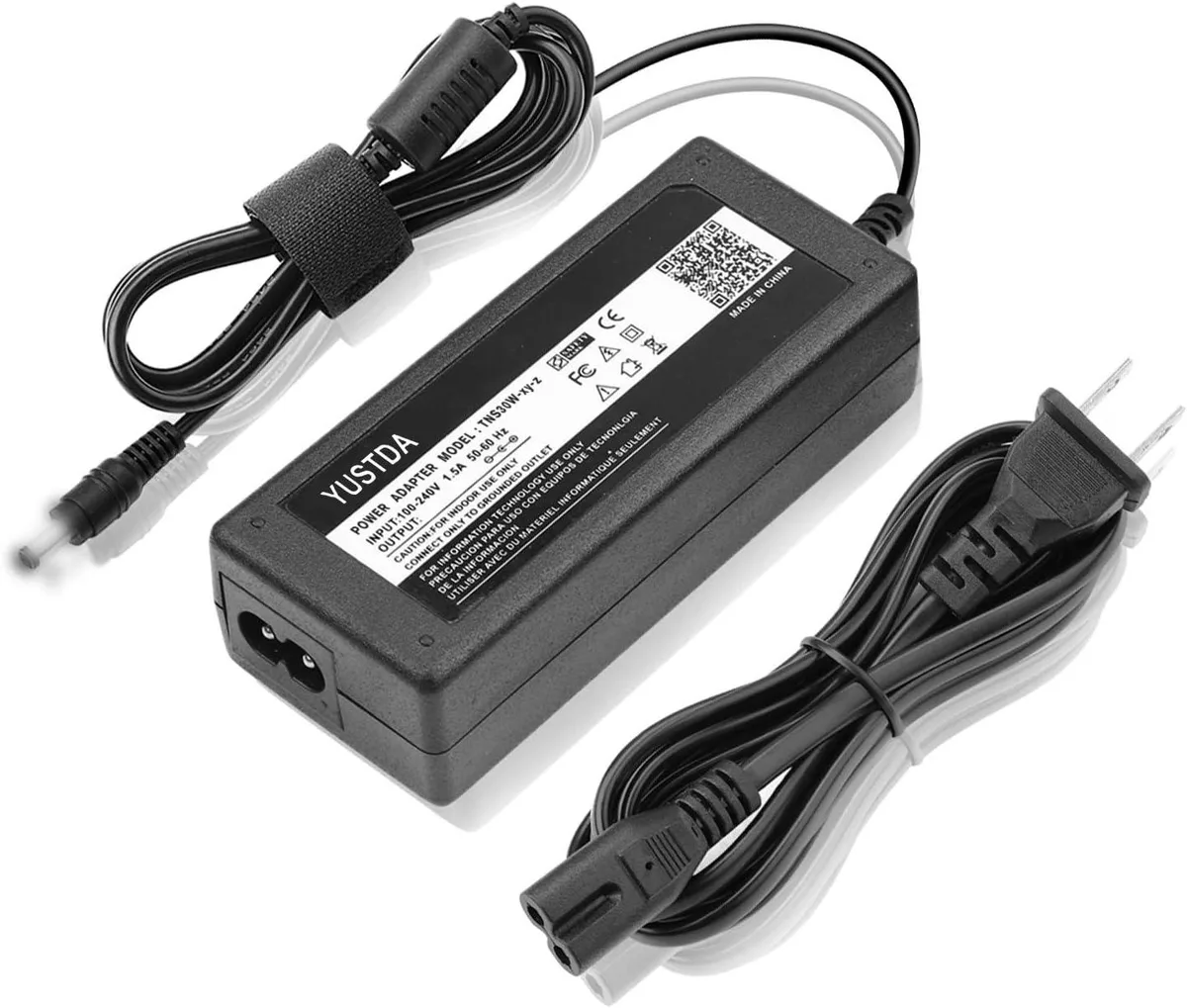
WAWEIS power adapter for AmazonBasics SB210 2.1 Channel Bluetooth Sound Bar
$15.99
0.00018453BTC
In stock
