

Microsoft
Microsoft Type Cover for Surface Pro – Black 2 in 1 accessory
A detachable keyboard and trackpad that clicks onto Surface Pro 3, 4 and Pro, giving laptop-style typing with a larger glass trackpad and screen protection in a 11.6 × 8.5 × .19 in design
- Type like a laptop with improved key spacing
- Navigate precisely on a larger two-button trackpad
- Adjust the angle with enhanced magnetic stability
- Shield the screen from bumps and scratches
- Works with Surface Pro 3, 4 and Surface Pro
Surface Pro Type Cover keyboard
The Microsoft Type Cover turns a Surface Pro 3, Surface Pro 4 or Surface Pro tablet into a laptop with a mechanical keyboard and enlarged glass trackpad. It clicks on magnetically and adjusts to multiple angles for lap, tray or desk use. The cover also shields the screen from bumps and scratches when closed.
For owners of compatible Surface Pro models
This accessory fits Surface Pro 3, Surface Pro 4 and Surface Pro only. Buyers with Surface Pro X, Surface Pro 7 or later models, Surface Go devices, Surface Book or non-Microsoft tablets cannot use it. It is also unsuitable for anyone needing a wireless or Bluetooth keyboard separate from the device.
Mechanical keyboard with magnetic attachment
The redesigned mechanical keyboard offers optimal key spacing for fast, fluid typing and a traditional laptop feel. A sturdy magnetic hinge holds the chosen angle securely while the enlarged glass trackpad provides precision control. The cover measures 11.60 in x 8.50 in x 0.19 in (295 mm x 216 mm x 4.65 mm).
Highlights
- Type like a laptop with improved key spacing
- Navigate precisely on a larger two-button trackpad
- Adjust the angle with enhanced magnetic stability
- Shield the screen from bumps and scratches
- Works with Surface Pro 3, 4 and Surface Pro
Specifications
No published specifications for this item yet.
Questions about this item
Which Surface Pro models does this Type Cover click into?
It is compatible with Surface Pro 3, Surface Pro 4 and Surface Pro, attaching magnetically to each.
How does the enlarged trackpad change cursor control compared with the smaller pads on earlier covers?
The larger two-button glass trackpad gives more room for precise navigation and multi-finger gestures.
After attaching the cover, how can I confirm the keyboard and trackpad are active without opening Settings?
Type a few characters and move the pointer; both respond immediately once the magnetic connection seats.
Also in this aisle
People compared these
Same shelf, same checkout — eight coins and a 30-minute rate lock.


Astro Gaming
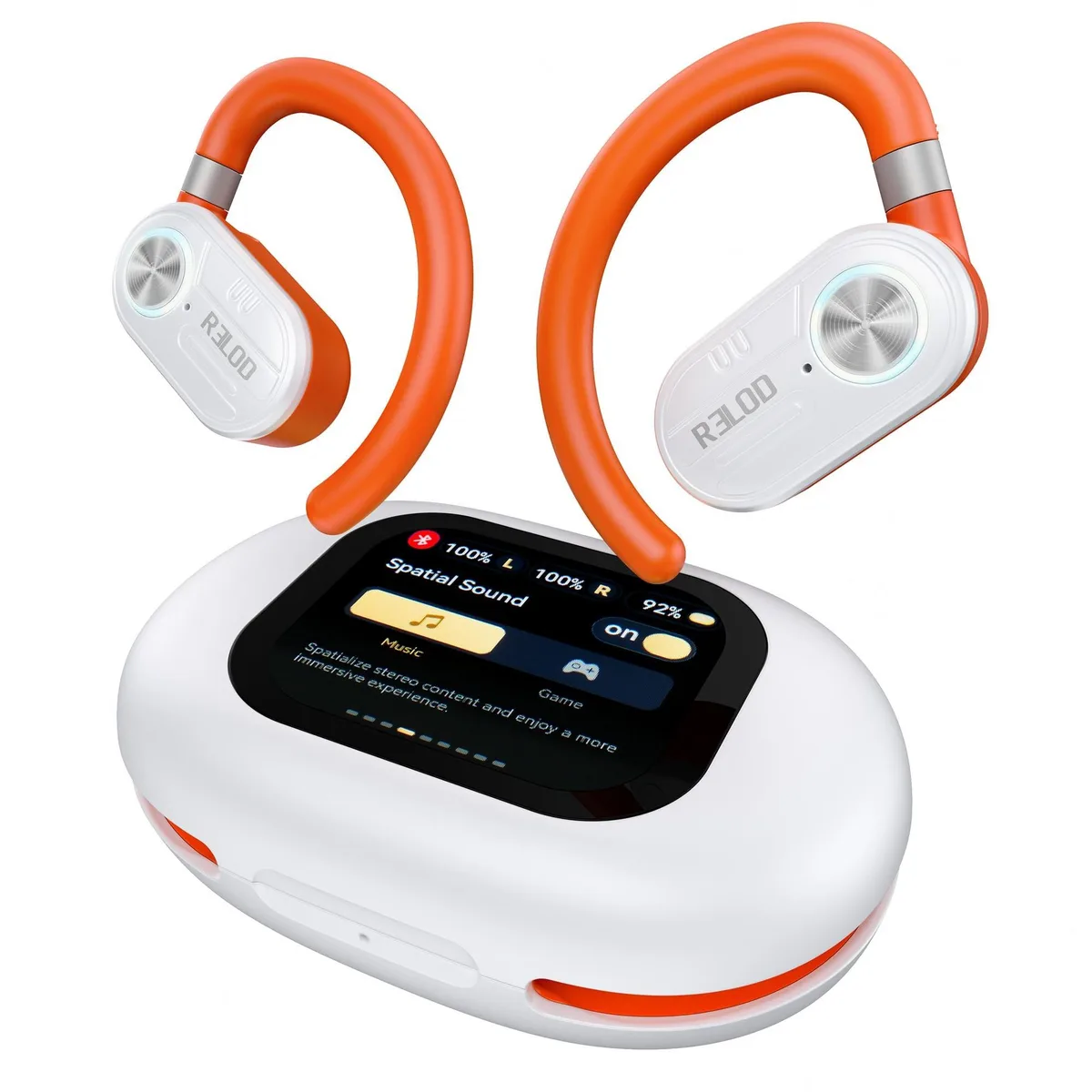
Astro Gaming TOUCHFIT PRO Open Ear Headphones 30h ENC 2.0 2 in 1 accessory
$123.99
0.00145089BTC
In stock