
LUOM
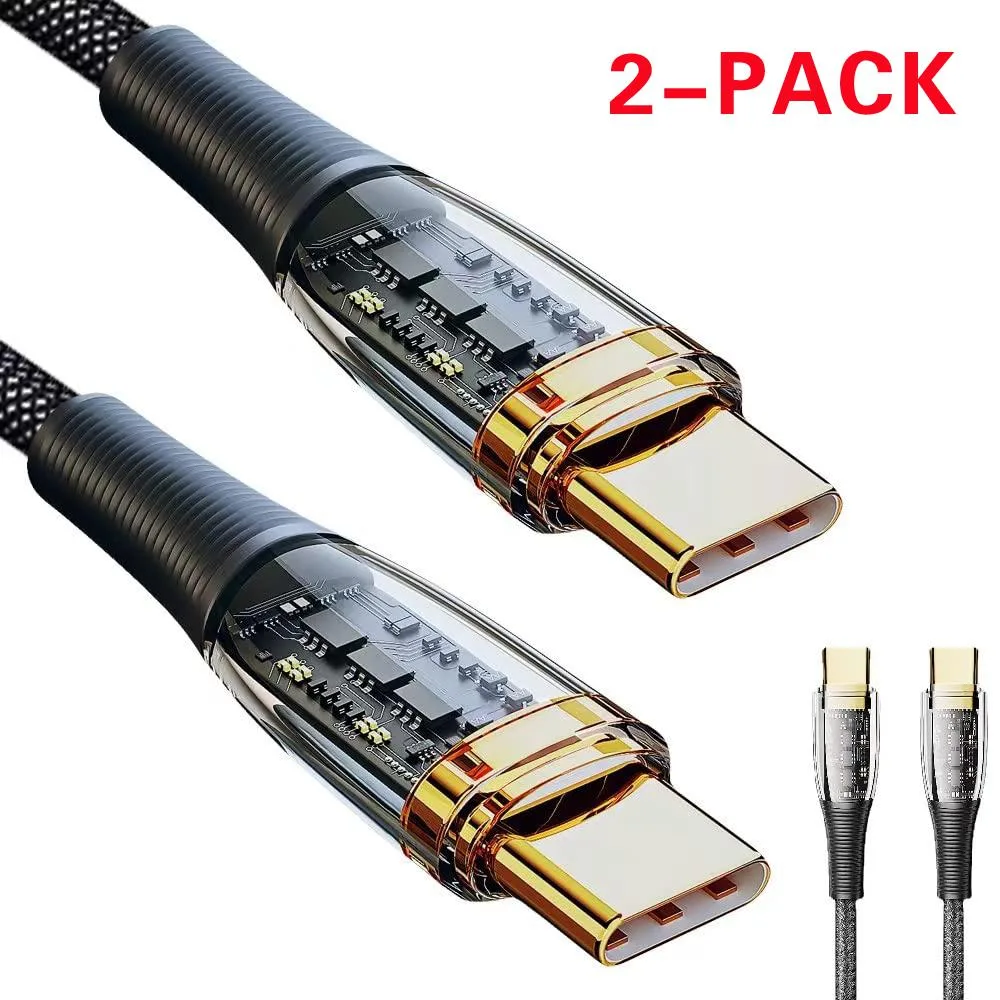
LUOM Essager XJ USB-C cable 100W 5A 6.6ft Black 2-pack
- USB-C Cable
- Black
$14.99
0.00017842BTC
In stockWe take cryptocurrency — so the coins you hold can buy real hardware.Pay in crypto, spend it on real hardware. Free insured shipping worldwide over $399. Plain, unbranded boxes, sent from Germany.Free insured shipping over $399. Your rate is locked for 30 minutes once checkout opens.Rate locked 30 minutes. Every item sealed, serial-checked and covered by a 24-month warranty.Sealed, 24-month warranty.


LUOM
A 540° rotating magnetic USB-C cable with three interchangeable tips, 3.0 A fast charging and 480 Mbps data transfer
The LUOM Essager WX is a 3.3 ft USB-A to USB-C cable with a magnetic tip that rotates 540° — 360° spin plus a 180° L-shaped bend. It supports up to 3.0 A charging at 5 V and 480 Mbps data transfer. A two-pack in black braided nylon is included.
One cable charges Type-C, Micro-USB and Lightning devices thanks to three swappable magnetic tips. The strong magnet clicks on one-handed while driving or gaming. Buyers who need more than 3 A or faster data rates should look at something else.
The cable delivers its maximum 3.0 A only when paired with a QC 3.0 charger; standard ports will fall back to lower current. This single power spec decides whether the cable matches your charging brick.
| Brand | LUOM |
|---|---|
| Series | Essager WX |
| Model | Essager WX |
| Type | USB-C Cable |
| Color | Black |
| Adapter | USB Type-C |
| Standard USB Port | 3 |
| Output Volt | 5V |
| Specifications | FAST MAGNETIC CHARGING CABLE High Quality Nylon Braided Maximum 3.0A Fast Charging Support QC 3.0 Quick Charging Support 480Mbps Data Transfer Upgrade Magnetic Tips With a strong magnet, the USB fast magnetic charging cable makes charging much easier than normal cable. The magnetic tips left in the phone can protect your phone charging port away from dust. 540 Degree Rotating Magnetic USB Charging Cable The investigation results show that the reason why the charging cable cannot work is caused by repeated bending of the connected device end. Designed to solve fragility:180°L shape &3 |
| Features | 360°+ 180° ROTATING: 180°L shape & 360°rotating magnetic head design, It has all the functions of the straight and 90 degrees L-shaped magnetic cable, which is more convenient for playing games. FAST CHARGE & DATA SYNC: Magnetic USB Cable offers the max current charging speed up to 3A, and data transfer speed up to 480Mbps, 10% faster than most other standard cables. [ATTENTION: QC 3.0A fast charger only fit on the fast charger plug.] STRONG MAGNETISM: USB fast magnetic cable come with innovative magnetism design, reversible charger connector can automatically absorb magnet charging |
Other versions of this model
Same family, different memory, cooler or clock — compare before you commit.
The cable transfers data at up to 480 Mbps, which is the practical limit of the USB 2.0 interface used by this magnetic connector.
The magnetic tip rotates 360° and the head bends 180°, so it needs only a few millimetres of side clearance to swing freely without hitting adjacent ports or a case edge.
Insert the small magnetic tip into the device port until it seats flush, then let the cable head snap on; the step often missed is leaving the tip in place for future one‑hand connections.
New to this? Which coin should you pay with — what to check, what it costs to pay, and what is never asked for.
Also in this aisle
Same shelf, same checkout — eight coins and a 30-minute rate lock.
What you pay in, and what you read prices in.
Sent from your wallet at checkout
Display only — the catalogue is priced in USD
No currency matches that.
Pick the language the site speaks to you in.
No language matches that.
New here?
Already have one?
There is no automatic reset: this shop sends no mail, so there is no one-time link to ask for. Leave the address on the account and it gets picked up by hand.
Request noted
Nothing is on its way to your inbox — this shop sends no mail at all. Someone picks these up by hand.
Remembered it?


