


LORDWORLD
LORDWORLD USB 2.0 Switch Selector 2 Computers 4 Devices
A USB 2.0 switch shares four peripherals between two computers with one-button switching and LED indication
- Share 4 USB 2.0 devices between 2 computers without cable swapping
- One-button switching with LED shows active computer instantly
- Works with Windows 10/8/8.1/7/Vista/XP, Mac OS X, Linux, Chrome OS — no drivers needed
- USB-C power port lets you connect external HDDs or digital video cameras
- Ideal for home or small office sharing printers, scanners and more
Two-computer four-device USB 2.0 switch
This USB 2.0 switch lets two computers share four peripherals such as a keyboard, mouse, printer and scanner. A single push button toggles the active host and an LED shows which computer is connected. The unit draws extra power through a USB-C port so bus-powered devices like external hard drives or digital video cameras can be used reliably.
Replaces manual cable swapping and software sharing
Instead of unplugging cables or configuring network shares, the switch moves all four devices between the two hosts instantly. The upgrade is worth it when you regularly move a printer, scanner, keyboard and mouse between a pair of desktops or laptops and want a driver-free hardware solution.
Suits home and small-office users with two computers
It works with Windows 10, 8, 8.1, 7, Vista, XP, Mac OS X, Linux and Chrome OS without installing drivers. Buyers who need to share more than four devices or who require USB 3.0 or higher bandwidth should look at a different class of switch.
Highlights
- Share 4 USB 2.0 devices between 2 computers without cable swapping
- One-button switching with LED shows active computer instantly
- Works with Windows 10/8/8.1/7/Vista/XP, Mac OS X, Linux, Chrome OS — no drivers needed
- USB-C power port lets you connect external HDDs or digital video cameras
- Ideal for home or small office sharing printers, scanners and more
Specifications
| Brand | LORDWORLD |
|---|
Questions about this item
What cables come in the box for connecting the two computers to the switch?
The package includes two USB cables for linking each computer to the upstream ports on the switch.
Does the push-button require any driver installation before it will toggle between the two computers?
No driver is needed; the button works immediately on Windows 10, 8.1, 7, Vista, XP, Mac OS X, Linux and Chrome OS.
When should I use the USB-C power port on the switch?
Connect a USB-C power source when you attach high-draw peripherals such as an external hard drive or digital video camera.
New to this? Which coin should you pay with — what to check, what it costs to pay, and what is never asked for.
Also in this aisle
People compared these
Same shelf, same checkout — eight coins and a 30-minute rate lock.


WAWEIS
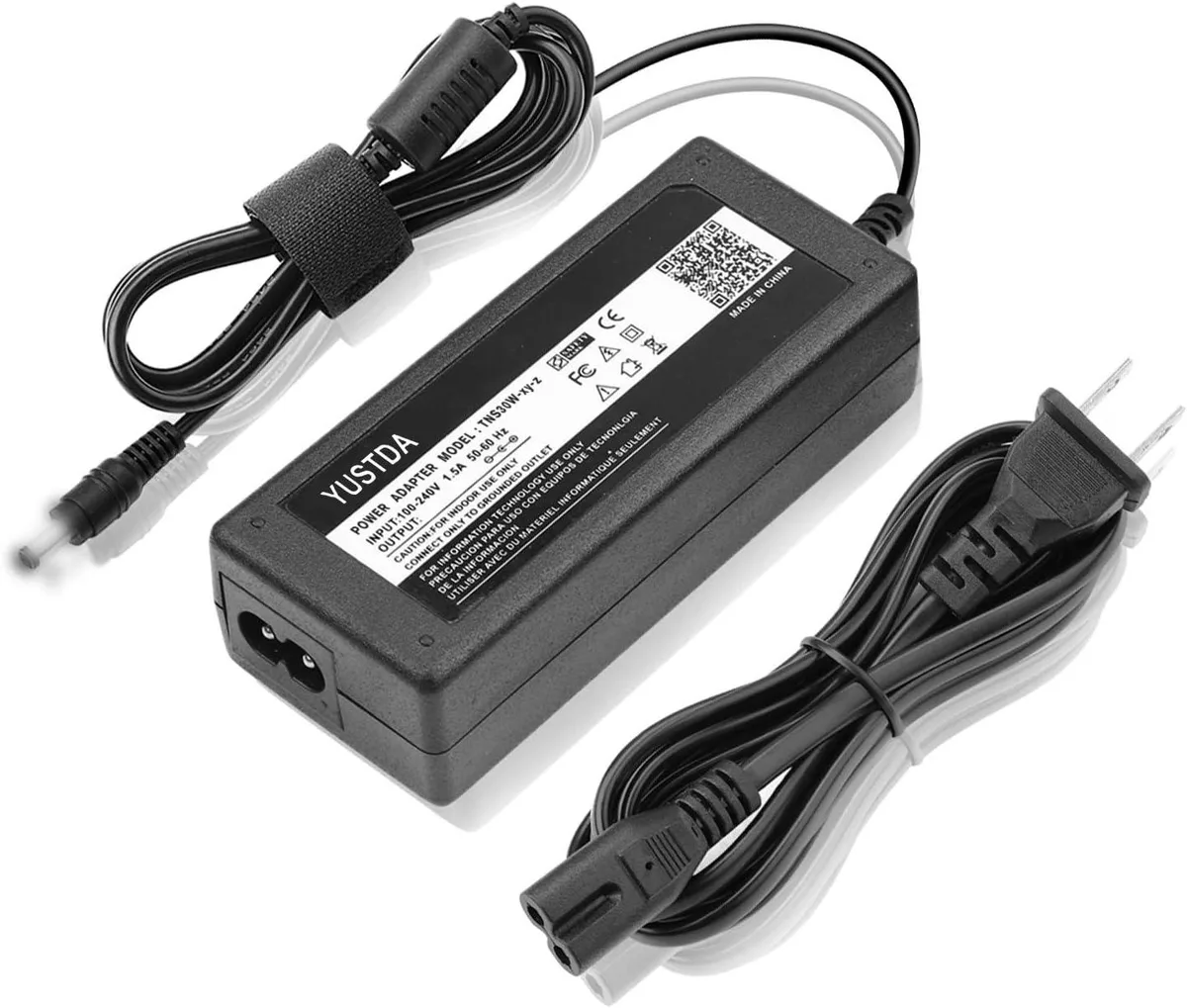
WAWEIS power adapter for AmazonBasics SB210 2.1 Channel Bluetooth Sound Bar
$15.99
0.00018453BTC
In stock
