
LONGER
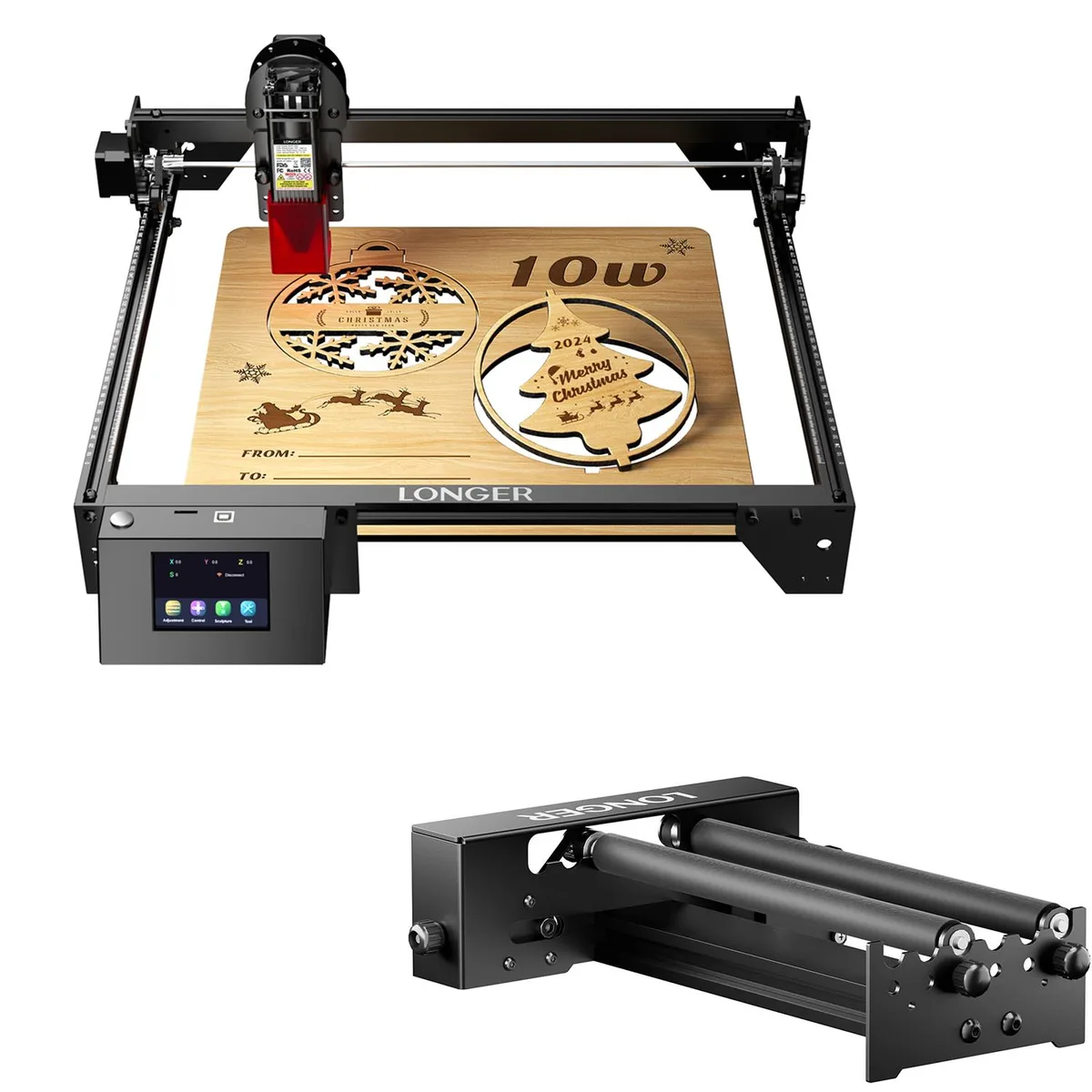
LONGER RAY5 10W Laser Engraver with Rotary Roller
A 10 W laser engraver with a rotary roller for cylindrical objects
Option 10W+ Rotary Roller
- 10W+ Rotary Roller
- 10W+Air Assist kit
- 10W+ Lifting Bracket Kit
- 10w + 8 Pcs Riser Pads
- 10W+Roller Kits
- 10W+Aluminum Cards 50 PCS
- 10W+Laser Engrave Enclosure
- 10W+Material Pack
- 10W+Limit Switch Kit
- 10W+500*500
- 10W+200*300
- 10W+400*400
Show 3 more configurations
- 10 W laser output for detailed engraving
- Rotary roller enables cylindrical object marking
- New condition ensures full manufacturer performance
- Compact maker system fits desktop workspaces
10 W laser engraver with rotary roller
The Longer RAY5 delivers a 10 W laser output for cutting and engraving on wood, acrylic, leather and similar materials. A rotary roller is included so users can engrave cylindrical objects such as tumblers or pens. The machine suits hobbyists and small workshops that want a single desktop unit for flat and round workpieces.
Upgrade from lower-power diode lasers
Makers currently using a 5 W diode engraver will see noticeably faster cuts and deeper engraving in a single pass. The jump is worthwhile when project volume increases or when thicker materials need clean edges without multiple passes. Buyers who need a larger bed or a CO₂ tube for cutting thick acrylic should look elsewhere.
Highlights
- 10 W laser output for detailed engraving
- Rotary roller enables cylindrical object marking
- New condition ensures full manufacturer performance
- Compact maker system fits desktop workspaces
Specifications
No published specifications for this item yet.
Other versions of this model
5 more in the same range
Same family, different memory, cooler or clock — compare before you commit.



LONGER
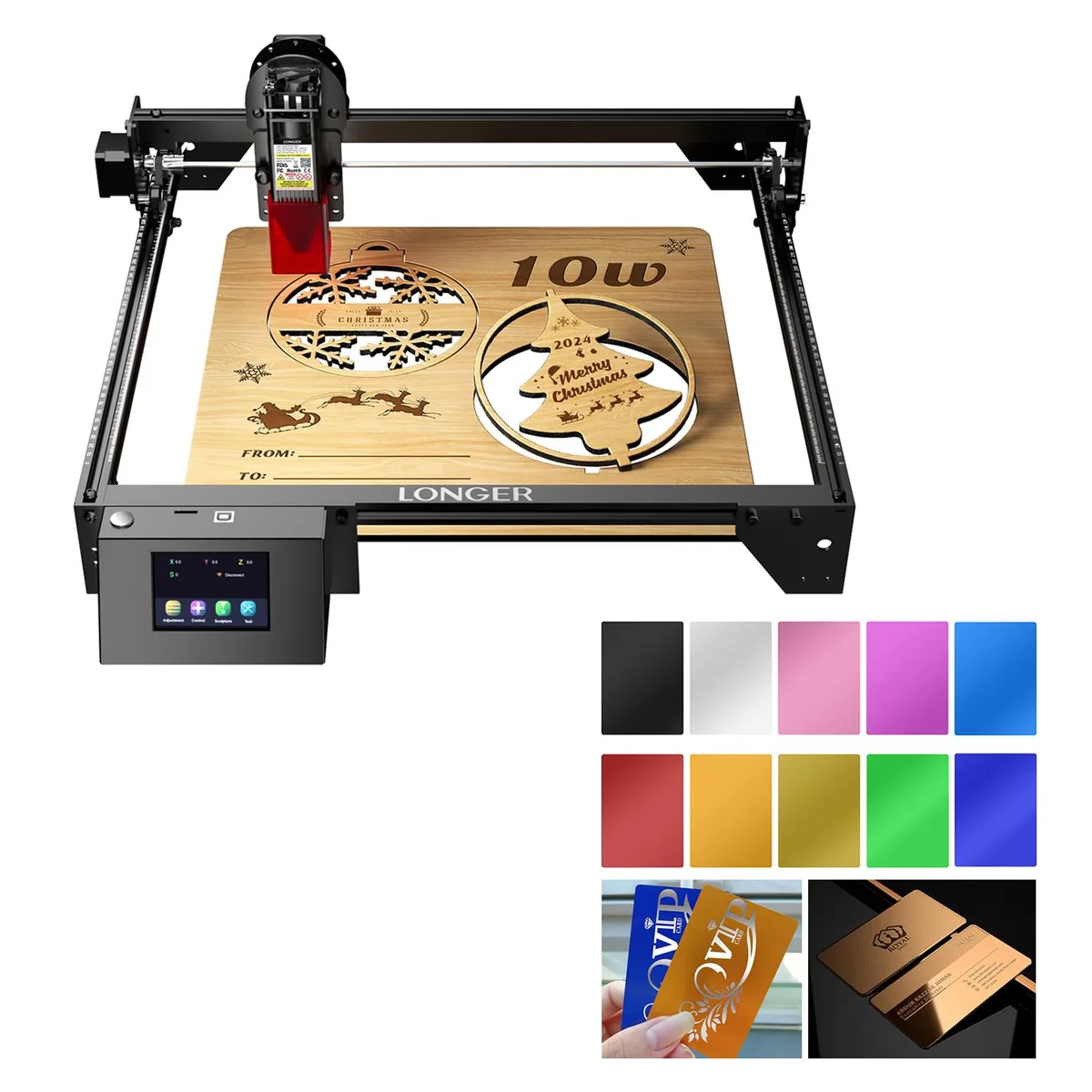
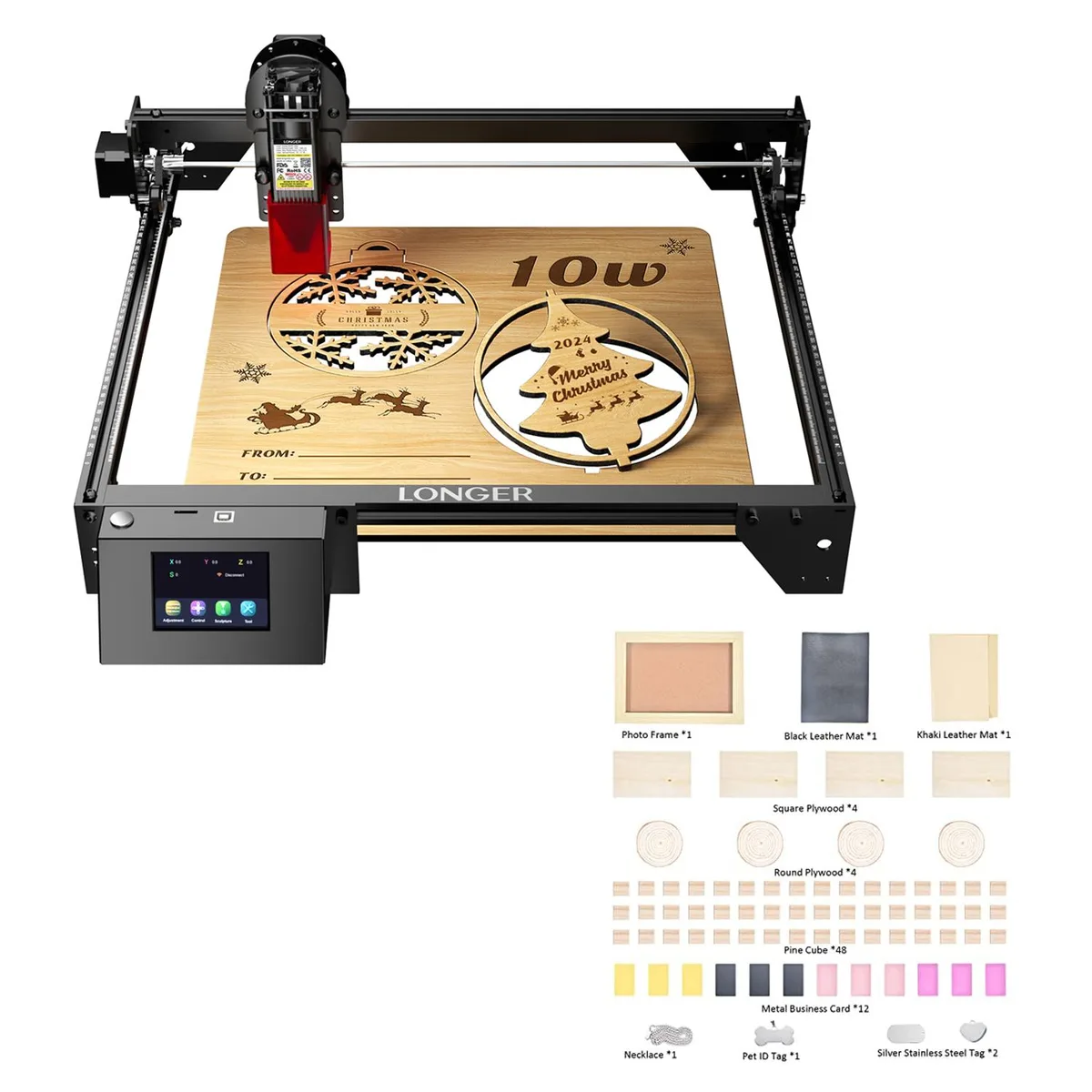
LONGER RAY5 10W Laser Engraver with Honeycomb Table 11.8x7.8x.86 in
$401.99
0.00467131BTC
In stockQuestions about this item
What are the physical dimensions and mounting requirements for the LONGER RAY5 10W Laser Engraver with Rotary Roller?
The engraver uses a desktop frame that sits on a flat, stable surface. The rotary roller attaches to the Y-axis rails using the included brackets and requires enough clearance for cylindrical objects up to the roller length.
How do I install the rotary roller on the RAY5 10W, and what is the step most users miss?
Remove the standard Y-axis plate, bolt the roller brackets to the frame, connect the motor cable to the dedicated port, then enable rotary mode in the firmware settings — skipping the firmware switch is the common error.
Also in this aisle
People compared these
Same shelf, same checkout — eight coins and a 30-minute rate lock.


