LONGER
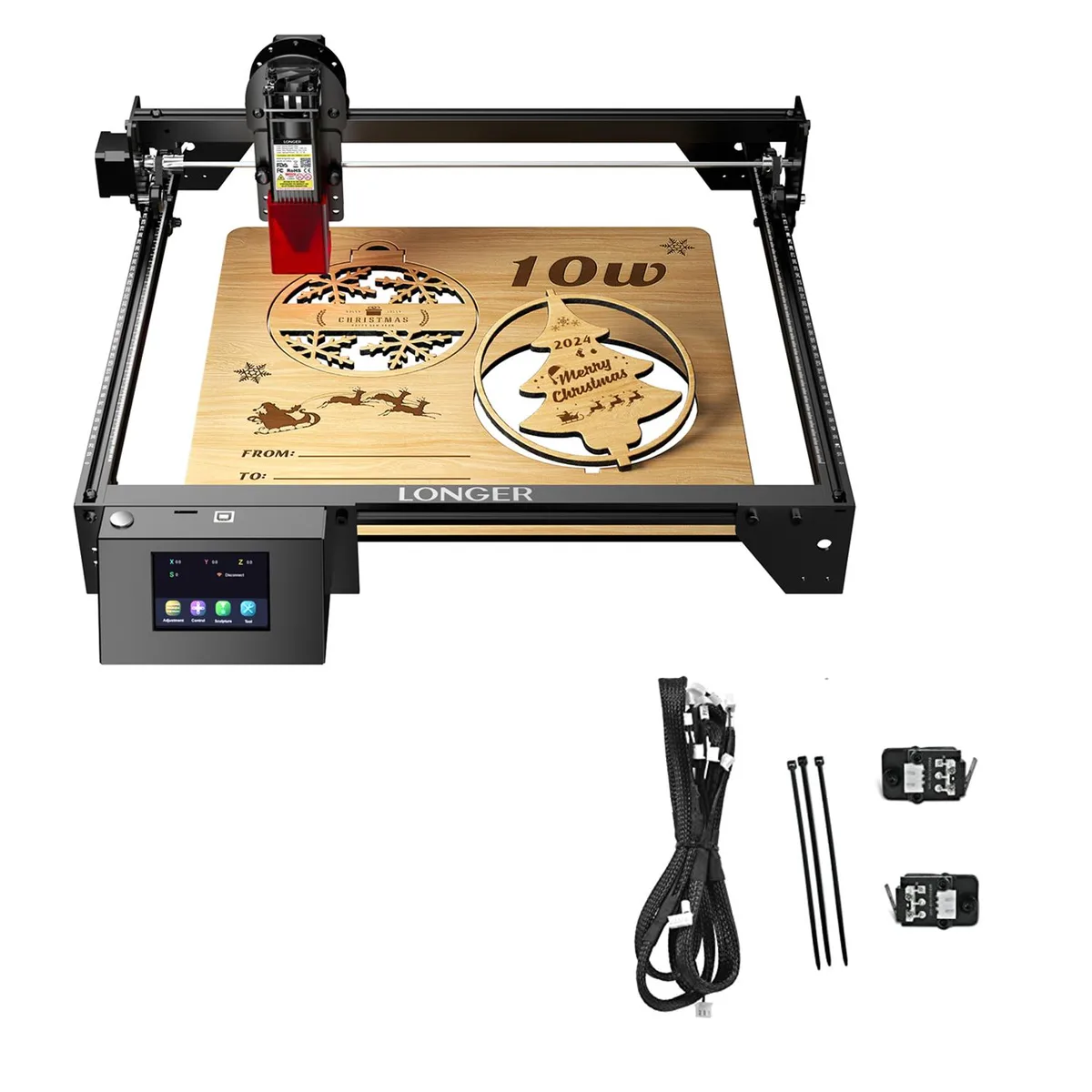
LONGER RAY5 10W Laser Engraver with Honeycomb Table 11.8x7.8x.86 in
$401.99
0.00478942BTC
In stockWe take cryptocurrency — so the coins you hold can buy real hardware.Pay in crypto, spend it on real hardware. Free insured shipping worldwide over $399. Plain, unbranded boxes, sent from Germany.Free insured shipping over $399. Your rate is locked for 30 minutes once checkout opens.Rate locked 30 minutes. Every item sealed, serial-checked and covered by a 24-month warranty.Sealed, 24-month warranty.

LONGER
A 10 W laser engraver bundled with 50 coloured aluminium business cards for immediate marking projects
Option 10W+Aluminum Cards 50 PCS
The LONGER RAY5 10W laser engraver is supplied with a set of 50 premium aluminium business cards in ten colours. It is intended for makers, hobbyists and small-business owners who want to create custom metal cards or similar etched items. The bundle provides both the engraving tool and the starting material in one package. Buyers who need a higher-powered cutter for thicker substrates should look elsewhere.
The 10W diode laser produces a moderate amount of heat during normal operation and is cooled by the integrated fan assembly. Noise levels remain low enough for a home workshop or office environment. Power is drawn from the included supply unit at the rated 10W optical output, so no additional high-current circuit is required.
No published specifications for this item yet.
Other versions of this model
Same family, different memory, cooler or clock — compare before you commit.
Place the engraver on a stable, level surface, connect the power supply and USB cable, install the control software, then run the homing routine before the first job — skipping homing causes misaligned burns.
Clean the laser lens and protective window with isopropyl alcohol after every few hours of cutting, check belt tension weekly, and replace the diode module when output power drops below usable levels.
Also in this aisle
Same shelf, same checkout — eight coins and a 30-minute rate lock.
What you pay in, and what you read prices in.
Sent from your wallet at checkout
Display only — the catalogue is priced in USD
No currency matches that.
Pick the language the site speaks to you in.
No language matches that.
New here?
Already have one?
There is no automatic reset: this shop sends no mail, so there is no one-time link to ask for. Leave the address on the account and it gets picked up by hand.
Request noted
Nothing is on its way to your inbox — this shop sends no mail at all. Someone picks these up by hand.
Remembered it?