

Tilta Technology Co.,Ltd
Tilta Technology Co.,Ltd Mounting Bar for Boulder Camera Cart, Black
$114.99
0.00136833BTC
In stockWe take cryptocurrency — so the coins you hold can buy real hardware.Pay in crypto, spend it on real hardware. Free insured shipping worldwide over $399. Plain, unbranded boxes, sent from Germany.Free insured shipping over $399. Your rate is locked for 30 minutes once checkout opens.Rate locked 30 minutes. Every item sealed, serial-checked and covered by a 24-month warranty.Sealed, 24-month warranty.
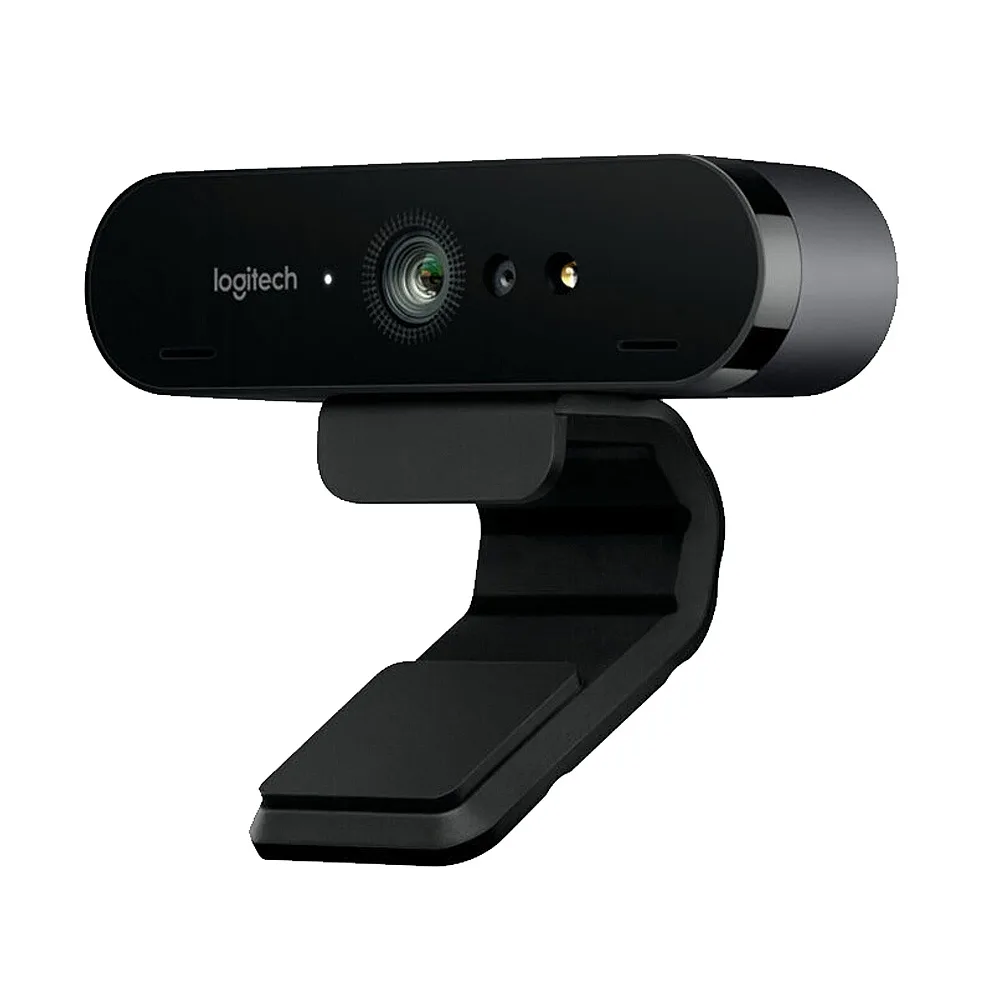


Logitech
4K webcam records at 30fps, 1080p at 60fps, and 720p at 90fps with three FOV presets and Windows Hello
The Logitech C1000e is a USB webcam that captures 4K at 30fps, 1080p at 30 or 60fps and 720p at 30, 60 or 90fps. It includes dual omnidirectional microphones with noise-canceling technology. RightLight 3 and HDR automatically balance exposure from low light to bright backlight. The camera offers three diagonal FOV presets: 65°, 78° and 90°.
This webcam fits professionals who need flexible framing for solo calls or group meetings and want password-free Windows Hello login via infrared facial recognition. The adjustable clip mounts on a laptop, monitor or tabletop, and a standard tripod thread is also provided. Buyers who need a wider-than-90° view or 4K at 60fps should look at other models.
The single specification that determines suitability is the available resolution and frame-rate pairs: 4K at 30fps, 1080p at 30 or 60fps, and 720p at 30, 60 or 90fps. If your workflow requires 4K at 60fps or a frame rate not listed above, this camera will not meet that requirement.
No published specifications for this item yet.
Use 1080p at 60fps for balanced quality and bandwidth, or 720p at 90fps for the smoothest motion with lower data load.
You get 4K detail at 30 frames per second; most video platforms downscale to 1080p, so 1080p at 60fps often looks smoother in practice.
It connects via USB and the bus caps 4K capture at 30fps, while 1080p reaches 60fps and 720p reaches 90fps.
Also in this aisle
Same shelf, same checkout — eight coins and a 30-minute rate lock.
What you pay in, and what you read prices in.
Sent from your wallet at checkout
Display only — the catalogue is priced in USD
No currency matches that.
Pick the language the site speaks to you in.
No language matches that.
New here?
Already have one?
There is no automatic reset: this shop sends no mail, so there is no one-time link to ask for. Leave the address on the account and it gets picked up by hand.
Request noted
Nothing is on its way to your inbox — this shop sends no mail at all. Someone picks these up by hand.
Remembered it?


